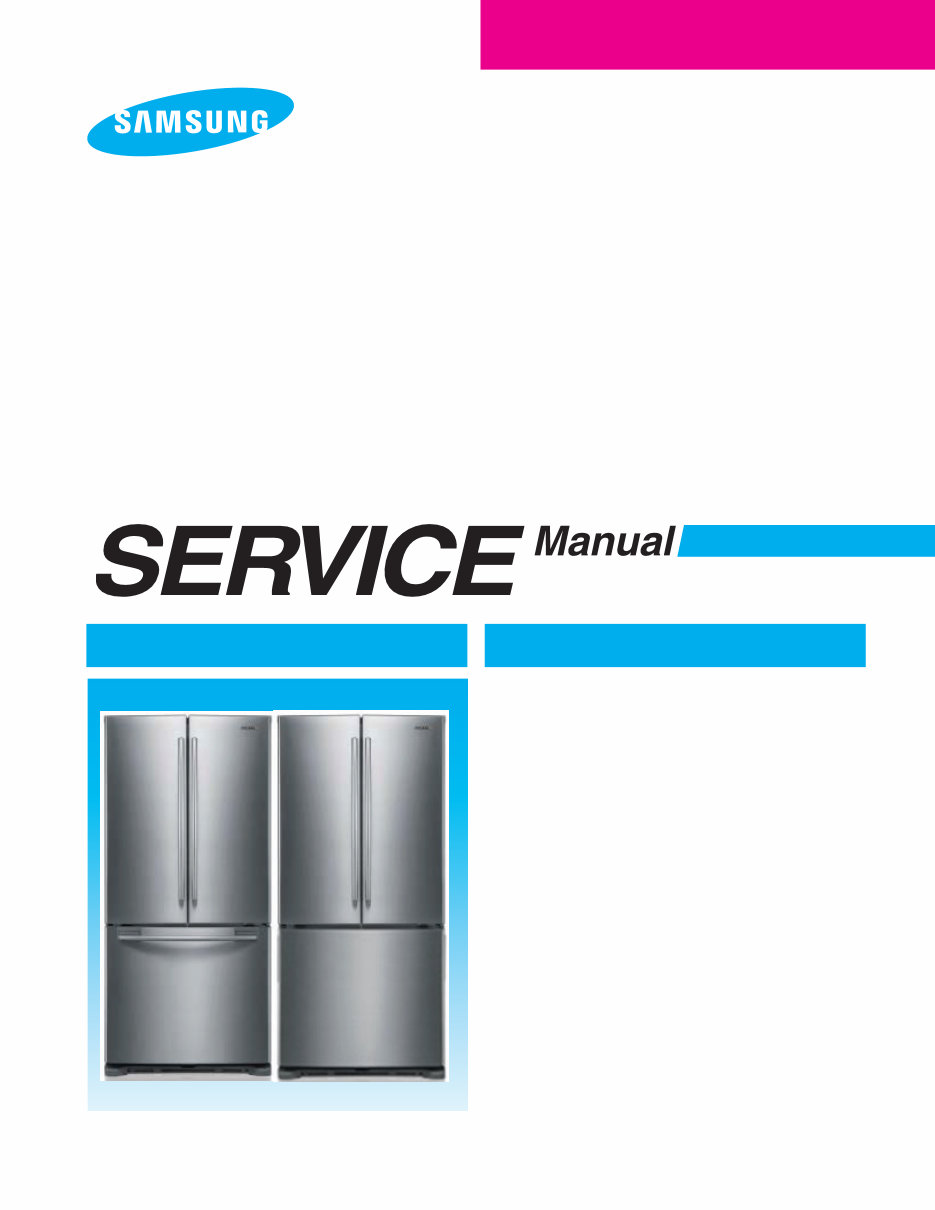
Samsung RF197ACWP RF197ACBP Service Manual and Repair Guide
What's Included?
Lifetime Access
Fast Download Speeds
Online & Offline Access
Access PDF Contents & Bookmarks
Full Search Facility
Print one or all pages of your manual
BOTTOM MOUNT FREEZER MODEL NAME : RF195AC RF197AC RF215AC RF217AC REFRIGERATOR REFRIGERATOR CONTENTS 1. PRECAUTIONS(SAFETY WARNINGS) 2. PRODUCT SPECIFICATIONS 3. DISASSEMBLY AND REASSEMBLY 4. TROUBLESHOOTING 5. EXPLODED VIEW & PARTS LIST 6. PCB DIAGRAM 7. WIRING DIAGRAM 8. SCHEMATIC DIAGRAM For the latest parts information, Please access to our service web site (North America : http://service.samsungportal.com)
IMPORTANT SAFETY NOTICE The service guide is for service men with adequate backgrounds of electrical, electronic, and mechanical experience. Any attempt to repair a major appliance may result in personal injury and property damage. The manufacturer or dealer cannot be responsible for the interpretation of this information. SAMSUNG ELECTRONICS AMERICA, INC. Technical Service Guide Copyright ⓒ2009 All rights reserved. This service guide may not be reproduced in whole or in part in any form without written permission from the SAMSUNG ELECTRONICS Company. WARNING
1. PRECAUTIONS(SAFETY WARNINGS) ······························4 2. Product Specifications ·····································7 2-1) Introduction of Main Function ································7 2-2) Specifications ······································8 2-3) Interior Views ······································9 2-4) Model Specification ···································10 2-5) Model Specification &Specification Chart ··························11 2-6)Dimensions of Refrigerator (Inches) ·····························14 2-7) Refrigerant Route in Refrigeration cycle ···························15 2-8) Cooling Air Circulation ··································16 3. Disassembly and Reassembly ··································17 3-1) PRECAUTION······································17 3-2) Refrigerator Door ····································18 3-3) Freezer Door(RF195)···································19 3-3) Freezer Door(RF217,RF197) ·······························20 3-4) Freezer Door Switch ···································21 3-5) Refrigerator Light ····································22 3-6) Glass shelves ······································22 3-7) Moving tray ·······································23 3-8) Vegetable & Fruit Drawers Shelf ······························23 3-9) Gallon Door Bin ·····································24 3-10) Evaporator In Refrigerator ································24 3-11) Door Handle Freezer ··································26 3-12) Freezer Light ······································26 3-13) Evaporator Cover In Freezer ·······························27 3-14) Evaporator InFreezer ··································27 3-15) Motor Fan ·······································28 4. TROUBLESHOOTING ·····································30 4-1) Check items before failure diagnosis ····························30 4-2) Diagnostic method according to the trouble symptom(Flow Chart) ···············41 5 . Exploded View & PARTS LIST ·································59 5-1) Freezer ·········································59 5-2) Refrigerator ·······································62 5-3) Cabinet ·········································67 5-4) Disassembly of Freezer Door ·······························70 5-5) Disassembly of Refrigerator Door Left ···························73 5-6) Disassembly of Refrigerator Door Right ··························76 5-1) Freezer ·········································78 5-2) Cabinet ·········································81 5-3) Disassembly of Freezer Door ·······························84 6. PCB DIAGRAM ········································86 6-1) PCB L ayout with part position (Main Board) ························86 6-2) Connector Layout with part position (Main Board) ······················87 7. Wiring Diagram ········································88 8. Schematic Diagram ······································89 8-1) Refrigerator Block Diagram ································89 8-2) Main ··········································90 Contents
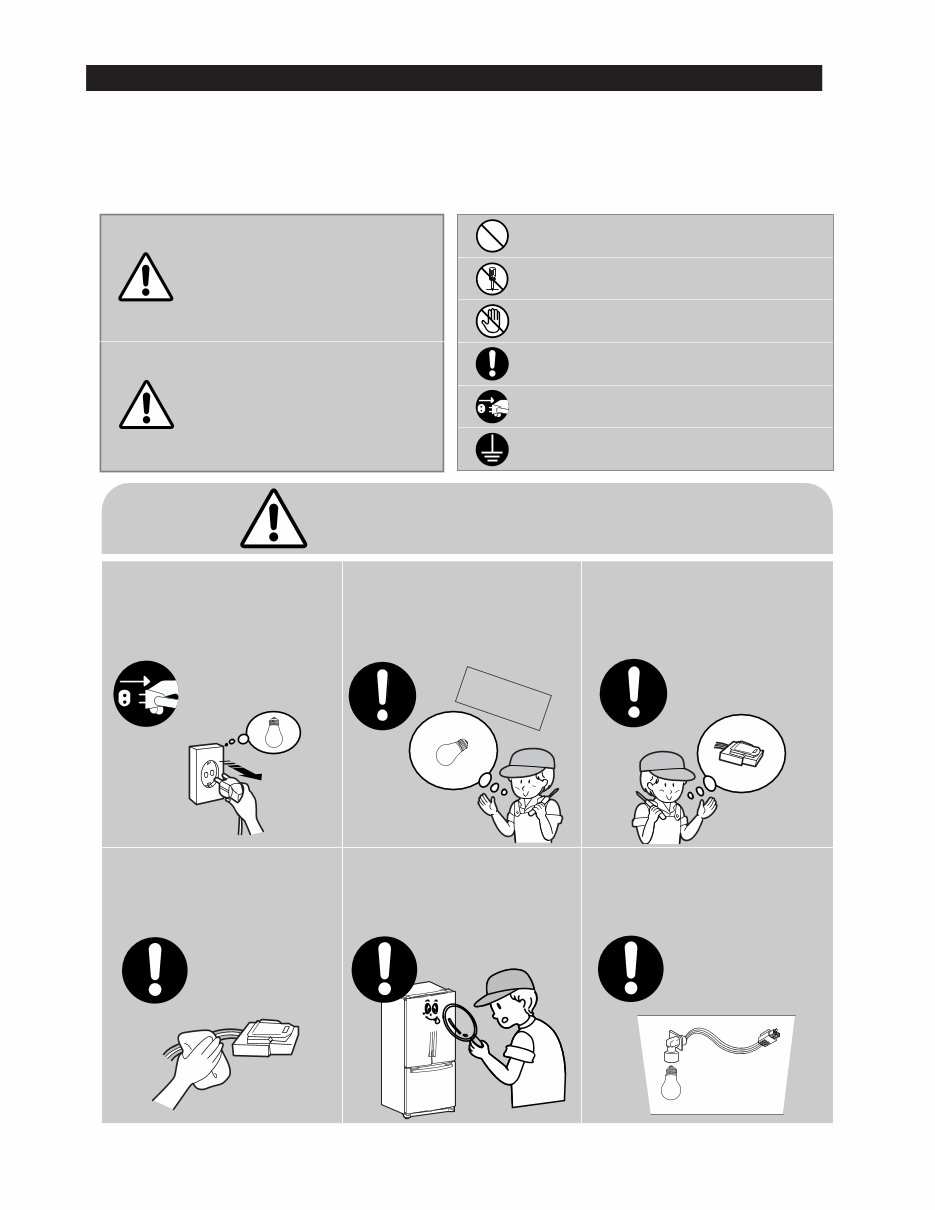
4 1. PRECAUTIONS(SAFETY WARNINGS) ● Due to the risk of electric shock, be sure to unplug the unit before servicing. ● Use the right electronic equipment for your new Refrigerator. Make sure to check out the right model name, rated voltage and current, operating temperature, etc. ● Upon repair, make sure that harnesses are not to be water-penetrated and are bundled tight. Should not be detached by a certain amount of external force. ● Upon repair, completely remove dust or other foreign substances from housing, harness, connector, etc. To prevent fire by tracking, short, etc. ● After repair, check out the assembled state of parts. It should be the same as the previous state. ● Check out the surrounding conditions. Change the location, if the fridge is located at humid, wet places or the installed state is unstable. ● If needed, ground the fridge. Especially, if there is a possibility of electric leakage, ground is indispensable. ● Do not allow consumers to overload a certain outlet. ● Check out whether the power cord or the outlet is broken, squeezed, chopped off or heat- deformed. Repair or replace the defective power cord/outlet immediately. Make sure the power cord is not punctuated or stomped down. ● Do not allow consumers to keep food unstable or place bottles in the Freezer Room. ● Do not allow consumers to repair the fridge for themselves. ● Do not allow consumers to keep things except for food. Pharmaceutical, Chemical substances : These are not possible to be fine-Controlled with a consumer fridge. Flammable material (alcohol, benzene, ether, LPG, etc) : possibility of explosion.
5 PRECAUTIONS(SAFETY WARNINGS) Read all instructions before repairing the product and keep to the instructions in order to prevent danger or property damage. CAUTION/WARNING SYMBOLS DISPLAYED SYMBOLS Indicates that a danger of death or serious injury exists. Indicates that a risk of personal injury or material damage exists. means Prohibition”. means Do not disassemble”. means No contact”. means The things to be followed”. means Earth to prevent Electric shock”. means Power cord should be unplugged from the consent” Due to risk of electric shock, be sure to unplug the unit before servicing. ● It may cause electric shock. Warning Warning & Caution Caution Unplug Use the rated components on the replacement. ● Check the correct model, rated voltage, rated current, operating temperature and so on. On repair, make sure that the wires such as harness are bundled tightly. ● Bundle tightly wires in order not to be detached by the external force and then not to be wetted. Check if there is any trace indicating the permeation of water. ● If there is that kind of trace, change the related components or do the necessary treatment such as taping using the insulating tape. After repair, check the assembled state of components. ● It must be in the same assembled state when compared with the state before disassembly. On repair, remove completely dust or other things of housing parts, harness parts, and check parts. ● Cleaning may prevent the possible fire by tracking or short. Rated components
Are you experiencing issues with your Samsung Refrigerator? Instead of replacing it or spending a fortune on repairs, why not take matters into your own hands?
This comprehensive service and repair manual is utilized by Official Certified Samsung Technicians and is designed to assist you in troubleshooting and fixing your refrigerator.
Within this manual, you will gain insights into:
Safety Warnings and Precautions
Product Specifications
Disassembly and Reassembly
Troubleshooting
PCB Diagram
Wiring Diagram
Schematic Diagram
Exploded Views
Parts List Catalog
This service manual is meticulously detailed and includes illustrated pictures along with step-by-step instructions for optimal device repair and servicing.
It's important to note that this is the OFFICIAL and COMPLETE service repair manual in .PDF format, ensuring high resolution for quality printing. You can conveniently print this manual from any printer and computer.
Upon payment, you will have instant access to the manual without any shipping fees or waiting for postal delivery, enabling you to commence repairs promptly.
Specifications:
Language: English
Format: .PDF
Pages: 227
Files: Service Manual + Technical Training Guide
Platform: Windows and MAC
If you are in search of a specific service manual, please reach out to us with your request. With the most extensive service manual database available, there's a good chance we can assist you!
Recently Viewed
5,521,897Happy Clients
2,594,462eManuals
1,120,453Trusted Sellers
15Years in Business
Price:
Actual Price:
Samsung RF197ACWP RF197ACBP Service Manual and Repair Guide



 Lifetime Access