


LG 50PS60 Plasma TV Training Manual
What's Included?
 Lifetime Access
Fast Download Speeds
Online & Offline Access
Access PDF Contents & Bookmarks
Full Search Facility
Print one or all pages of your manual

Advanced Single Scan
Troubleshooting
Training Manual
50PS60 Plasma Display
50PS60 Plasma Display
Updated September 17, 2009
Original: July, 2009

TOPICS
PRELIMINARY ........................................ 2
Outline .......................................................... 2
Overview ...................................................... 3
Safety Notice and Cautions .......................... 4
ESD Notice .................................................. 5
Regulatory Info. ............................................ 5
Contact Information ..................................... 6
Handling and Safety ..................................... 7
Basic Troubleshooting Steps ........................ 8
PRODUCT INFORMATION ................... 9
Feature List .................................................. 10
Product Logos .............................................. 12
600Hz Sub Field Driving ............................. 15
Remote Control ............................................ 17
Accessing Service Menu .............................. 18
Rear and Side Inputs .................................... 19
Software Download Screen .......................... 20
Dimensions .................................................. 21
DISASSEMBLY ......................................... 22
Back Cover Removal ................................... 23
Circuit Board Layout ................................... 24
Power supply board Removal ...................... 25
Main board Removal .................................... 26
Control board Removal ................................ 27
50PS60 TABLE OF CONTENTS
TOPICS
DISASSEMBLY continued
Y-SUS board Removal ................................. 28
Top Y-Drive board Removal ........................ 29
Bottom Y-Drive board .................................. 30
Z-SUS board Removal ................................. 31
Ft Control board Removal ............................ 32
X-Board Removal Text ................................ 33
X-Board Removal ......................................... 34
TROUBLESHOOTING ............................. 35
Signal and Voltage Block Diagram .............. 36
Panel Label Explained .................................. 37
Adjustment Order **Important** ................. 38
Power Supply ............................................... 39
Y-Sustain ...................................................... 51
Y-drive Upper and Lower ............................. 67
Z-SUS board ................................................. 77
Control board ................................................ 84
X-Drive boards ............................................. 99
Main (Digital) board ..................................... 112
Ft Control (IR) .............................................. 129
Side Key ....................................................... 137
11 X 17 Foldout Section ............................. 139
Page 1

2
Fall 2009 1080P Plasma 50PS60
Overview of Topics to be Discussed
• Y SUS Board
• Z SUS Output Board (Connects directly with FPC to Panel)
• Y Drive Boards
• Control Board
• X Drive Boards (3)
Circuit Board Operation, Troubleshooting and Alignment of :
• Switch Mode Power Supply
• Main Board
Section 1
Section 2
Contact Information, Preliminary Matters, Specifications,
Plasma Overview, General Troubleshooting Steps,
Disassembly Instructions, Voltage and Signal Distribution
OUTLINE
OUTLINE
• Power Button (Front Key Board)
NEW
Receives its 5V from Power Supply, not Y-SUS
Turns off the SMPS via Key On line.
NEW

3
Fall 2009 1080P Plasma 50PS60
50PS60 Plasma Display
Section 1
This Section will cover Contact Information and remind the Technician of
Important Safety Precautions for the Customers Safety as well as the Technician
and the Equipment.
Basic Troubleshooting Techniques which can save time and money sometimes
can be overlooked. These techniques will also be presented.
This Section will get the Technician familiar with the Disassembly, Identification and
Layout of the Plasma Display Panel.
At the end of this Section the Technician should be able to Identify the Circuit
Boards and have the ability and knowledge necessary to safely remove and
replace any Circuit Board or Assembly.
Overview of Topics to be Discussed
Overview of Topics to be Discussed

4
Fall 2009 1080P Plasma 50PS60
IMPORTANT SAFETY NOTICE
IMPORTANT SAFETY NOTICE
The information in this training manual is intended for use by persons possessing an adequate
background in electrical equipment, electronic devices, and mechanical systems. In any attempt
to repair a major Product, personal injury and property damage can result. The manufacturer or
seller maintains no liability for the interpretation of this information, nor can it assume any
liability in conjunction with its use. When servicing this product, under no circumstances should
the original design be modified or altered without permission from LG Electronics. Unauthorized
modifications will not only void the warranty, but may lead to property damage or user injury. If
wires, screws, clips, straps, nuts, or washers used to complete a ground path are removed for
service, they must be returned to their original positions and properly fastened.
CAUTION
CAUTION
To avoid personal injury, disconnect the power before servicing this product. If electrical power
is required for diagnosis or test purposes, disconnect the power immediately after performing
the necessary checks. Also be aware that many household products present a weight hazard. At
least two people should be involved in the installation or servicing of such devices. Failure to
consider the weight of an product could result in physical injury.
Preliminary Matters (The Fine Print)
Preliminary Matters (The Fine Print)

5
Fall 2009 1080P Plasma 50PS60
Today’s sophisticated electronics are electrostatic discharge (ESD) sensitive. ESD can weaken or damage
the electronics in a manner that renders them inoperative or reduces the time until their next failure.
Connect an ESD wrist strap to a ground connection point or unpainted metal in the product. Alternatively,
you can touch your finger repeatedly to a ground connection point or unpainted metal in the product. Before
removing a replacement part from its package, touch the anti-static bag to a ground connection point or
unpainted metal in the product. Handle the electronic control assembly by its edges only. When
repackaging a failed electronic control assembly in an anti-static bag, observe these same precautions.
REGULATORY INFORMATION
REGULATORY INFORMATION
This equipment has been tested and found to comply with the limits for a Class B digital device, pursuant to
Part 15 of the FCC Rules. These limits are designed to provide reasonable protection against harmful
interference when the equipment is operated in a residential installation. This equipment generates, uses,
and can radiate radio frequency energy, and, if not installed and used in accordance with the instruction
manual, may cause harmful interference to radio communications. However, there is no guarantee that
interference will not occur in a particular installation. If this equipment does cause harmful interference to
radio or television reception, which can be determined by turning the equipment off and on, the user is
encouraged to try to correct the interference by one or more of the following measures: Reorient or relocate
the receiving antenna; Increase the separation between the equipment and the receiver; Connect the
equipment to an outlet on a different circuit than that to which the receiver is connected; or consult the
dealer or an experienced radio/TV technician for help.
ESD NOTICE
ESD NOTICE
(Electrostatic Static Discharge)
(Electrostatic Static Discharge)
New Training Materials on
New Training Materials on
the Learning Academy site
the Learning Academy site
Customer Service (and Part Sales) (800) 243-0000
Technical Support (and Part Sales) (800) 847-7597
USA Website (GCSC) aic.lgservice.com
Customer Service Website us.lgservice.com
LG Web Training lge.webex.com
LG CS Academy lgcsacademy.com
Published August 2009 by LG Technical Support and Training
LG Electronics Alabama, Inc.
201 James Record Road, Huntsville, AL, 35813.
http://136.166.4.200
LG Learning Academy
32LG40, 32LH30, 37LH55, 42LG60, 42LG70, 42LH20, 42LH40, 42LH50, 47LG90
42PG20, 42PQ20, 50PQ30, 50PG20, 50PS80, 50PS60
LCD-DV:
PLASMA:
Also available on
Also available on
the Plasma page
the Plasma page
Plasma Panel
Alignment Handbook
Page 6
Page 6
LG CONTACT INFORMATION
LG CONTACT INFORMATION

7
Fall 2009 1080P Plasma 50PS60
Safety & Handling Regulations
1. Check the appearance of the Replacement Panel and Circuit Boards for both physical damage and part number accuracy.
2. Check the model label. Verify model names and board model matches.
3. Check details of defective condition and history. Example: Y Board Failure, Mal-discharge on screen, etc.
1. Approximately 10 minute pre-run time is required before any adjustments are performed.
2. Refer to the Voltage Sticker inside the Panel when making adjustments on the Power Supply, Y SUS and Z SUS Boards.
Always adjust to the specified voltage level.
3. Be cautious of electric shock from the PDP module since the PDP module uses high voltage, check that the Power Supply
and Drive Circuits are completely discharged because of residual current stored before Circuit Board removal.
4. C-MOS circuits are used extensively for processing the Drive Signals and should be protected from static electricity.
5. The PDP Module must be carried by two people. Always carry vertical NOT horizontal.
6. The Plasma television should be transported vertical NOT horizontal.
7. Exercise care when making voltage and waveform checks to prevent costly short circuits from damaging the unit.
8. Be cautious of lost screws and other metal objects to prevent a possible short in the circuitry.
9. New Panels and Frames are much thinner than previous models. Be Careful with flexing these panels. Be careful
with lifting Panels from a horizontal position. Damage to the Frame mounts or panel can occur.
10. New Plasma models have much thinner cabinet assemblies and mounts. Be extremely careful when moving the
set around as damage can occur.
Checking Points to be Considered
SECTION 1:
SECTION 1:
PLASMA OVERVIEW
PLASMA OVERVIEW

8
Fall 2009 1080P Plasma 50PS60
Basic Troubleshooting Steps
Basic Troubleshooting Steps
Define, Localize, Isolate and Correct
•Define Look at the symptom carefully and determine what circuits could be causing
the failure. Use your senses Sight, Smell, Touch and Hearing. Look for burned parts and
check for possible overheated components. Capacitors will sometimes leak dielectric material
and give off a distinct odor. Frequency of power supplies will change with the load, or listen for
relay closing etc. Observation of the front Power LED may give some clues.
•Localize After carefully checking the symptom and determining the circuits to be
checked and after giving a thorough examination using your senses the first check should
always be the DC Supply Voltages to those circuits under test. Always confirm the supplies
are not only the proper level but be sure they are noise free. If the supplies are missing check
the resistance for possible short circuits.
•Isolate To further isolate the failure, check for the proper waveforms with the
Oscilloscope to make a final determination of the failure. Look for correct Amplitude Phasing
and Timing of the signals also check for the proper Duty Cycle of the signals. Sometimes
“glitches” or “road bumps” will be an indication of an imminent failure.
•Correct The final step is to correct the problem. Be careful of ESD and make sure to
check the DC Supplies for proper levels. Make all necessary adjustments and lastly always
perform a Safety AC Leakage Test before returning the product back to the Customer.
9
Fall 2009 1080P Plasma 50PS60
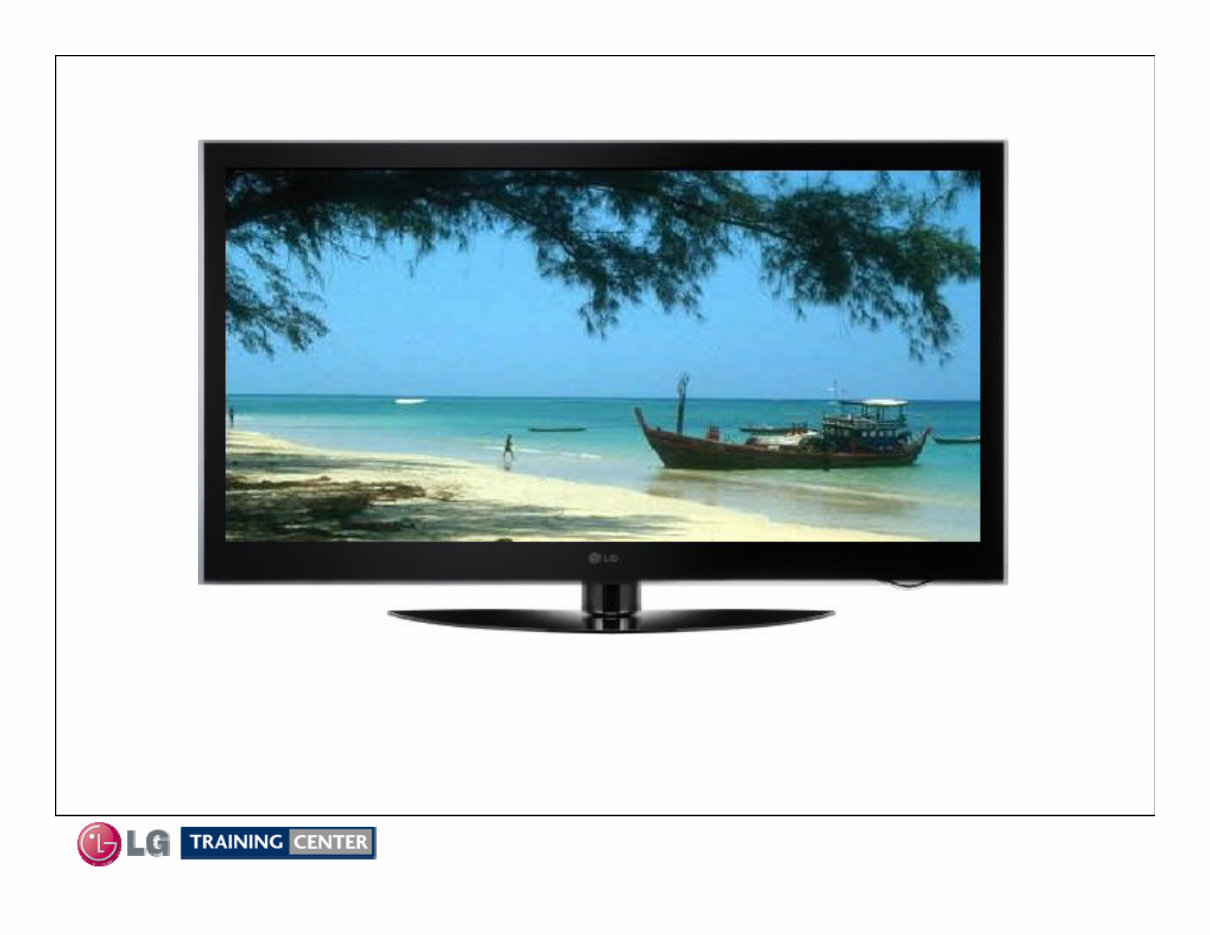
This section of the manual will discuss the specifications of the
50PS60 Single layer design. The 1080p Full HD resolution and THX
Display certification makes this series the must have HDTV in 2009.
Product Information
Product Information
You're Reading a Preview
What's Included?
Lifetime Access
Fast Download Speeds
Online & Offline Access
Access PDF Contents & Bookmarks
Full Search Facility
Print one or all pages of your manual
$31.99
$41.99
Viewed 56 Times Today


Secure transaction
What's Included?
Lifetime Access
Fast Download Speeds
Online & Offline Access
Access PDF Contents & Bookmarks
Full Search Facility
Print one or all pages of your manual
$31.99
$41.99
The LG 50PS60 Plasma TV Training Manual is a comprehensive guide designed to assist in the repair and maintenance of the LG 50PS60 Plasma TV model. This manual, available in English, spans 142 pages and is accessible in both Windows and MAC platforms.


