


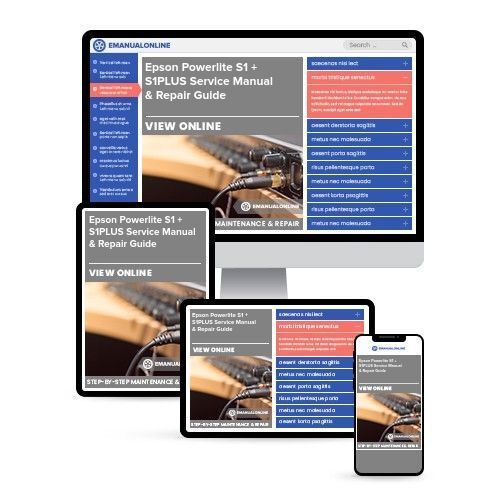
Epson Powerlite S1 + S1PLUS Service Manual & Repair Guide

 Lifetime Access
 Lifetime Access
Description
Are you experiencing issues with your Epson Powerlite S1/S1PLUS Projector? Instead of replacing or spending a significant amount on repairs, you have the option to resolve the problems yourself with the help of this comprehensive service and repair manual. This manual is utilized by the Official Certified Epson Technicians and is designed to assist you in troubleshooting and repairing your projector.
The manual includes the following contents:
- Chapter 1 Product Specifications
- Product Features
- Features of the Projector
- Components, Connectors and Switches
- External Components
- Internal Components
- Remote Control
- Specifications
- Interface Specifications
- Computer Interface
- Monitor Out Interface
- RS-232C
- Video Interface
- S-Video Interface
- Audio Input Interface
- External Views
- Chapter 2 Theory of Operation
- Hardware Overview
- Component Connection Diagram
- Control Circuitry
- Optical Engine
- MA Board Assembly
- MA Board Circuit Block
- Overview of Operation
- IF Board Assembly
- RC Board Assembly
- LED Indicators
- Power Supply Unit
- Power Supply Operation
- Ballast Unit
- Ballast Operating Principles
- Speaker
- Temperature Control
- Sensors and Switches
- Fan Operation
- Chapter 3 Troubleshooting
- Before Troubleshooting
- Troubleshooting Tools and Equipment
- Field Replacement Parts
- Safety Instructions
- Maintaining Operator Safety
- Maintaining the Projector in Good Condition
- Safety Testing
- Requirements for Service Technicians
- Start-up Sequence Troubleshooting
- Detailed Troubleshooting
- Exterior Examination
- Image Display and Quality
- Audio Output
- Control Panel
- Remote Control Operation
- Internal Cable Check
- Miscellaneous
- Chapter 4 Disassembly / Assembly
- Overview
- Precautions
- Tools and Equipment
- Projector-Specific Service Precautions
- Projector Disassembly and Assembly
- Removing the Lens Cap Unit
- Removing the Lamp Inner Unit
- Removing the Air Filter
- Removing the Foot Units
- Removing the Remote Control Holder
- Removing the Upper Case
- Removing the Speaker
- Removing the Switch (SW) Board Assembly
- Removing the Lamp Shield Plate
- Removing the MA Shield Plate
- Removing the MA Board, IF Panel and IF Label
- Removing the Main Board Fixing Plate
- Removing the IF Board Assembly
- Removing the Exhaust Fan Assembly
- Disassembling the Exhaust Fan Assy
- Removing the RC Board Assembly
- Left MA Frame, Lower Shield Plate Removal
- Removing the Power Supply / Ballast Assembly
- Removing the Ballast Assembly
- Removing the Power Supply Fan
- Removing the Optical Engine
- Removing the Focus Ring
- Removing the Projection Lens Unit
- Removing the Intake Fan (Fan 100)
- Removing the Intake Duct and Right MA Frame
- Removing the Lamp Cover Detection Switch
- Removing the Handle
- Removing the Rubber Foot
- Chapter 5 After Service (AS) Menu
- AS (After Service) Menu
- How To Display the AS (After Service) Menu
This detailed and illustrated service manual provides step-by-step instructions and pictures to effectively repair/service the device. It is printable from any computer and printer. Please note that this is the OFFICIAL and COMPLETE service manual in PDF format, ensuring high-resolution quality when printed. Upon payment, you will have instant access to the manual without any shipping fees, allowing you to commence repairs within seconds.
Specifications:
- Language: English
- Format: PDF
- Pages: 108


