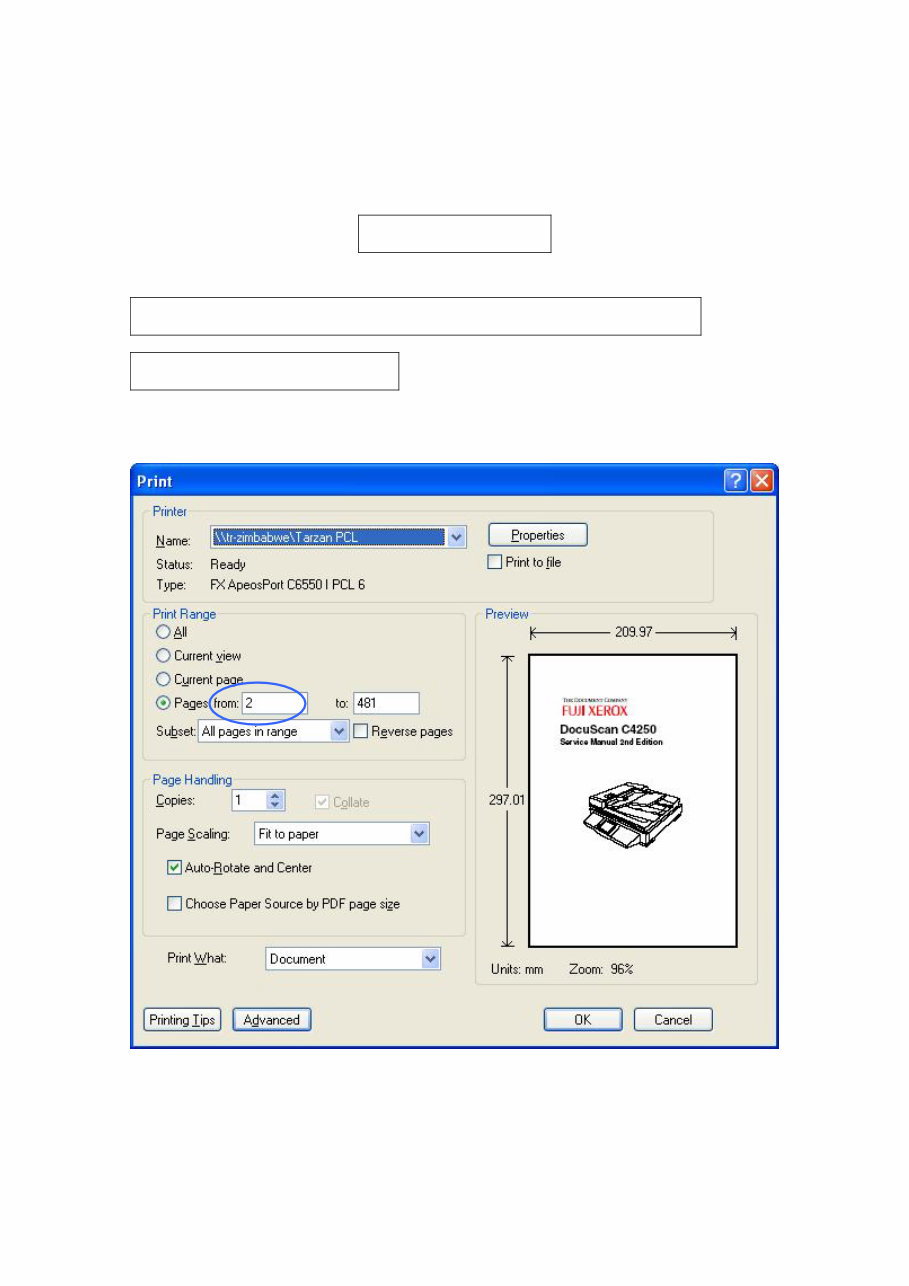
Dummy Page Start print from the Page 2 (Cover) at the 2Up Duplex printing This page is inserted for the correct left and right page at 2Up Duplex printing.
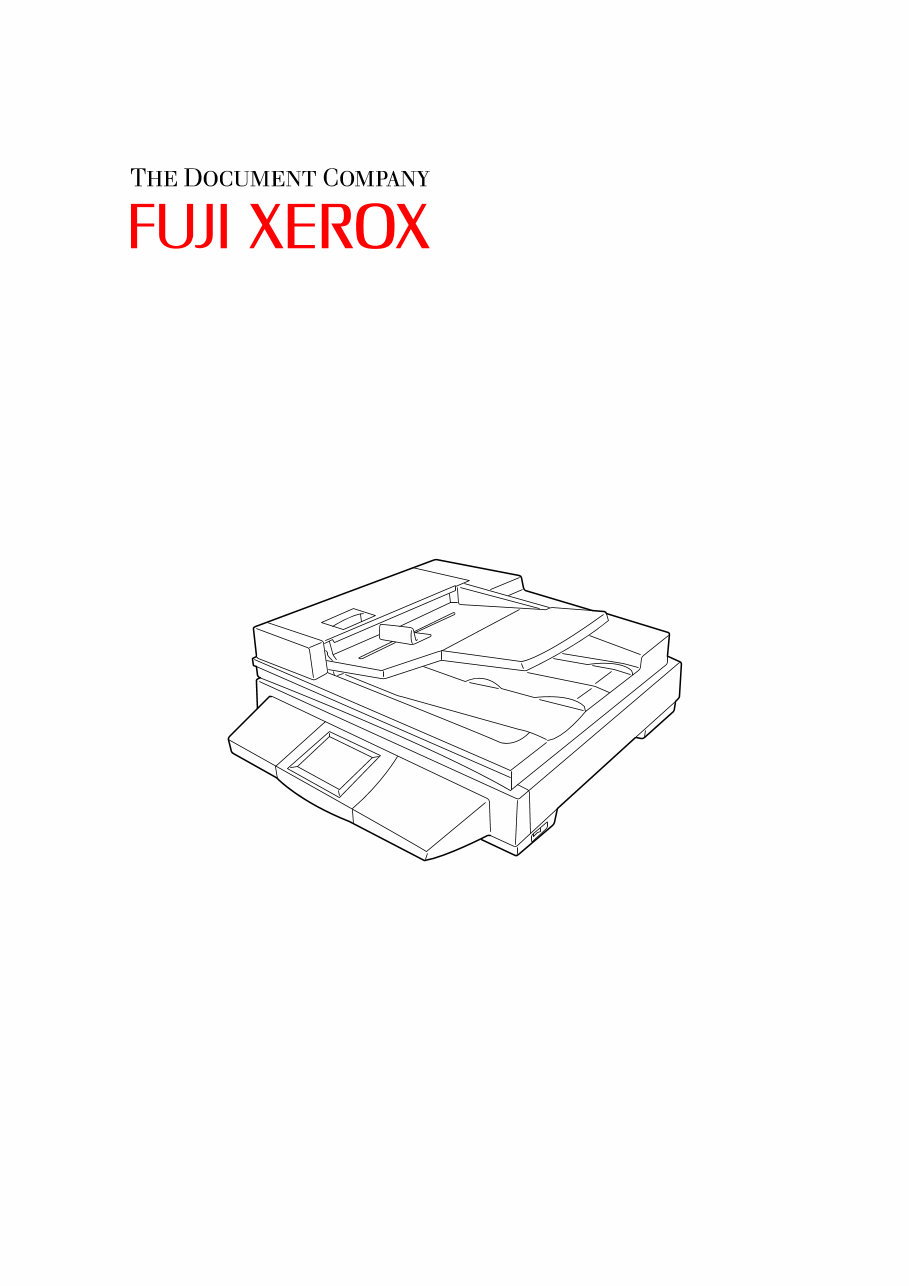
DocuScan C4250 Service Manual 2nd Edition
• This service manual is for the following product. FUJI XEROX Co. (Ltd.) DocuScan C4250 • Related Materials No other related materials issued other than this service manual. • Confidentiality • This service manual is issued intending use by maintenance service personnel authorized by FUJI XEROX Co. Ltd.. Copying, transferring or leasing this manual without prior consent by FUJI XEROX Co. Ltd. is prohibited. • When a page becomes irrelevant (e.g. superceded by a replacement page), destroy the page by burning or shredding it. • Handle with care to avoid loss or damage of the manual. • Revision and Modification Information When design changes or revisions relating to this service manual occur, the overseas technical information or overseas service bulletin may be issued as supplementary information until such changes are accomodated in the updated version of this service manual. CAUTION Important changes including revisions of spare part numbers and adjustment specifications must immediately be reflected on the respective pages of this service manual upon reception of such information. Edited by Fuji Xerox Co., Ltd. CS&S TSC SDEG KSP R&D Business Park Bldg 6A7 3-2-1, Sakado, Takatsu-ku, Kawasaki-shi, Kanagawa, JAPAN 213-8501 TEL 044-812-7637 [XEROX] [The Document Company] are registered trademarks. PRINTED IN JAPAN DocuScan C4250 Service Manual 2nd Edition Issued: February 2006 Documentation No. SM-NS100007-0-02-00
Company Name Department Name Telephone Number Full Name Employee No.
Preface Getting to know the Service Manual How to use the Service Manual Chapter 1 Overview Chapter 2 Principle of Operation Chapter 3 Installation Chapter 4 Operation Menu Chapter 5 Servicing Call Procedure Chapter 6 Troubleshooting Chapter 7 Disassembly/Assembly and Adjustment Chapter 8 Parts List Appendix A Schematic Block Diagram Appendix B P/J Locations
Preface 1. Getting to know the Service Manual Preface-1 1. Getting to know the Service Manual This manual is used as the standard service manual for the DocuScan C4250. • Publication Comment Sheet Enter any comments and/or corrections regarding the DocuScan C4250 service manual into the Publication Comment Sheet, and send it to the Technical Support Center SDEG. 2. How to use the Service Manual This manual describes the standard procedures for the servicing of the DocuScan C4250. Refer to Chapter 5 Service Call Procedure for efficient and effective servicing during maintenance calls. 2.1 Structure of this Manual • Hardware This manual summarizes all the technical information on the DocuScan C4250. • Chapters This manual is divided into 8 chapters as described below. Chapter 1 Overview This chapter contains the overview of the DocuScan C4250. Chapter 2 Principle of Operation This chapter contains the principle of operation of the DocuScan C4250. Chapter 3 Installation This chapter contains the installation procedures for the DocuScan C4250. Chapter 4 Operation Menu This chapter contains the operation menu for the DocuScan C4250. It also describes how to use the Diag (CE) mode. Chapter 5 Servicing Call Procedure This chapter describes the general work and servicing procedures for the maintenance of the DocuScan C4250. Chapter 6 Troubleshooting This chapter contains the troubleshooting for the DocuScan C4250. Chapter 7 Disassembly/Assembly and Adjustment This chapter describes the disassembly, assembly, adjustment and replacement procedures for components of the DocuScan C4250. Chapter 8 Parts List This chapter contains the parts list for the DocuScan C4250. Appendix A Schematic Block Diagram Appendix B P/J Locations
Preface 2. How to use the Service Manual Preface-2 2.2 Information on Updating This manual will be revised and sent to each CE as specified below. Revisions must be incorporated correctly to keep the manual up-to-date. Updating Procedure: • When the entire manual is revised, "1st Edition" on the front cover will be renewed to 1st Edition, 2nd Edition, 3rd Edition and so on. • Partial revisions will be marked starting with "Revision A", and follows the order of Revision A, Revision B, Revision C… and so on. Each revised page is marked with "Revision A" or "Revision B" to clearly distinguish the revision status. Revision Sidebar When any paragraph, table or figure has been added or amended, a revision sidebar will be added to indicate where the revision was made. If the same page is changed again due to a subsequent revision, revision sidebars associated with the previous revision(s) will be deleted. (Example)
Preface 2. How to use the Service Manual Preface-3 Blank Page
You're Reading a Preview
What's Included?
Lifetime Access
Fast Download Speeds
Online & Offline Access
Access PDF Contents & Bookmarks
Full Search Facility
Print one or all pages of your manual
$31.99
FUJI XEROX DocuScan C4250 Colour Network Scanner Service Repair Manual
This is a comprehensive Service Repair Manual for the FUJI XEROX DocuScan C4250 Colour Network Scanner. The manual contains easy-to-understand text sections with high-quality diagrams and instructions, providing step-by-step guidance for repairing your FUJI XEROX machine.
This Manual Covers:
Chapter 1. Overview
Chapter 2. Principle of Operation
Chapter 3. Installation
Chapter 4. Operation Menu
Chapter 5. Servicing Call Procedure
Chapter 6. Troubleshooting
Chapter 7. Disassembly/Assembly and Adjustment
Chapter 8. Parts List
Appendix A. Schematic Block Diagram
Appendix B. P/J Locations
Model Specification: FUJI XEROX DocuScan C4250 Colour Network Scanner
Total Pages: 491
File Format: PDF
Requirements: Adobe Reader
Language: English
Compatible: All Versions of Windows & Mac, APP ISO, Iphone, Ipad, Android etc...
This manual is in PDF format, fully indexed and bookmarked by topic. It is an original Adobe document, ensuring high quality and perfect printing. The PDF can be easily searched to quickly find information in every chapter. You have the flexibility to print the entire manual or select specific pages. Additionally, you can zoom in on any diagram or picture for detailed viewing of every part.
Save time and money by performing your own repairs with the help of this manual, which provides easy-to-follow, step-by-step instructions and detailed pictures for all repair areas.
All Service Repair Manuals are instant PDF downloads, eliminating shipping costs and the wait for a CD or paper manual. Upon payment completion through our secure processor, you will receive this manual instantly. We accept all major credit/debit cards and PayPal.
Reviews
Q&A
Recently Viewed
5,521,897Happy Clients
2,594,462eManuals
1,120,453Trusted Sellers
15Years in Business
Price:
Actual Price:
FUJI XEROX DocuScan C4250 Colour Network Scanner Service Repair Manual









 Lifetime Access




