Service Manual Phaser ® 560 Color Printer Warning The following servicing instructions are for use by qualified service personnel only. To avoid personal injury, do not perform any servicing other than that contained in operating instructions unless you are qualified to do so. This printing June 1997 070-9697-00
Users safety summary Terms in manual: CAUTION Conditions that can result in damage to the product. WARNING Conditions that can result in personal injury or loss of life. Power source: Does not apply more than 250 volts RMS between the supply conductors or between either supply conductor and ground. Use only the specified power cord and connector. Refer to a qualified service technician for changes to the cord or connector. Operation of product: Avoid electric shock by contacting a qualified service technician to replace fuses inside the product. Do not operate without the covers and panels properly installed. Do not operate in an atmosphere of explosive gases. Safety instructions: Read all installation instructions carefully before you plug the product into a power source. Terms on product: CAUTION A personal injury hazard exists that may not be apparent. For example, a panel may cover the hazardous area. Also applies to a hazard to property including the product itself. DANGER A personal injury hazard exists in the area where you see the sign. Care of product: Disconnect the power plug by pulling the plug, not the cord. Disconnect the power plug if the power cord or plug is frayed or otherwise damaged, if you spill anything into the case, if product is exposed to any excess moisture, if product is dropped or damaged, if you suspect that the product needs servicing or repair, and whenever you clean the product. Ground the product: Plug the three-wire power cord (with grounding prong) into grounded AC outlets only. If necessary, contact a licensed electrician to install a properly grounded outlet. Symbols as marked on product: DANGER high voltage: Protective ground (earth) terminal: Use caution. Refer to the manual(s) for information: Laser use caution. Refer to the manual(s) for information: WARNING: If the product loses the ground connection, usage of knobs and controls (and other conductive parts) can cause an electrical shock. Electrical product may be hazardous if misused. !
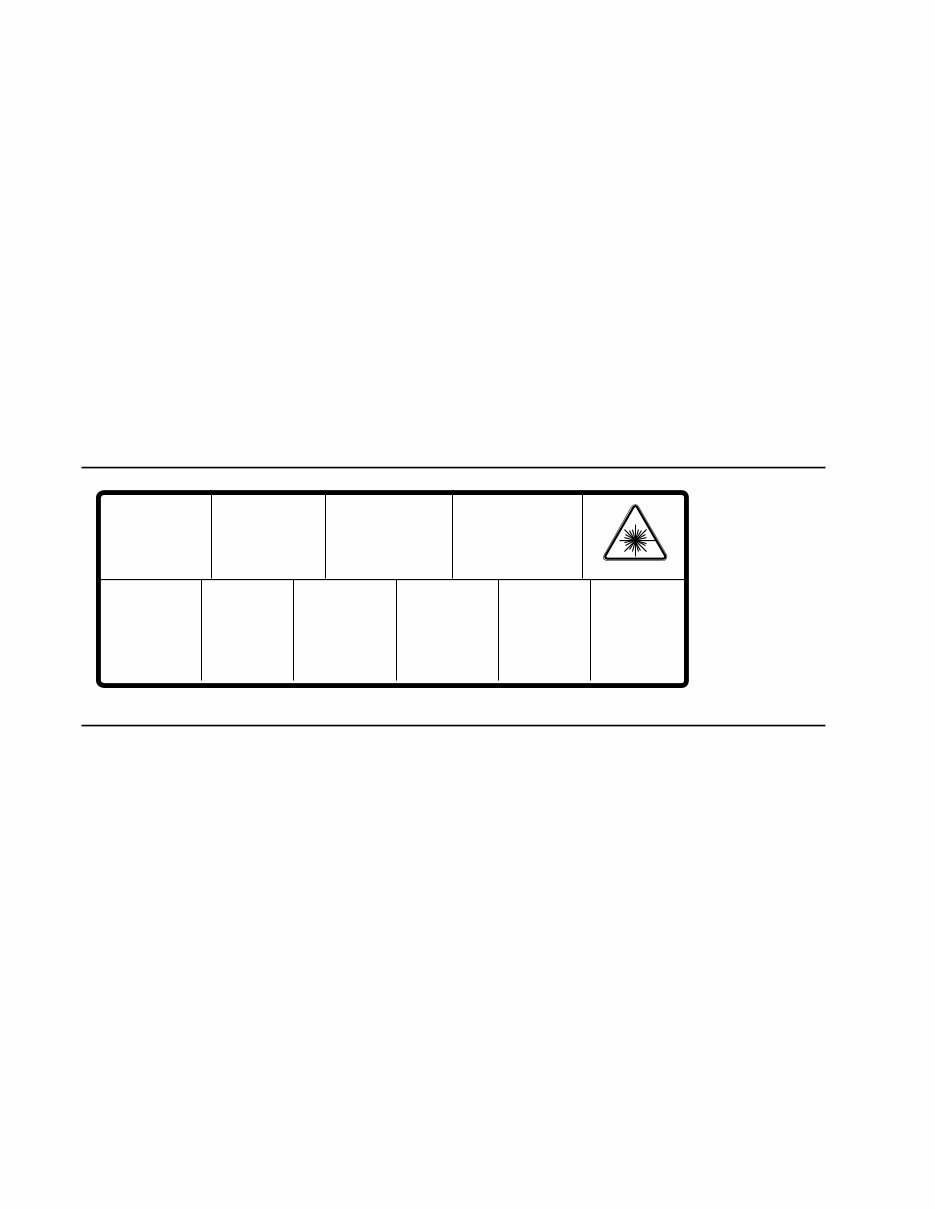
Service safety summary For qualified service personnel only: Refer also to the preceding Users Safety Summary. Do not service alone: Do not perform internal service or adjustment of this product unless another person capable of rendering first aid or resuscitation is present. Use care when servicing with power on: Dangerous voltages may exist at several points in this product. To avoid personal injury, do not touch exposed connections and components while power is on. Disconnect power before removing the power supply shield, soldering, or replacing components. Do not wear jewelry: Remove jewelry prior to servicing. Rings, necklaces, and other metallic objects could come into contact with dangerous voltages and currents. Power source: This product is intended to operate from a power source that will not apply more than 250 volts rms between the supply conductors or between either supply conductor and ground. A protective ground connection by way of the grounding conductor in the power cord is essential for safe operation. This product is certified under IEC 825 as a Class 1 Laser Product. 9008-78 DANGER: Invisible laser radiation when open and interlock defeated. AVOID DIRECT EXPOSURE TO BEAM. CAUTION: Invisible laser radiation when open and interlocks defeated. AVOID DIRECT EXPOSURE TO BEAM. VORSICHT: Unsichtbare Laserstrahlung, wenn Abdeckung geöffnet und Sicherheitsverriegelung überbrückt. NICH DEM STRAHL AUSSETZEN. ATTENTION: Rayonnement laser invisible dangereux en cas d'ouverture et lorsque la sécurité est neutralisée. EXPOSITION DANGEREUSE AU FAISCEAU. Class 3B PELIGRO: Cuando se abre y se invalida el bloqueo, se producen radiaciones invisibles de láser. EVITESE LA EXPOSICION DIRECTA A TALES RAYOS. ´ VARNING: Osynlig laser- strálning när denna del är öppnad och spärrar är urkopplade. STRÅLEN ÄR FARLIG. VARNING: Osynlig laserstrálning när denna del är öppnad och spärrar är urkopplade. BETRAKTA EJ STRÅLEN. VAROI: Näkymätön avattaessa ja suojalukitus ohitettaessa olet alttiina lasersäteilylle. ÄLÄ KATSO SÄTEESEN. ADVARSEL: Usynlig laserstràling ved abning når sikkerhedsafbrydere er ude af funktion. UNDGÅ UD ÆTTELSE FOR STRÅLING. ADVARSEL: Usynlig laserstraling nar deksel åpnes og sikkerhedslas brytes. UNNGÅ EKSPONERING FOR STRÅLEN. PJQT4521ZA
Service Manual v Contents 1 General Information The Phaser 560 Color Printer 1-2 RAM and printer capabilities 1-3 Print engine assemblies 1-4 Front panel 1-7 Rear panel 1-9 Network card LEDs 1-11 Test print button 1-11 Health LED 1-12 Media tray type sensing 1-12 Specifications 1-14 Regulatory specifications 1-17 2 Installing the Printer and Drivers Pre-install questions for customers 2-2 Unpacking 2-5 Printer inventory 2-5 Setting up the printer 2-7 Installing SIMM memory 2-7 Installing a font SIMM 2-7 Installing a network card 2-7 Cabling the printer 2-8 Connecting the printer to a Macintosh 2-8 LocalTalk connection to a Macintosh 2-8 Ethernet connection to a Macintosh 2-8 Connecting the printer to a PC 2-9 Direct connection to a PC 2-9 Networked connection using the Ethernet port 2-9 Networked connection using the Token ring port 2-9 Connecting the printer to a workstation 2-10 Direct connection to the workstation 2-10 Networked connection to a workstation 2-10 Networked connection using the Token Ring port 2-10 Connecting an optional SCSI hard disk drive to the printer 2-11 Connecting the optional CopyStation to the printer 2-12 Turning on the printer 2-13 The startup page 2-13 The configuration page 2-14
vi Phaser 560 Color Printer Driver and communication set up 2-21 Installing printer software for Macintosh 2-21 Setting up the Phaser 560 printer driver 2-22 Setting up the Apple LaserWriter 8 printer driver 2-22 Setting up the Phaser 560 GX printer driver 2-23 Installing a printer driver for Microsoft Windows 95 2-24 Installing printer software for Windows NT 4.0 2-26 Installing printer software for Windows NT 3.51 2-28 Installing printer software for Windows 3.1 2-30 Setting up the printer on a network (Windows NT 3.5 and 3.51) 2-32 TCP/IP connection 2-32 AppleTalk connection 2-33 Setting up the printer on a network (Windows NT 4.0) 2-34 To add or update the driver on a Windows NT 4.0 Server or Workstation 2-34 Workstation software - downloadable printer utility files 2-36 PhaserPrint for UNIX software (demo) 2-36 Setting the printer’s IP address using the front panel 2-37 Configuring the printer's serial port for a PC 2-38 Configuring a Novell NetWare 3.x server for the printer 2-40 Configuring NetWare 4.1 in a Windows environment 2-41 Configuring TCP/IP on a UNIX host 2-42 3 Verifying the Printer and Host Connections Verifying printing from a PC 3-1 Direct DOS connection verification 3-1 Windows 95 driver verification 3-1 Windows 3.1 driver verification 3-2 OS/2 connection verification 3-2 Novell NetWare verification 3-3 Send a print file to the printer 3-3 Using the Error Handler utility 3-4 Verifying printing from a Macintosh 3-5 Selecting the printer via the Chooser 3-5 Printing the directory from a Macintosh 3-6 Verifying that an application communicates to the printer 3-6 Using the Error Handler utility 3-7 Verifying printing from a workstation 3-8 Verifying and printing using the TCP/IP protocols 3-8 Using the Error Handler utility 3-9
Service Manual vii 4 Key Operator Training Overview 4-1 Printer controls and indicators 4-2 Loading media 4-2 Customer-replaceable consumables 4-4 Consumables page 4-4 Imaging unit 4-4 Toner cartridges 4-4 Transfer roller 4-4 Fuser 4-5 Fuser roller 4-5 Clearing paper jams 4-5 Cleaning 4-5 Clearing paper jams 4-6 Warranty information 4-7 Service support 4-7 Supplies ordering 4-7 If you need help 4-8 Receiving email update notices 4-9 Downloading files from the Tektronix Color Printer Information Server 4-9 Using the automated fax systems 4-10 Customer Support Hotline 4-11 Service support 4-11 5 Theory of Operation Overview 5-1 Functional block diagram 5-2 Laser imaging 5-4 Overview 5-4 Pre-exposure 5-6 Electrostatic charging 5-7 Laser exposure 5-8 The laser scanner 5-9 Toner pickup (development) 5-10 Toner transfer to the accumulator belt 5-11 Paper picking 5-12 Toner transfer to paper 5-13 Fusing and exiting 5-14 Print modes 5-15 Printer color correction 5-16 Low voltage power supply 5-17 Image processor board 5-18 Image rendering technology 5-18
viii Phaser 560 Color Printer 6 Troubleshooting System power-up sequence 6-1 Print engine troubleshooting 6-2 Testing the print engine 6-2 Verifying printer operation by using its self-test print 6-3 Verifying power supply operation 6-3 Measuring power supply voltages 6-3 Inspecting the power supply fuses 6-4 Safety interlocks 6-5 Testing for a shorted motor 6-6 Media jams and the paper path 6-7 Media-based problems 6-7 Media problems 6-7 Multiple-sheet pick 6-7 The media skews passing through the paper path 6-8 Paper tray indicates empty when it is not 6-8 No paper feeder installed 6-9 No imaging unit installed 6-9 Jams 6-9 Paper mis-picks at the paper tray 6-9 Paper jams midway in the paper feeder 6-10 Paper jams at the second bias transfer roller 6-10 Fuser jams 6-11 Eject jams 6-12 Multi-purpose tray feed jams 6-12 Other problems 6-13 The printer continuously displays “Initializing” 6-13 No toner cartridge installed when it is 6-13 No fuser installed when it is 6-14 No fuser roll installed when it is 6-14 Front door open when it is closed 6-14 Left-side door open when it is not 6-15 High temperature error 6-15 Low temperature error 6-15 High voltage error 6-16 Thermistor open error 6-16 Front panel cycling between READY and WARMING UP 6-16 Error messages 6-17 Print engine error codes 6-17
Service Manual ix Printing and print quality problems 6-22 Blank print 6-22 All-black print 6-22 Missing primary color 6-23 Light print 6-23 Repeated spots or lines on print in-line with each other 6-24 Dark vertical line in print 6-24 White horizontal line or band in all the colors of a print 6-24 Vertical lines in the print 6-25 Dirty background 6-25 Mis-transfer, missing portions of toner 6-25 Dark, irregular steaks in all colors 6-25 Ghosting 6-26 Unfused or partially fused printing 6-26 Image is skewed on the paper 6-26 Stains on the back of the print 6-26 No printing on edge of print 6-27 Image is not centered on the print when it should be 6-27 The print is wrinkled 6-27 Macintosh printing problems 6-28 Image never prints 6-28 Image prints in black-and-white 6-28 Image is rotated 90 degrees 6-29 Printer isn’t in the Chooser 6-29 PC DOS printing problems 6-29 Image never prints 6-29 Windows printing problems 6-31 Image never prints 6-31 Blue color on the screen is printing too purple 6-31 Windows message “Problem writing device LPT1: Cancel or Retry” 6-31 Workstation printing problems 6-32 Image never prints 6-32 7 Cleaning and Maintenance Service preventive maintenance procedure 7-1 Recommended tools 7-2 Cleaning 7-2 Lubrication 7-3
x Phaser 560 Color Printer 8 FRU Disassembly/Assembly Required tools 8-1 The printer cabinet 8-2 Upper rear cover 8-2 Lower rear cover 8-2 Top cover 8-2 Left door (for paper feeder access) 8-2 Left side cover 8-2 Front door 8-4 Upper front cover 8-4 Bottom front cover 8-4 Toner level sensor board 8-4 Right side covers (front, rear and lower) 8-5 EMI shields 8-6 Paper feeder 8-7 Paper tray sensor board 8-7 Multi-purpose tray pick roller 8-8 Cork separator pad 8-10 Cartridge selector/eject unit (right door) 8-12 Laser scanner 8-14 Power supply 8-15 Power supply fuse 8-16 Printer rear assemblies 8-17 Engine control board 8-17 Main motor 8-18 Paper feed motor 8-18 Toner cartridge drive motor 8-18 Cleaning board 8-19 Toner cartridge drive unit 8-20 Home position sensor assembly and left door opened switch 8-20 Temperature/humidity sensor board 8-22 Pre-exposure lamp 8-23 Pre-transfer lamp 8-23 High-voltage board 8-24 Tray guides 8-26 Gear train 8-28 Installing a network card 8-30 Image processor board 8-32 Installing an Extended Features SIMM 8-33 Installing RAM SIMMs 8-34 Replacing the code ROM SIMM 8-36
You're Reading a Preview
What's Included?
Lifetime Access
Fast Download Speeds
Online & Offline Access
Access PDF Contents & Bookmarks
Full Search Facility
Print one or all pages of your manual
$30.99
Xerox Phaser 560 Color Printer Service Repair Manual
This is a comprehensive factory Service Repair Manual for the Xerox Phaser 560 Color Printer. The manual contains easy-to-read text sections with high-quality diagrams and step-by-step instructions for repairing your XEROX machine. It is designed to facilitate learning of technical theory, installation, maintenance, troubleshooting, disassembly, assembly, and repair of XEROX products.
This Manual Covers:
General Information
Installing the Printer and Drivers
Verifying the Printer and Host Connections
Key Operator Training
Theory of Operation
Troubleshooting
Cleaning and Maintenance
FRU Disassembly/Assembly
Checks and Adjustments
Appendix A. Field Replaceable Units List
Appendix B. Test Prints
Appendix C. Wiring Diagram
Index
Model Specification: Xerox Phaser 560 Color Printer
Total Pages: 228
Language: English
File Format: PDF
Requirements: Adobe Reader
Compatible: All Versions of Windows & Mac, APP ISO, Iphone, Ipad, Android etc...
This manual is in PDF format. The Service Manual is fully indexed and bookmarked by topic, ensuring perfect quality and perfect printing. The PDF can be quickly searched to find information in every chapter. You have the flexibility to print the entire manual or select specific pages. Additionally, you can zoom in on any diagram or picture to clearly see every part.
Save time and money by performing your own repairs with the help of this manual, which provides easy-to-follow step-by-step instructions and pictures for all areas of repair.
All Service Repair Manuals are instant digital downloads, eliminating shipping costs and waiting time for a CD or paper manual to arrive. Upon payment completion via our secure payment processor, you will receive this manual instantly. We accept all major credit/debit cards and PayPal.
Reviews
Q&A
Recently Viewed
5,521,897Happy Clients
2,594,462eManuals
1,120,453Trusted Sellers
15Years in Business
Price:
Actual Price:
Xerox Phaser 560 Color Printer Service Repair Manual












 Lifetime Access




