Conventions used in this guide TIP: Tips provide helpful hints or shortcuts. NOTE: Notes provide important information to explain a concept or to complete a task. CAUTION: Cautions indicate procedures that you should follow to avoid losing data or damaging the product. WARNING! Warnings alert you to specific procedures that you should follow to avoid personal injury, catastrophic loss of data, or extensive damage to the product. ENWW iii
iv Conventions used in this guide ENWW
Table of contents 1 Theory of operation ........................................................................................................................................ 1 Basic operation ..................................................................................................................................... 2 Major product systems ......................................................................................................... 2 Product block diagram ......................................................................................................... 2 Sequence of operation ......................................................................................................... 3 Normal sequence of operation ............................................................................ 3 Formatter-control system ..................................................................................................................... 4 Sleep mode .......................................................................................................................... 4 Input/output .......................................................................................................................... 4 CPU ..................................................................................................................................... 4 Memory ................................................................................................................................ 4 Firmware ............................................................................................................. 5 Memory use ........................................................................................................ 5 PJL overview ....................................................................................................................... 5 LEDM overview .................................................................................................................... 5 ACL overview ....................................................................................................................... 5 Control panel ....................................................................................................................... 6 Wireless PCA ....................................................................................................................... 6 Engine-control system .......................................................................................................................... 7 Motors, fans, clutches, solenoids, switches, and sensors ................................................... 8 DC controller operations .................................................................................................... 11 Fuser-control circuit ........................................................................................................... 12 Fuser failure detection ....................................................................................... 13 Fuser temperature control ................................................................................. 14 Fuser protective function ................................................................................... 15 Pressure roller cleaning .................................................................................... 15 Low-voltage power supply ................................................................................................. 16 Overcurrent/overvoltage protection ................................................................... 17 High-voltage power supply ................................................................................................ 18 Laser/scanner system ........................................................................................................ 19 Laser failure detection ....................................................................................... 20 Image-formation system ..................................................................................................................... 21 Electrophotographic process ............................................................................................. 21 Image formation process ................................................................................................... 23 ENWW v
Latent-image formation stage ........................................................................... 24 Primary charging .............................................................................. 24 Laser beam exposure ....................................................................... 24 Developing stage .............................................................................................. 25 Print cartridge ................................................................................... 25 Transfer stage ................................................................................................... 26 Fusing stage ..................................................................................... 27 Cleaning stage .................................................................................. 27 Pickup, feed, and delivery system ...................................................................................................... 28 Photo sensors and switches .............................................................................................. 29 Input tray, main-input tray, or priority input slot .................................................................................. 30 Jam detection .................................................................................................................... 30 2 Removal and replacement ........................................................................................................................... 31 Introduction ......................................................................................................................................... 32 Removal and replacement strategy ................................................................................................... 32 Electrostatic discharge ....................................................................................................................... 33 Required tools ................................................................................................................................... 33 Before performing service .................................................................................................................. 34 After performing service ..................................................................................................................... 34 Post-service test ................................................................................................................................. 35 Print-quality test ................................................................................................................. 35 Parts removal order ............................................................................................................................ 36 Pickup roller ........................................................................................................................................ 37 Separation pad ................................................................................................................................... 38 Transfer roller ..................................................................................................................................... 39 Covers ................................................................................................................................................ 40 Input tray or main-input tray ............................................................................................... 40 Output bin tray extension ................................................................................................... 41 Front cover ......................................................................................................................... 42 Remove the front cover ..................................................................................... 42 Left cover ........................................................................................................................... 43 Remove the left cover ....................................................................................... 43 Right cover ......................................................................................................................... 46 Remove the right cover ..................................................................................... 46 Cartridge door .................................................................................................................... 48 Remove the cartridge door ................................................................................ 48 Face-down cover ............................................................................................................... 50 Remove the face-down cover ........................................................................... 50 Rear cover ......................................................................................................................... 52 Remove the rear cover ...................................................................................... 52 Main assemblies ................................................................................................................................. 54 Formatter PCA ................................................................................................................... 54 vi ENWW
Remove the formatter PCA ............................................................................... 55 Wireless PCA ..................................................................................................................... 57 Remove the wireless PCA ................................................................................ 57 Laser/scanner assembly .................................................................................................... 58 Remove the laser/scanner assembly ................................................................ 58 Reinstall the laser/scanner assembly ................................................................ 60 Pickup assembly ................................................................................................................ 61 Remove the pickup assembly ........................................................................... 61 Reinstall the pickup assembly ........................................................................... 65 Fuser .................................................................................................................................. 67 Remove the fuser .............................................................................................. 67 Reinstall the fuser ............................................................................................. 71 Main motor ......................................................................................................................... 72 Remove the main motor .................................................................................... 72 Reinstall the main-motor drive belt .................................................................... 76 Pickup solenoid .................................................................................................................. 77 Remove the pickup solenoid ............................................................................. 77 Engine controller PCA ....................................................................................................... 80 Remove the engine controller PCA ................................................................... 80 Reinstall the engine controller PCA .................................................................. 84 3 Solve problems ............................................................................................................................................. 87 Solve problems checklist .................................................................................................................... 88 Troubleshooting process .................................................................................................................... 91 Determine the problem source ......................................................................................... 91 Power subsystem .............................................................................................................. 92 Power-on checks ............................................................................................... 92 Tools for troubleshooting .................................................................................................................... 93 Individual component diagnostics ...................................................................................... 93 Engine diagnostics ............................................................................................ 93 Engine-test button ............................................................................ 93 Components tests ............................................................................................. 94 Drum rotation functional check ........................................................ 94 Half self-test functional check ........................................................... 94 Diagrams ........................................................................................................................... 95 Plug/jack locations ............................................................................................ 95 Location of connectors ...................................................................................... 96 Locations of major components ........................................................................ 97 General timing charts ........................................................................................ 99 General circuit diagram ................................................................................... 100 Internal print-quality test pages ........................................................................................ 102 Cleaning page ................................................................................................. 102 Configuration page .......................................................................................... 102 ENWW vii
Print-quality troubleshooting tools .................................................................................... 103 Repetitive defect ruler ..................................................................................... 103 Interpret control-panel light patterns ................................................................................ 103 Clear jams ........................................................................................................................................ 107 Common causes of jams ................................................................................................. 107 Jam locations ................................................................................................................... 108 Clear jams from the input tray .......................................................................................... 109 Clear jams from the output areas .................................................................................... 111 Clear jams from inside the product .................................................................................. 113 Solve repeated jams ........................................................................................................ 114 Change jam recovery ...................................................................................................... 114 Solve paper-handling problems ........................................................................................................ 116 Solve image-quality problems .......................................................................................................... 117 Image defect table ........................................................................................................... 117 Light print or faded .......................................................................................... 117 Toner specks ................................................................................................... 117 Dropouts .......................................................................................................... 118 Vertical lines .................................................................................................... 118 Gray background ............................................................................................. 118 Toner smear .................................................................................................... 118 Loose toner ..................................................................................................... 119 Vertical repetitive defects ................................................................................ 119 Misformed characters ...................................................................................... 119 Page skew ....................................................................................................... 119 Curl or wave .................................................................................................... 120 Wrinkles or creases ......................................................................................... 120 Toner scatter outline ....................................................................................... 120 Moisture .......................................................................................................... 121 Optimize and improve image quality ................................................................................ 122 Change print density ....................................................................................... 122 Clean the product ............................................................................................................................. 123 Clean the pickup roller ..................................................................................................... 123 Clean the paper path ....................................................................................................... 124 Clean the print-cartridge area .......................................................................................... 126 Clean the exterior ............................................................................................................ 128 Solve performance problems ........................................................................................................... 129 Solve connectivity problems ............................................................................................................. 130 Solve direct-connect problems ........................................................................................ 130 Solve wireless problems .................................................................................................. 130 Service mode functions .................................................................................................................... 132 Product resets .................................................................................................................. 132 Product updates ............................................................................................................................... 133 viii ENWW
You're Reading a Preview
What's Included?
Lifetime Access
Fast Download Speeds
Online & Offline Access
Access PDF Contents & Bookmarks
Full Search Facility
Print one or all pages of your manual
$32.99$42.99
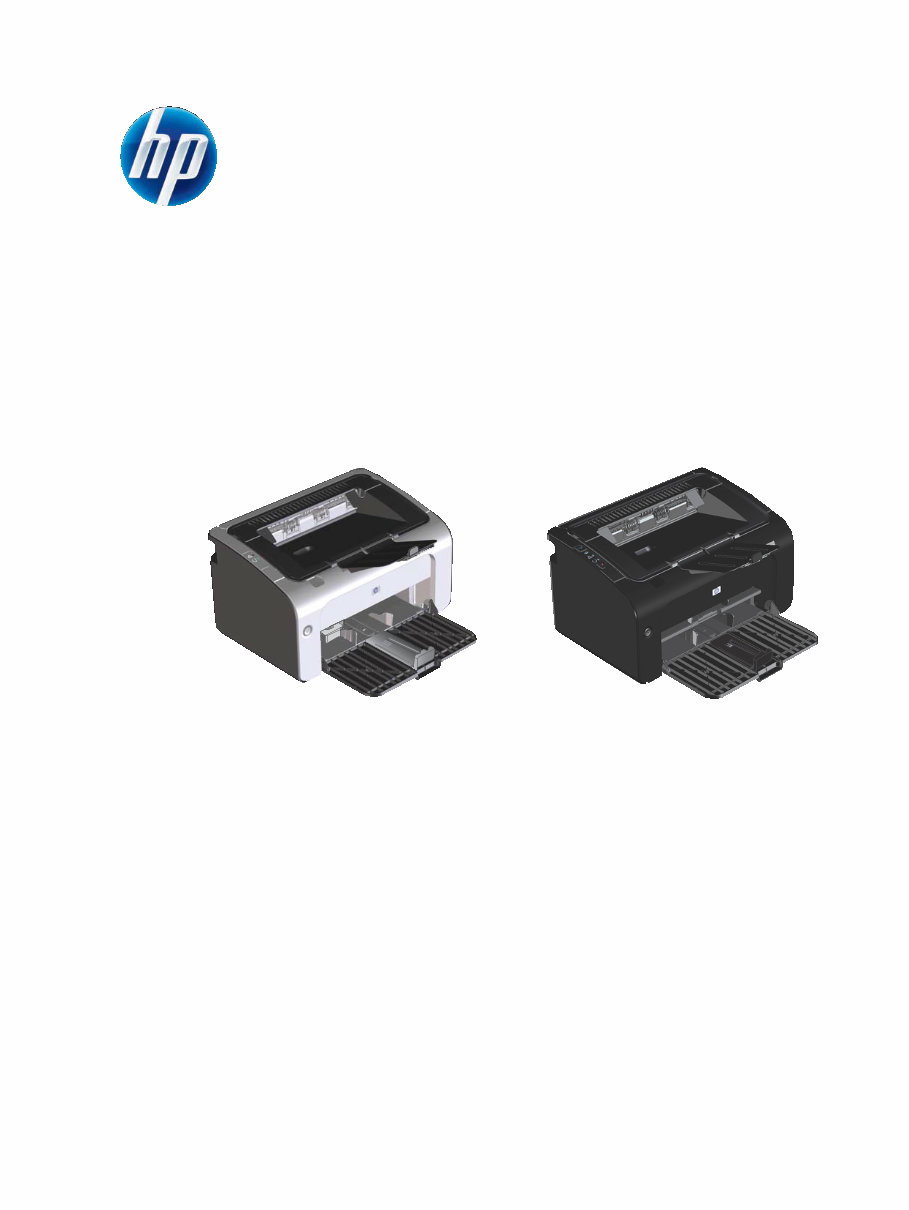
HP LaserJet Professional P1100 Series Printer Service manual
The HP LaserJet Professional P1100 Series Printer Service manual is a comprehensive guide that provides detailed instructions and procedures for maintaining and repairing the HP LaserJet Professional P1100 Series Printer. Whether you are a professional mechanic or a DIY enthusiast, this manual offers valuable insights into the theory of operation, removal and replacement procedures, problem-solving techniques, parts and diagrams, service and support information, specifications, regulatory details, and an index for easy reference.
Regardless of your level of expertise, this manual is compatible with all versions of Windows and Mac, and is available in English language. It is in Adobe Reader format, ensuring easy access and navigation. By choosing this service manual, you can effectively save time and make informed decisions when dealing with printer issues. Keeping your printer in optimal condition becomes easier as you gain valuable knowledge and stay updated with the latest information. We are confident that this manual will be a valuable resource for you.
Reviews
Q&A
Recently Viewed
5,521,897Happy Clients
2,594,462eManuals
1,120,453Trusted Sellers
15Years in Business
Price:
Actual Price:
HP LaserJet Professional P1100 Series Printer Service manual












 Lifetime Access




