


HP LaserJet PRO 300 color M351A, HP LaserJet PRO 400 color M451dn/dw/nw, Service Manual & Parts List
What's Included?
 Lifetime Access
Fast Download Speeds
Online & Offline Access
Access PDF Contents & Bookmarks
Full Search Facility
Print one or all pages of your manual
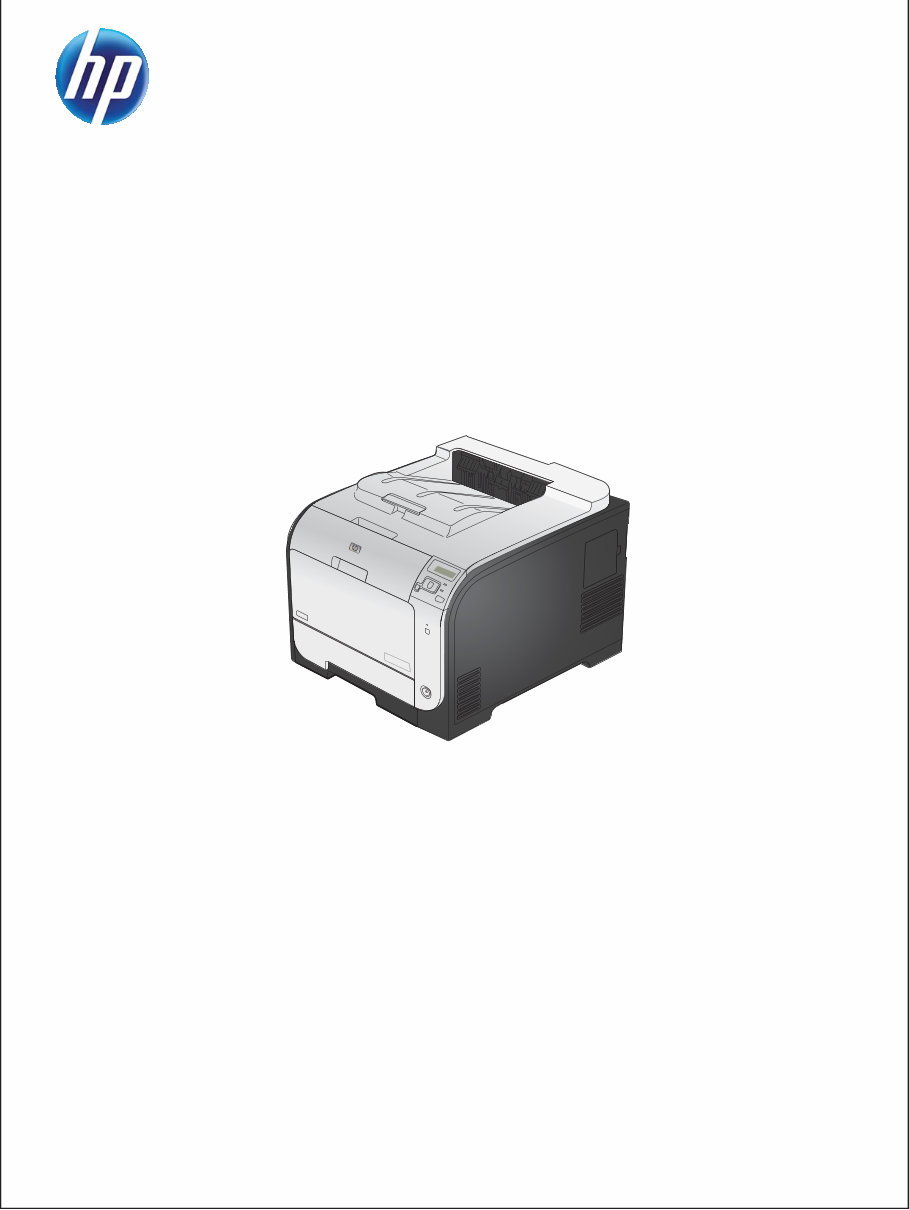
LASERJET PRO 300 COLOR
LASERJET PRO 400 COLOR
Service Manual
M351
M451


HP LaserJet Pro 300 color M351 and HP
LaserJet Pro 400 color M451 Printers
Service Manual

Copyright and License
Development Company, L.P.
Reproduction, adaptation, or translation
without prior written permission is
prohibited, except as allowed under the
copyright laws.
The information contained herein is subject
to change without notice.
The only warranties for HP products and
services are set forth in the express warranty
statements accompanying such products and
services. Nothing herein should be
construed as constituting an additional
warranty. HP shall not be liable for technical
or editorial errors or omissions contained
herein.
Part number: CE955-90964
Edition 1, 1/2012
Trademark Credits
Microsoft®, Windows®, Windows® XP,
and Windows Vista® are U.S. registered
trademarks of Microsoft Corporation.
ENERGY STAR and the ENERGY STAR mark
are registered U.S. marks.
© 2012 Copyright Hewlett-Packard

Conventions used in this guide
TIP: Tips provide helpful hints or shortcuts.
NOTE: Notes provide important information to explain a concept or to complete a task.
CAUTION: Cautions indicate procedures that you should follow to avoid losing data or damaging the
product.
WARNING! Warnings alert you to specific procedures that you should follow to avoid personal
injury, catastrophic loss of data, or extensive damage to the product.
ENWW iii

iv Conventions used in this guide ENWW

Table of contents
1 Removal and replacement .................................................................................................................... 1
Removal and replacement strategy ............................................................................................. 2
Introduction .............................................................................................................. 2
Removal and replacement strategy .............................................................................. 2
Electrostatic discharge ............................................................................................... 3
Required tools ........................................................................................................... 4
Types of screws ........................................................................................................ 5
Service approach ..................................................................................................................... 6
Before performing service .......................................................................................... 6
After performing service ............................................................................................. 6
Post-service test ......................................................................................................... 6
Print-quality test .......................................................................................... 6
Parts removal order ................................................................................................... 7
Removal and replacement procedures ........................................................................................ 8
Tray 2 cassette ......................................................................................................... 8
Rollers and pads ....................................................................................................... 9
Replace the transfer roller ............................................................................ 9
Replace the pickup roller ........................................................................... 10
Repalce the separation roller ..................................................................... 12
Reinstall the separation roller ...................................................... 14
Replace the pickup roller and separation pad (Tray 1) .................................. 15
Main assemblies ..................................................................................................... 18
Print-cartridge drawer ............................................................................... 18
DIMM cover ............................................................................................ 20
Right cover .............................................................................................. 21
Reinstall the right cover .............................................................. 23
Rear-upper cover (duplex product) .............................................................. 24
Rear-door stopper and link caps (simplex product) ........................................ 25
Rear door (simplex product) ....................................................................... 26
Rear door (duplex product) ........................................................................ 28
Rear cover and feed guide (simplex product) ............................................... 30
Remove the rear cover and feed guide (simplex product) ................ 30
ENWW v

Rear-lower cover and rear-door links (duplex product) ................................... 34
Remove the rear-lower cover and rear-door links (duplex product) ... 34
Rear-door rib assembly (duplex product) ..................................................... 38
Remove the rear-door rib assembly (duplex product) ...................... 38
Link guide ............................................................................................... 40
Upper-cover assembly ............................................................................... 41
Reinstall the upper cover ............................................................ 43
Left cover ................................................................................................ 44
Remove the left cover ................................................................. 44
Reinstall the left cover ................................................................ 46
Right-front cover and power button ............................................................. 47
Remove the right-front cover and power button .............................. 47
Paper-feed guide assembly ........................................................................ 48
Control-panel assembly ............................................................................. 50
Remove the control-panel assembly .............................................. 50
Right panel .............................................................................................. 52
Remove the right panel .............................................................. 52
Front-door assembly ................................................................................. 57
Remove the front-door assembly .................................................. 57
Reinstall the front-door assembly .................................................. 62
Intermediate transfer belt (ITB) .................................................................... 64
Reinstall the ITB ......................................................................... 67
Drum motor (M1) and developer motor (M2) ............................................... 68
Reinstall the drum motor (M1) and developer motor (M2) ............... 71
Intermediate PCA ..................................................................................... 72
Remove the intermediate PCA ..................................................... 72
Formatter PCA ......................................................................................... 74
Special considerations ............................................................... 74
Remove the formatter PCA .......................................................... 74
DC controller PCA .................................................................................... 76
Special considerations ............................................................... 76
Remove the DC controller PCA .................................................... 76
Fuser motor assembly ............................................................................... 78
Remove the fuser motor assembly ................................................ 78
Reinstall the fuser motor assembly ................................................ 80
High-voltage power-supply PCA ................................................................. 81
Remove the high-voltage power-supply PCA .................................. 81
Color-misregistration sensor assembly PCA .................................................. 84
Remove the color-misregistration sensor assembly PCA ................... 84
Reinstall the color-misregistration sensor assembly ......................... 86
Fan ........................................................................................................ 88
vi ENWW

Duplex reverse-drive assembly ................................................................... 89
Remove the duplex reverse-drive assembly .................................... 89
Fuser ...................................................................................................... 92
Remove the fuser ....................................................................... 92
Reinstall the fuser ...................................................................... 97
Paper-delivery assembly ............................................................................ 98
Remove the paper-delivery assembly ............................................ 98
2 Solve problems ............................................................................................................................... 101
Solve problems checklist ....................................................................................................... 102
Menu map .......................................................................................................................... 102
Troubleshooting process ........................................................................................................ 103
Pretroubleshooting checklist .................................................................................... 103
Power-on checks ................................................................................................... 105
Tools for troubleshooting ....................................................................................................... 106
Engine diagnostics ................................................................................................ 106
Diagrams ............................................................................................................. 106
Plug/jack locations ................................................................................. 106
Location of connectors ............................................................................ 107
DC controller PCA ................................................................... 107
Location of major components ................................................................. 108
Major components .................................................................. 108
Solenoids, clutches, and sensors ............................................... 109
Rollers .................................................................................... 111
Motors and fans ...................................................................... 112
PCAs ..................................................................................... 113
General timing charts ............................................................................. 114
General circuit diagram .......................................................................... 115
CPU/ASIC diagrams .............................................................................. 116
HVT/Toner EMP diagram ........................................................................ 118
Driver PCA diagram ............................................................................... 119
Duplexer PCA diagram ........................................................................... 120
FSR diagram .......................................................................................... 121
Internal print quality test pages ............................................................................... 122
Print quality troubleshooting page ............................................................ 122
Print quality assessment page .................................................................. 122
Print the configuration page ..................................................................... 122
Print-quality troubleshooting tools ............................................................................ 123
Repetitive image defects .......................................................................... 123
Calibrate the product .............................................................................. 123
Control panel menus .............................................................................................. 124
ENWW vii

Reports menu ......................................................................................... 124
Quick Forms menu ................................................................................. 124
System Setup menu ................................................................................. 125
Service menu ......................................................................................... 129
Network Setup menu .............................................................................. 130
Interpret control panel messages ............................................................................. 132
Control panel message types ................................................................... 132
Control panel messages .......................................................................... 132
10.XXXX Supply error .............................................................. 132
49 Error Turn off then on .......................................................... 132
50.X Fuser error Turn off then on ............................................... 133
51.XX Error Turn off then on ..................................................... 133
54.XX Error Turn off then on ..................................................... 133
55.X Error Turn off then on ....................................................... 134
57 Fan error Turn off then on .................................................... 134
59.X Error Turn off then on ....................................................... 134
79 Error Turn off then on .......................................................... 134
79 Service error Turn off then on ............................................... 135
Black cartridge low ................................................................. 135
Black in wrong position ............................................................ 135
Black very low ........................................................................ 135
Cleaning . . . .......................................................................... 136
Cyan cartridge low ................................................................. 136
Cyan in wrong position ............................................................ 136
Cyan very low ........................................................................ 136
Device error Press [OK] ............................................................ 137
Front door open ...................................................................... 137
Genuine HP supply installed ..................................................... 137
Incompatible <color> ............................................................... 137
Incorrect supplies .................................................................... 137
Install <color> cartridge ........................................................... 138
Invalid driver Press [OK] .......................................................... 138
Jam in <location> .................................................................... 138
Jam in tray # Clear jam and then Press [OK] .............................. 138
Load tray # <TYPE> <SIZE> ..................................................... 138
Load tray 1 plain <SIZE> Cleaning Mode [OK] to start ................ 139
Load tray <X> Press [OK] for available media ............................ 139
Load tray 1 <TYPE> <SIZE> ..................................................... 139
Magenta cartridge low ............................................................ 139
Magenta in wrong position ...................................................... 139
Magenta very low ................................................................... 140
viii ENWW
You're Reading a Preview
What's Included?
Lifetime Access
Fast Download Speeds
Online & Offline Access
Access PDF Contents & Bookmarks
Full Search Facility
Print one or all pages of your manual
$28.99
Viewed 78 Times Today


Secure transaction
What's Included?
Lifetime Access
Fast Download Speeds
Online & Offline Access
Access PDF Contents & Bookmarks
Full Search Facility
Print one or all pages of your manual
$28.99
This comprehensive service manual is designed for the HP LaserJet Pro 300 color M351a and HP LaserJet Pro 400 color M451dn/dw/nw. It contains detailed diagrams, pictures, and procedures for diagnosing and repairing these copiers. Whether you're a professional mechanic or a DIY enthusiast, this manual provides valuable insights.
- Print, zoom, or read any diagram, picture, or page from this Service Manual.
- Every chapter is fully detailed and contains simulation codes, trouble codes, maintenance procedures, reset procedures, and diagnose procedures for the photocopier.
The manual includes a table of contents with sections such as:
- Removal and Replacement
- Solve Problems
- Parts and Diagrams
- Service and Support
- Product Specifications
- Regulatory Information
It also covers orderable parts, whole unit replacement, related documentation and software, supplies and accessories, and more. Additionally, it provides appendixes for service and support, product specifications, and regulatory information. With 270 pages, this manual is a valuable resource for maintaining and repairing these HP LaserJet models.


