

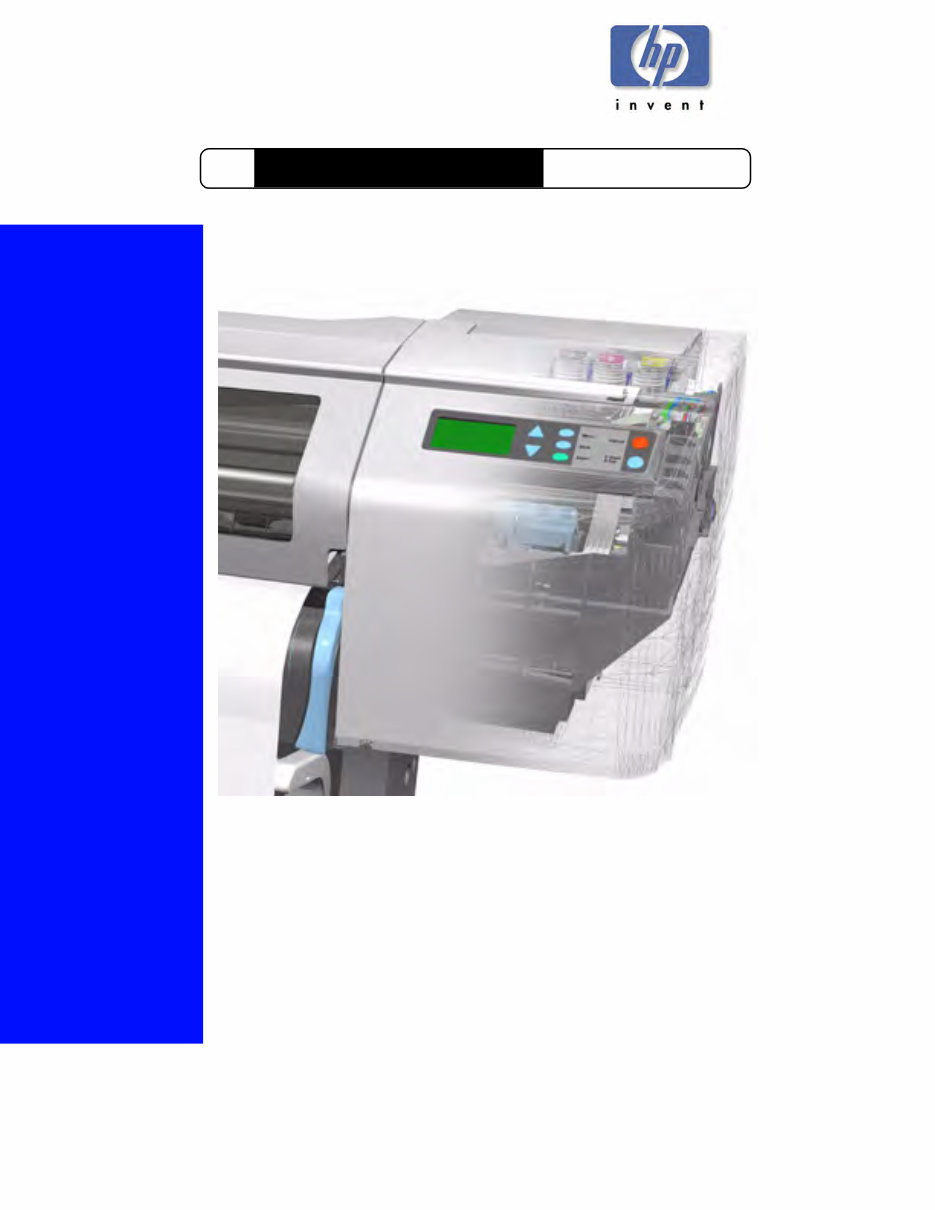
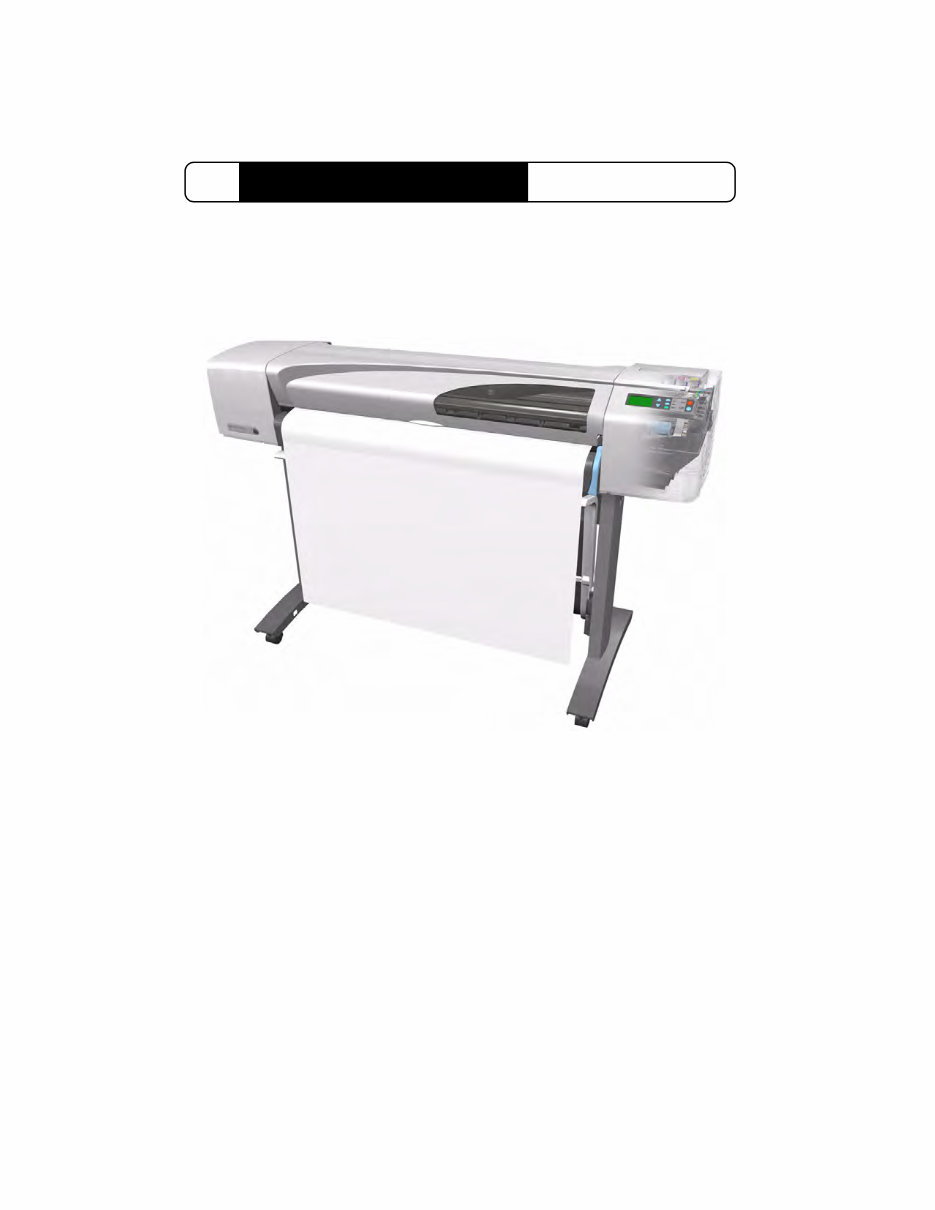
DesignJets 500, 510 and 800 Series
Service Manual
HP Large-Format Printers

Technical Marketing,
Barcelona Division,
Hewlett-Packard Espanola, S.A.
Avda. Graells, 501
08190 Sant Cugat del Valles
Spain
For HP Internal Use Only
©Copyright Hewlett-Packard
Company 2000
This document contains
proprietary information that is
protected by copyright. All rights
are reserved. No part of this
document may be photocopied,
reproduced, or translated to
another language without the
prior written consent of Hewlett-
Packard Company.
First Edition, August 2000
Second Edition, November 2001
Third Edition, August 2008
Warranty
The information contained in this
document is subject to change
without notice.
Hewlett-Packard makes no
warranty of any kind with
regard to this material,
including, but not limited to,
the implied warranties of
merchantability and fitness for
a particular purpose.
Hewlett-Packard shall not be
liable for errors contained herein
or for incidental or consequential
damages in connection with the
furnishing, performance, or use
of this material.
WARNING
The procedures described in this
manual are to be performed by
HP-qualified service personnel
only.
Electrical Shock Hazard
Serious shock hazard leading to
death or injury may result if you
do not take the following
precautions:
- Ensure that the ac power outlet
(mains) has a protective earth
(ground) terminal.
- Disconnect the Printer from the
power source prior to performing
any maintenance.
- Prevent water or any other
liquids from running onto
electrical components or circuits,
or through openings in the
enclosure.
Electrostatic Discharge
Refer to the beginning of Chapter
8 of this manual, for precautions
you should take to prevent
damage to the Printer circuits
from electrostatic discharge.
Safety Symbols
General definitions of safety
symbols are given immediately
after the table of contents.
WARNING
The Warning symbol calls
attention to a procedure, practice,
or the like, which, if not correctly
performed or adhered to, could
result in personal injury. Do not
proceed beyond a Warning
symbol until the indicated
conditions are fully understood
and met.
CAUTION
The Caution symbol calls
attention to an operating
procedure, practice, or the like,
which, if not correctly performed
or adhered to, could result in
damage to or destruction of part
or all of the product. Do not
proceed beyond a Caution
symbol until the indicated
conditions are fully understood
and met.
1
Service Manual
DesignJets 500, 510 and 800 Series HP Large-Format Printers

2 HP DesignJets 500, 510 and 800 Series Printers Service Manual
Using this Manual
Purpose
This Service Manual contains information necessary to test,
calibrate and service:
HP DesignJet 500 Printer - 24” Model (P/N C7769B)
HP DesignJet 500 Printer - 42” Model (P/N C7770B)
HP DesignJet 500PS Printer - 24” Model (P/N C7769C)
HP DesignJet 500PS Printer - 42” Model (P/N C7770C)
HP DesignJet 500Plus – 24” Model (P/N C7769F)
HP DesignJet 500Plus – 42” Model (P/N C7770F)
HP DesignJet 500Mono – 24” Model (P/N C7769E)
HP DesignJet 500Mono – 42” Model (P/N C7770E)
HP Designjet 510 – 24” Model (P/N CH336A)
HP Designjet 510 – 42” Model (P/N CH337A)
HP Designjet 510ps – 24” Model (P/N CJ996A)
HP Designjet 510ps – 42” Model (P/N CJ997A)
HP DesignJet 800 Printer - 24” Model (P/N C7779B)
HP DesignJet 800 Printer - 42” Model (P/N C7780B)
HP DesignJet 800PS Printer - 24” Model (P/N C7779C)
HP DesignJet 800PS Printer - 42” Model (P/N C7780C)
For information about using these printers, refer to the
corresponding User and Quick Reference Guides.
Readership
The procedures described in this Service Manual are to be
performed by HP Certified Service Personnel only.
Part Numbers
Part Numbers for Printer options, accessories and service parts are

3
HP DesignJets 500, 510 and 800 Series Printers Service Manual
located in Chapter 7.
Conventions
A small arrow ⇒ is used to indicate other parts of the Service
Manual where you can find information related to the topic you are
consulting.

Table of Contents
4 HP DesignJets 500, 510 and 800 Series Printers Service Manual
Table of Contents 1
Troubleshooting 1-1
Introduction 1-2
Troubleshooting System Error Codes 1-2
Solving Print Quality Problems 1-3
Cover Sensors are not Working 1-3
The Line Sensor has Problems Detecting Media 1-3
Troubleshooting Paper-Axis Shutdowns 1-4
Problems with the Vacuum Fan 1-5
Vacuum suction much lower at high altitudes 1-5
HP-GL/2 color differences in different HP DesignJet Printers 1-6
Banding at variable extreme environmental conditions 1-6
The Priming Procedure Fails 1-7
Using the Power Switch LED to Troubleshoot 1-10
Using the Boot-Up Sequence to Troubleshoot 1-12
Using the Formatter/Accessory Card LEDs to Troubleshoot 1-14
System Error Codes 2-1
Introduction 2-2
Continuable and Non-Continuable Error Codes 2-2
System Error Codes - Explanation 2-2
Error Log Utility 2-5
Accessing the Error Log Utility 2-5
Ink Supplies Troubleshooting 3-1
What are the Ink Supplies? 3-2
Ink Cartridges 3-2
Printheads 3-3
Identifying the Components 3-3
General Information About the Ink Supplies 3-4
Some General Precautions When Handling the Ink Supplies 3-5
When Should You Replace the Ink Cartridges? 3-6
When Should You Replace the Printheads? 3-7
Obtaining Ink Cartridge Information 3-9

Table of Contents
5
HP DesignJets 500, 510 and 800 Series Printers Service Manual
Obtaining Printhead Information 3-10
Ink Cartridge Status Messages 3-12
Ink Cartridge Status While Replacing 3-12
Printhead Status Messages 3-13
Printhead History Utility 3-14
Accessing the Printhead History Utility 3-14
Is the Printer Causing Repetitive Printhead Problems? 3-16
Is the User Replacing the Printheads too Early? 3-18
Troubleshooting Repetitive Ink Cartridge Messages 3-20
Troubleshooting Repetitive Printhead Error Messages 3-21
Printhead Error Codes 3-22
Summary of Solving Ink Supplies Problems 3-23
Service Tests and Utilities 4-1
Introduction 4-2
Phone Support 4-2
Diagnostics - Self Test 4-2
Service Tests (Diagnostics) 4-3
Entering the Service Tests Menu 4-4
Ink Supply Station 4-6
Carriage Movement 4-8
Paper Advance Test 4-10
Service Utilities 4-13
Entering the Service Utilities Menu 4-14
EEROM Setup 4-16
Turn Drive Roller 4-21
Unlock Carriage 4-22
Prime Tubes 4-23
Change Cutter 4-24
Change Ink Tubes 4-25
Printer Information 4-26
Service Calibrations 5-1
Entering the Service Calibrations Menu 5-3
Printhead Alignment (includes PPS Calibration) 5-5
Color Calibration 5-7
Advance Calibration 5-9
Factory Advance Calibration 5-11

Table of Contents
6 HP DesignJets 500, 510 and 800 Series Printers Service Manual
Print Quality 6-1
Print Quality 6-2
Print Quality Troubleshooting Checklist 6-2
How to Use the Troubleshooting Procedure 6-4
What is the Troubleshooting Procedure? 6-4
Considerations for Using the Troubleshooting Procedure. 6-4
Performing the Troubleshooting Procedure 6-4
Troubleshooting Procedure Flowchart 6-7
No Printing Defects Found Using the Troubleshooting Procedure 6-8
Solving Color Accuracy problems 6-9
Color Consistency problems 6-9
Long Term Color Bleeding (Glossy Papers) 6-9
Media 6-10
There are Smears or Scratching on the Printed Media 6-10
Parts and Diagrams 7-1
Printer Support 7-2
Right Hand Cover 7-4
Left Hand Cover 7-6
Top Cover and Deflectors 7-8
Rollfeed Module 7-10
Back Platen Assembly 7-12
Electronics Module 7-14
Power Supply 7-16
Cutter Assemblies 7-18
Ink Delivery System 7-20
Service Station and Spittoon 7-22
Service Station Holder 7-24
Pinch-Wheel Assemblies 7-26
Scan-Axis Motor 7-28
Drive Roller Encoder Sensor 7-30
Print Platen Assembly 7-32
Carriage Assembly 7-34
Vacuum Fan 7-36
Interconnect Cable 7-38
Paper-Axis Motor 7-40
Drive Roller 7-42
Miscellaneous Items 7-44

Table of Contents
7
HP DesignJets 500, 510 and 800 Series Printers Service Manual
Removal and Installation 8-1
Introduction 8-2
Safety Precautions 8-2
Electrostatic Discharge (ESD) Precautions 8-3
Required Tools 8-3
Screw Types 8-4
Left Hand Cover 8-5
Right Hand Cover 8-7
Front Panel 8-9
Window and Top Cover 8-10
Media Deflectors 8-11
Left End Roll-Feed 8-13
Right End Roll-Feed 8-15
Back Platen 8-17
Media Sensor 8-19
Formatter 8-20
LAN Card 8-21
Spittoon 8-23
Electronics Module 8-24
Power Supply 8-27
Scan-Axis Motor Assembly 8-29
Cutter Assembly 8-32
Left Encoder Holder 8-33
Cutter Bushing 8-35
Cutter Guide Bracket 8-36
Drive Roller Encoder Sensor 8-38
Trailing Cable 8-40
Ink Supply Station 8-48
Interconnect PCA 8-50
Service Station and Aerosol Fan 8-52
Cutter Guide 8-55
Print Platen 8-56
Service Station Holder 8-57
Interconnect Cable 8-59
Ink Supply Tubes 8-60
Vacuum Fan 8-64
Pinch-Arm 8-66
Pinch-Arm Mechanism 8-67
Pinch-Arm Lever 8-69

Table of Contents
8 HP DesignJets 500, 510 and 800 Series Printers Service Manual
Pinch-Arm Sensor 8-71
Fork Idler, Tensioner and Idler Pulley 8-74
Encoder Strip 8-76
Carriage Assembly (Including Belt) 8-78
Paper-Axis Motor 8-84
Drive Roller 8-86
Gear Assemblies 8-92
Preventive Maintenance 9-1
Moisture on the Printer 9-2
Noisy Carriage Bushing 9-2
Belt Swelling 9-2
Cleaning the Printer 9-2
General Cleaning 9-2
Cleaning the Drive Roller/Print Platen 9-3
Scheduled Maintenance 9-3
Level of Printer Usage 9-3
Scan-Axis Maintenance 9-4
Functional Overview 10-1
Introduction 10-2
SKU Overview 10-2
Electrical System 10-3
Introduction 10-3
Hardware Description 10-3
Power Supply Unit (PSU) 10-5
Front Panel 10-6
Ink Delivery System (IDS) 10-7
Ink Supply Station (ISS) 10-7
Tubes Assembly 10-9
Service Station 10-10
Glossary
Index
You're Reading a Preview
What's Included?
 Lifetime Access
Fast Download Speeds
Online & Offline Access
Access PDF Contents & Bookmarks
Full Search Facility
Print one or all pages of your manual
$36.99
HP DesignJet 500 - 800 large format printer service repair workshop manual
Viewed 19 Times Today

What's Included?
Lifetime Access
Fast Download Speeds
Online & Offline Access
Access PDF Contents & Bookmarks
Full Search Facility
Print one or all pages of your manual
$36.99

Secure transaction
What's Included?
Lifetime Access
Fast Download Speeds
Online & Offline Access
Access PDF Contents & Bookmarks
Full Search Facility
Print one or all pages of your manual
Description
Get the official service manual for the HP Designjet 500-800 large format printer. This manual covers the following models:
- HP DesignJet 500 Printer - 24 Model (P/N C7769B)
- HP DesignJet 500 Printer - 42 Model (P/N C7770B)
- HP DesignJet 500PS Printer - 24 Model (P/N C7769C)
- HP DesignJet 500PS Printer - 42 Model (P/N C7770C)
- HP DesignJet 800 Printer - 24 Model (P/N C7779B)
- HP DesignJet 800 Printer - 42 Model (P/N C7780B)
- HP DesignJet 800PS Printer - 24 Model (P/N C7779C)
- HP DesignJet 800PS Printer - 42 Model (P/N C7780C)
This manual consists of 286 pages in .PDF format, providing essential technical information for professional mechanics and DIY enthusiasts.


