Table of contents 1 Product information Quick access to printer information......................................................................................................... 2 Printer configuration................................................................................................................................3 Printer features........................................................................................................................................ 4 Walk around.............................................................................................................................................6 Front view (shown with optional Tray 3).................................................................................6 Back and side view.................................................................................................................7 Control panel...........................................................................................................................8 Understanding supplies status............................................................................... 8 Understanding printer status.................................................................................. 8 Understanding control panel layout.......................................................................9 Software.................................................................................................................................................11 Supported drivers..................................................................................................................11 Software and supported operating systems........................................................11 Software for Windows........................................................................................................... 11 Uninstalling Windows software............................................................................................. 12 Print-media specifications......................................................................................................................13 General guidelines................................................................................................................ 13 Paper and print media...........................................................................................................13 Printing and storage environment......................................................................................... 13 Envelopes.............................................................................................................................14 Labels....................................................................................................................................16 Transparencies.....................................................................................................................16 Media support tables.............................................................................................................16 Supported print media for Tray 1, Tray 2, and optional Tray 3............................16 Unsupported media (media to avoid)................................................................... 17 2 Installation Site preparation.....................................................................................................................................20 Operating environment.........................................................................................................20 Minimum system requirements............................................................................................. 21 Requirements for PC systems.............................................................................21 Package contents.................................................................................................................................. 22 Install input devices...............................................................................................................................23 Installing optional Tray 3....................................................................................................... 23 Loading Tray 1...................................................................................................................... 23 Installing supplies..................................................................................................................25 Print cartridges.....................................................................................................25 ENWW iii
3 Managing and maintenance Managing supplies.................................................................................................................................30 Life expectancies of replacement supplies........................................................................... 30 Checking and ordering supplies...........................................................................................30 To check status using the control panel..............................................................30 To check and order supplies using HP Toolbox..................................................30 Storing supplies....................................................................................................................31 Replacing and recycling supplies.........................................................................................31 Replacing the print cartridges..............................................................................31 HP policy on non-HP supplies..............................................................................................31 HP anti-counterfeit Web site................................................................................................. 31 Cleaning the printer...............................................................................................................................32 To clean the printer at the printer..........................................................................................32 To clean the fuser using HP Toolbox...................................................................................33 Cleaning spilled toner...........................................................................................................33 Calibrating the printer............................................................................................................................34 To calibrate the printer at the printer....................................................................................34 To calibrate the printer from the HP Toolbox........................................................................34 4 Operational theory Engine control system...........................................................................................................................36 Basic sequence of operation................................................................................................36 Power-on sequence.............................................................................................................. 37 Motors and fans....................................................................................................................37 Main motor failure detection................................................................................. 38 Fan motor failure detection..................................................................................38 Image formation system........................................................................................................................39 Image formation process......................................................................................................41 Latent image formation........................................................................................42 Laser/scanner system.......................................................................................... 43 Developing stage..................................................................................................................43 Print cartridge....................................................................................................... 44 Transfer belt (ETB)...............................................................................................45 Transfer stage....................................................................................................................... 46 Separation stage................................................................................................................... 47 Fusing stage.........................................................................................................................47 Pickup and feed system........................................................................................................................49 Manual feed slot pickup mechanism....................................................................................51 Paper feed mechanism......................................................................................................... 51 Skew correction by the registration shutter..........................................................................51 Jam detection........................................................................................................................52 Solenoid, motor, and fan locations.......................................................................................53 Printed circuit assembly locations.........................................................................................53 250-sheet tray solenoid and printed circuit locations...........................................................54 Service-only tools (service only)............................................................................................................56 General timing chart..............................................................................................................56 Printer calibration.................................................................................................................. 57 5 Removal and replacement Overview................................................................................................................................................60 iv ENWW
Service approach...................................................................................................................................61 Pre-service procedures.........................................................................................................61 Removal and replacement procedures.................................................................................................62 Print cartridge replacement...................................................................................................62 ETB removal and replacement.............................................................................................64 Fuser removal and replacement........................................................................................... 73 Formatter removal and replacement....................................................................................81 DC controller removal and replacement...............................................................................85 Separation pad removal and replacement............................................................................88 Paper pickup roller removal and replacement...................................................................... 89 Control panel removal and replacement...............................................................................91 6 Troubleshooting Troubleshooting process.......................................................................................................................98 Troubleshooting checklist.....................................................................................................98 Clearing jams ......................................................................................................................................100 Paper path..........................................................................................................................100 Common causes of paper jams.......................................................................................... 101 Where to look for jams........................................................................................................ 102 Jams inside the printer........................................................................................................103 Input jams...........................................................................................................................104 Tray 1.................................................................................................................104 Tray 2.................................................................................................................105 Output jams.........................................................................................................................105 Jams in the top bin............................................................................................. 105 Pickup delay jam................................................................................................106 Pickup stationary jam......................................................................................... 106 Delivery delay jam.............................................................................................. 106 Wrapping jam...................................................................................................................... 106 Delivery stationary jam.......................................................................................................106 Start-up residual paper jam................................................................................................106 Door open jam....................................................................................................................107 Print problems......................................................................................................................................108 Getting information..............................................................................................................108 Control panel messages....................................................................................108 Alert and warning messages.............................................................108 Critical error messages.....................................................................109 Supplies messages...........................................................................110 Status messages............................................................................... 113 Status log only messages.................................................................113 Reports menu.....................................................................................................114 Configuration page............................................................................................. 115 Supplies Status page.........................................................................................117 Menu map..........................................................................................................117 Status log...........................................................................................................118 Service menu settings........................................................................................ 120 Secondary service menu....................................................................................120 Printed image quality problems..........................................................................................121 Improving print quality........................................................................................ 121 Paper Types menu............................................................................121 ENWW v
Print Modes menu.............................................................................122 Print quality menu.............................................................................. 122 Understanding print-quality settings...................................................................123 To temporarily change print-quality settings.....................................123 To change print-quality settings for all future jobs............................123 Identifying and correcting printed image defects...............................................124 Print-quality checklist......................................................................... 124 Paper handling issues........................................................................................................124 Wrong size/type media.......................................................................................124 Cannot select a tray or feature to use................................................................ 125 Performance problems.......................................................................................................125 Functional tests (service only)............................................................................................................. 127 Engine test print.................................................................................................................. 127 Service mode functions (service only).................................................................................................128 Cold reset............................................................................................................................128 NVRAM initializer................................................................................................................ 128 Super NVRAM initializer.....................................................................................................128 Restoring page counts and serial number.......................................................................... 129 Cleaning the ETB................................................................................................................129 Troubleshooting tools..........................................................................................................................130 Printer pages and reports...................................................................................................130 Demo page.........................................................................................................130 Configuration page............................................................................................. 131 Event log............................................................................................................132 Supplies Status page.........................................................................................132 Fuser cleaning page...........................................................................................133 Print quality troubleshooting pages.................................................................... 133 Control panel messages (error codes)..............................................................133 Alert and warning messages.............................................................133 Critical error messages.....................................................................135 Supplies messages...........................................................................135 Status messages................................................................................................................138 Status log only messages................................................................................................... 139 Service menu...................................................................................................................... 139 Restoring the factory-set defaults......................................................................139 To restore the factory-set defaults....................................................139 General print quality issues................................................................................................139 Solving issues with color documents.................................................................................. 143 HP Toolbox.......................................................................................................................................... 146 HP Toolbox.........................................................................................................................146 To view HP Toolbox........................................................................................... 146 Troubleshooting tab...........................................................................................146 Print quality troubleshooting pages....................................................................................146 Printer calibration................................................................................................................ 146 Cleaning page..................................................................................................................... 146 Configuration page..............................................................................................................147 Diagnostic resources........................................................................................................................... 148 Reports menu.....................................................................................................................148 Web diagnostics tools......................................................................................................... 148 Repetitive image defect ruler...............................................................................................................149 vi ENWW
Firmware and software updates.......................................................................................................... 150 7 Parts and diagrams Overview..............................................................................................................................................152 Assembly locations.............................................................................................................................. 156 Covers.................................................................................................................................................162 Internal assemblies..............................................................................................................................164 Input devices........................................................................................................................................188 Diagrams.............................................................................................................................................210 Alphabetical parts list...........................................................................................................................211 Numerical parts list.............................................................................................................................. 240 Appendix A Product specifications Physical specifications.........................................................................................................................270 Replacement supplies specifications..................................................................................................271 Print cartridge life................................................................................................................ 271 Electrical specifications.......................................................................................................................272 Environmental specifications............................................................................................................... 273 Acoustical specifications......................................................................................................................274 Appendix B Product warranty statements Hewlett-Packard limited warranty statement....................................................................................... 276 Print Cartridge Limited Warranty Statement.......................................................................................277 Appendix C Regulatory statements Declaration of Conformity.................................................................................................................... 280 Laser safety statement........................................................................................................................281 Canadian DOC statement...................................................................................................................281 VCCI statement (Japan)...................................................................................................................... 281 Korean EMI statement......................................................................................................................... 281 Finnish laser statement.......................................................................................................................282 Index.................................................................................................................................................................... 283 ENWW vii
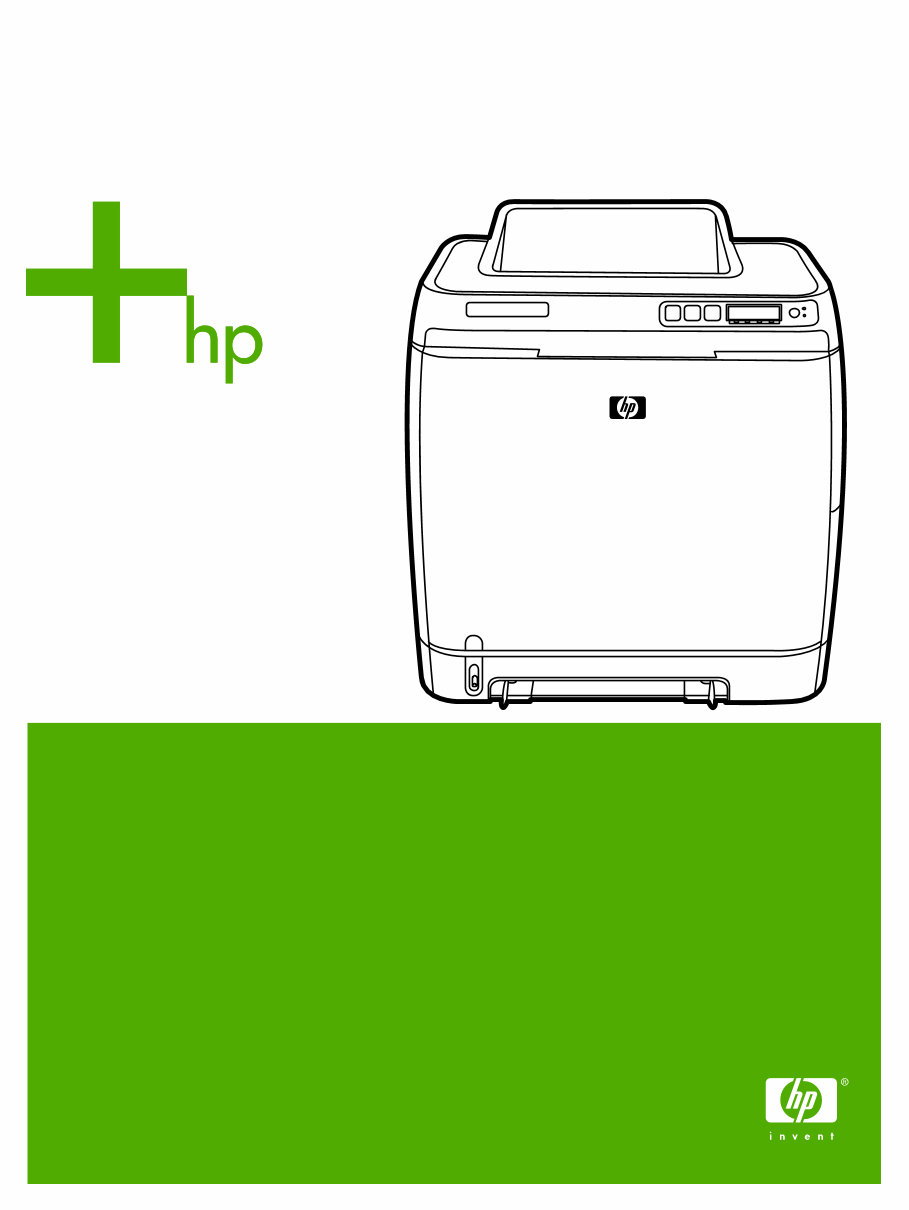
HP Color LaserJet 1600 Workshop Repair manual is a professional guide providing comprehensive instructions and procedures for understanding and fixing issues with the HP Color LaserJet 1600. This manual is useful for both professional mechanics and DIY enthusiasts, offering valuable information on product details, installation, management, maintenance, operational theory, troubleshooting, parts and diagrams, product specifications, warranty and regulatory statements, and an index.
The manual is available in English language and is compatible with all versions of Windows and Mac, in Adobe Reader format. Whether you are a professional or a DIY enthusiast, this manual will provide you with the necessary knowledge to keep your HP Color LaserJet 1600 in optimal condition.












 Lifetime Access




