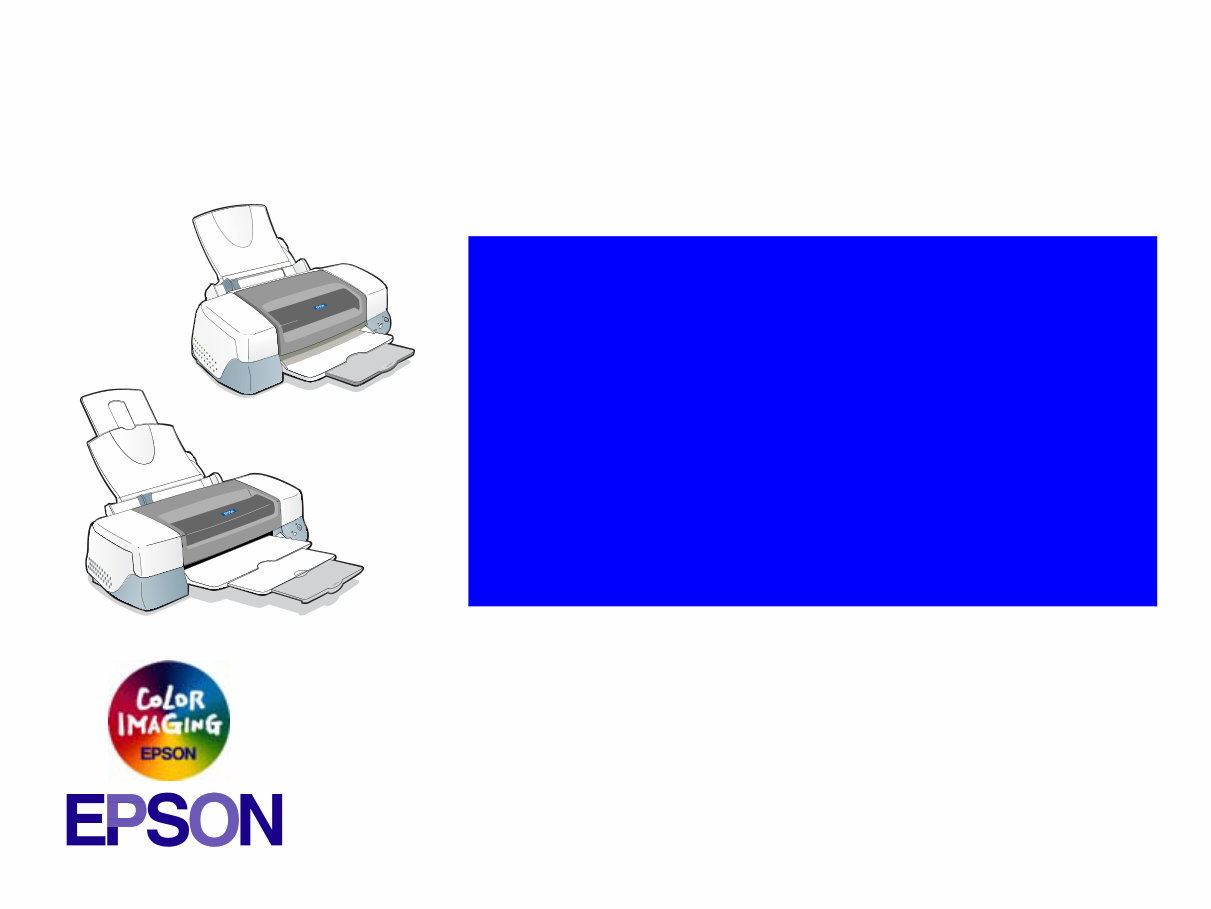
EPSON Stylus PHOTO 890/1280/1290 Color ink jet printer SEIJ00025 ® SERVICE MANUAL Stylus PHOTO 890 Stylus PHOTO 1290/1280 Thank You For Choosing The Service Manual Shop
PRECAUTIONS Precautionary notations throughout the text are categorized relative to 1)Personal injury and 2) damage to equipment. DANGER Signals a precaution which, if ignored, could result in serious or fatal personal injury. Great caution should be exercised in performing procedures preceded by DANGER Headings. WARNING Signals a precaution which, if ignored, could result in damage to equipment. The precautionary measures itemized below should always be observed when performing repair/maintenance procedures. DANGER 1. ALWAYS DISCONNECT THE PRODUCT FROM THE POWER SOURCE AND PERIPHERAL DEVICES PERFORMING ANY MAINTENANCE OR REPAIR PROCEDURES. 2. NO WORK SHOULD BE PERFORMED ON THE UNIT BY PERSONS UNFAMILIAR WITH BASIC SAFETY MEASURES AS DICTATED FOR ALL ELECTRONICS TECHNICIANS IN THEIR LINE OF WORK. 3. WHEN PERFORMING TESTING AS DICTATED WITHIN THIS MANUAL, DO NOT CONNECT THE UNIT TO A POWER SOURCE UNTIL INSTRUCTED TO DO SO. WHEN THE POWER SUPPLY CABLE MUST BE CONNECTED, USE EXTREME CAUTION IN WORKING ON POWER SUPPLY AND OTHER ELECTRONIC COMPONENTS. 4. WHEN DISASSEMBLING OR ASSEMBLING A PRODUCT, MAKE SURE TO WEAR GLOVES TO AVOID INJURIER FROM METAL PARTS WITH SHARP EDGES. WARNING 1. REPAIRS ON EPSON PRODUCT SHOULD BE PERFORMED ONLY BY AN EPSON CERTIFIED REPAIR TECHNICIAN. 2. MAKE CERTAIN THAT THE SOURCE VOLTAGES IS THE SAME AS THE RATED VOLTAGE, LISTED ON THE SERIAL NUMBER/RATING PLATE. IF THE EPSON PRODUCT HAS A PRIMARY AC RATING DIFFERENT FROM AVAILABLE POWER SOURCE, DO NOT CONNECT IT TO THE POWER SOURCE. 3. ALWAYS VERIFY THAT THE EPSON PRODUCT HAS BEEN DISCONNECTED FROM THE POWER SOURCE BEFORE REMOVING OR REPLACING PRINTED CIRCUIT BOARDS AND/OR INDIVIDUAL CHIPS. 4. IN ORDER TO PROTECT SENSITIVE MICROPROCESSORS AND CIRCUITRY, USE STATIC DISCHARGE EQUIPMENT, SUCH AS ANTI-STATIC WRIST STRAPS, WHEN ACCESSING INTERNAL COMPONENTS. 5. DO NOT REPLACE IMPERFECTLY FUNCTIONING COMPONENTS WITH COMPONENTS WHICH ARE NOT MANUFACTURED BY EPSON. IF SECOND SOURCE IC OR OTHER COMPONENTS WHICH HAVE NOT BEEN APPROVED ARE USED, THEY COULD CAUSE DAMAGE TO THE EPSON PRODUCT, OR COULD VOID THE WARRANTY OFFERED BY EPSON. Thank You For Choosing The Service Manual Shop
PREFACE This manual describes basic functions, theory of electrical and mechanical operations, maintenance and repair procedures of EPSON Stylus PHOTO 890/1280/ 1290. The instructions and procedures included herein are intended for the experienced repair technicians, and attention should be given to the precautions on the preceding page. The chapters are organized as follows: CHAPTER 1. PRODUCT DESCRIPTIONS Provides a general overview and specifications of the product. CHAPTER 2. OPERATING PRINCIPLES Describes the theory of electrical and mechanical operations of the product. CHAPTER 3. TROUBLESHOOTING Provides the step-by-step procedures for troubleshooting. CHAPTER 4. DISASSEMBLY AND ASSEMBLY Describes the step-by-step procedures for disassembling and assembling the product. CHAPTER 5. ADJUSTMENTS Provides Epson-approved methods for adjustment. CHAPTER 6. MAINTENANCE Provides preventive maintenance procedures and the lists of Epson-approved lubricants and adhesives required for servicing the product. APPENDIX Provides the following additional information for reference: • EEPROM Address Map • Connector Pin Assignments • Component Layout • Exploded Diagrams • Electrical Board Circuit Diagrams Thank You For Choosing The Service Manual Shop
Symbols Used in this Manual Various symbols are used throughout this manual either to provide additional information on a specific topic or to warn of possible danger present during a procedure or an action. Be aware of all symbols when they are used, and always read NOTE, CAUTION, or WARNING messages. Indicates an operating or maintenance procedure, practice or condition that is necessary to keep the product’s quality. Indicates an operating or maintenance procedure, practice, or condition that, if not strictly observed, could result in damage to, or destruction of, equipment. May indicate an operating or maintenance procedure, practice or condition that is necessary to accomplish a task efficiently. It may also provide additional information that is related to a specific subject, or comment on the results achieved through a previous action. Indicates an operating or maintenance procedure, practice or condition that, if not strictly observed, could result in injury or loss of life. A D J U S T M E N T R E Q U I R E D C A U T I O N C H E C K P O I N T W A R N I N G Thank You For Choosing The Service Manual Shop
Are you experiencing issues with your Epson Inkjet Printer? Why spend money on repairs when you can easily do it yourself? This comprehensive service and repair manual is utilized by certified Epson technicians and is designed to assist you in troubleshooting and fixing your printer.
Whether you are a professional mechanic or a DIY enthusiast, this manual will provide valuable insights into:
Safety & Precautions
Product Specifications
Disassembly & Reassembly
Adjustments
Maintenance
Troubleshooting
System Diagrams
Replacement Parts list
Featuring detailed illustrations and step-by-step instructions, this manual ensures that you can effectively service and repair your printer. It is the official service and repair manual, available in high resolution for quality printing.
In addition, the official Reset & Adjustment software for this printer is included, allowing you to easily adjust and reset the printer according to your preferences.
Upon payment, you will gain instant access to the manual and software, eliminating the need for shipping and enabling you to commence repairs promptly.
Specifications:
Language: English
Platform: Windows (not compatible with MAC)
If you are unable to find a specific service manual, feel free to reach out to us with your request. With one of the largest service manual databases, we are well-equipped to assist you.






 Lifetime Access




