Table of Contents Foreword ................................................................... xv Preface .................................................................... xix 1. Getting Started with the iPhone SDK ....................................... 1 Anatomy of an Application 1 Underneath Xcode 4 Installing the iPhone SDK 5 What You’ll Need 6 The iPhone Simulator 7 Downloading and Installing the iPhone SDK 7 Provisioning an iPhone 8 Building and Installing Applications 9 Model-View-Controller 10 Application Templates 11 Xcode Project Layout 12 Prototypes 14 Adding Frameworks 15 Setting the Active SDK 16 Building an Application 16 Installing an Application 17 Transitioning to Objective-C 17 Messaging 17 Class and Method Declarations 18 Implementation 20 Properties 21 Protocols 22 Categories 23 Posing 25 Additional Resources 26 v
2. Interface Builder: Xcode’s GUI for GUIs ..................................... 27 Windows, Views, and View Controllers 28 Existing Templates 28 New Templates 29 User Interface Elements 30 Controllers 31 Data Views 32 Inputs and Values 32 Windows, Views, and Bars 32 The Inspector 32 Designing a UI 32 The Window 33 The View Controller 33 Views 34 Connecting the Views 34 Adding Linkage to Code 34 Removing Interface Builder from a Project 36 3. Introduction to UI Kit ................................................... 39 Basic User Interface Elements 40 Windows and Views 41 Creating a Window and View 42 Displaying the View 43 HelloView: Most Useless Application Ever 43 What’s Going On 45 Deriving from UIView 45 HelloWorld: The Traditionally Useless Application 47 What’s Going On 49 View Controllers 50 Creating a View Controller 50 Loading from Interface Builder 52 Orientation Changes 52 Disposing of a View Controller 53 ControllerDemo: Hello World, View Controller Style 53 What’s Going On 56 Further Study 57 Text Views 57 Creating a Text View 58 Assigning Content 61 Displaying HTML 62 SourceReader: Web Page Source Code Reader 62 What’s Going On 66 Further Study 66 vi | Table of Contents
Navigation Bars and Controllers 66 Creating a Navigation Controller 67 Navigation Controller Properties 68 Adding a Segmented Control 71 Adding a Toolbar 72 PageDemo: Page Navigation Exercise 74 What’s Going On 79 Further Study 80 Transition Animations 80 Creating a Transition 81 Attaching a Transition 82 FlipDemo: Page-Flipping Transitions 83 What’s Going On 86 Further Study 87 Action Sheets and Alerts 87 Alerts 88 Action Sheets 88 Dismissing an Action Sheet 90 EndWorld: Ending the World (with Confirmation) 90 What’s Going On 94 Further Study 94 Table Views and Controllers 94 Creating the Table 95 Table Cells 97 Implementing Multiple Select 101 Editing and Swipe-to-Delete 101 Reloading Tables 102 TableDemo: Simple File Browser 103 What’s Going On 108 Further Study 108 Status Bar Manipulation 109 Hiding the Status Bar 109 Status Bar Style 109 Status Bar Orientation 110 Application Badges 110 Displaying an Application Badge 111 Removing an Application Badge 111 Further Study 111 Application Services 112 Suspending and Resuming 112 Program Termination 112 Invoking Safari 113 Initiating Phone Calls 113 Table of Contents | vii
4. Multi-Touch Events and Geometry ....................................... 115 Introduction to Geometric Structures 115 CGPoint 115 CGSize 116 CGRect 116 Multi-Touch Events Handling 118 UITouch Notifications 118 UIEvent 120 Events Handling 120 Example: Tap Counter 121 Example: Tap and Drag 122 Processing Multi-Touch 123 PinchMe: Pinch Tracking 124 TouchDemo: Multi-Touch Icon Tracking 125 What’s Going On 130 Further Study 130 5. Layer Programming with Quartz Core .................................... 131 Understanding Layers 131 Layer Hierarchies 132 Size and Offset 133 Arrangement and Display 133 Rendering 134 Transformations 134 Layer Animations 135 Layer Transformations 136 BounceDemo: Layer Fun 137 What’s Going On 141 Further Study 142 6. Making a Racket: Audio Toolbox and AVFoundation ........................ 143 AVFoundation Framework 144 The Audio Player 144 Player Properties 145 Playing Sounds 146 Delegate Methods 146 Metering 147 AVMeter: Build a VU Meter 147 What’s Going On 155 Further Study 155 Audio Services 155 What’s Going On 156 Audio Queues 157 viii | Table of Contents
You're Reading a Preview
What's Included?
Lifetime Access
Fast Download Speeds
Online & Offline Access
Access PDF Contents & Bookmarks
Full Search Facility
Print one or all pages of your manual
$53.99
iPhone Open Application Development: Write Native Objective-C Applications for the iPhone - Jonathan Zdziarski
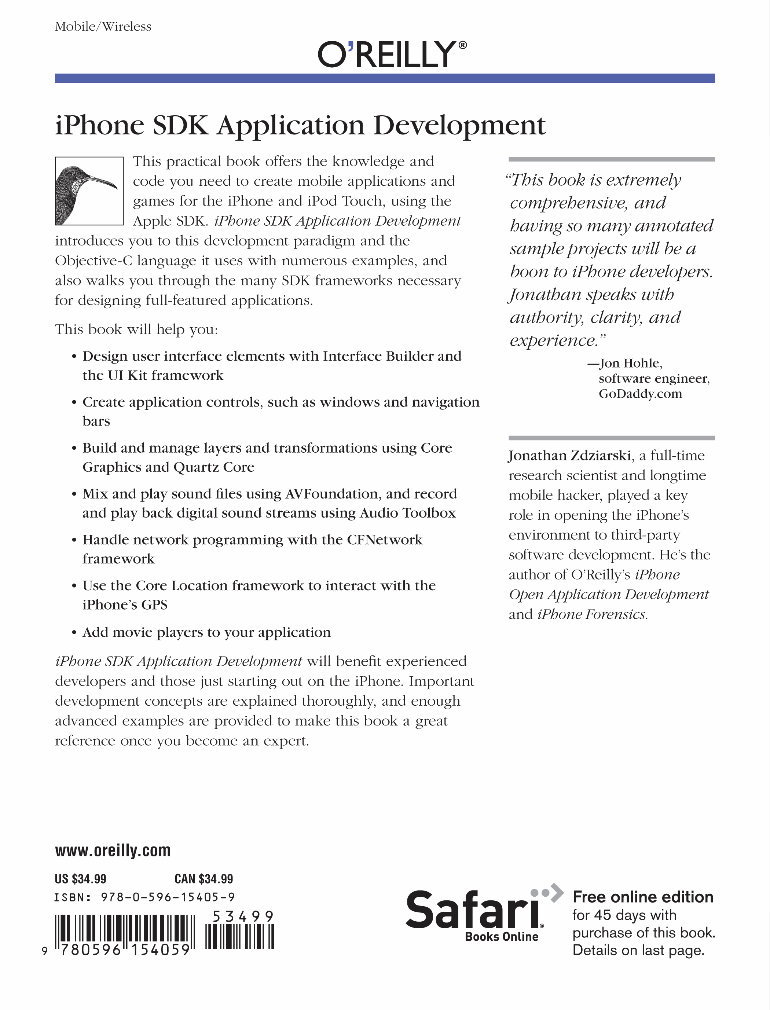
Crafted for both professional mechanics and DIY enthusiasts, this comprehensive manual provides clear and concise guidance on iPhone open application development. Written by veteran hacker Jonathan Zdziarski, a pioneer in iPhone hacking, the book delves into the iPhone's native environment and demonstrates how to build software for the device using Objective-C, C, and C++ development frameworks.
Readers will be guided through the iPhone's native development environment, receive an overview of the Objective-C language, and gain insights into the iPhone operating system. The manual also includes detailed recipes and working examples for popular iPhone features, such as graphics and audio programming, multitouch functionality, hardware sensors, and the device's user interface kit.
Key topics covered in this manual include:
Accessing the iPhone's underlying operating system
The structure of an iPhone application
Setting up the open source tool chain on a desktop
The iPhone's core user interface framework and its connection to major application-level functions
Utilizing iPhone features like multitouch, hardware sensors, and gestures
Intercepting and handling event notifications for various iPhone-related events
Exploring raw video surfaces and 3D transformations for advanced graphics
Recording and playing simple sounds, as well as intercepting sound events
Advanced audio output using Apple's Audio Toolbox framework
Advanced user interface components including section lists, keyboards, and image manipulation
The Appendix contains a collection of miscellaneous code examples for implementing cool application features, such as using the camera and creating a CoverFlow®-like album browser.
This manual is designed for individuals who have run third-party applications on their iPhone, offering valuable insights for both professional developers and DIY enthusiasts. With concepts and code examples closely resembling Apple's official SDK, this resource enables programmers to create applications with the same impressive effects that have contributed to the iPhone's success.
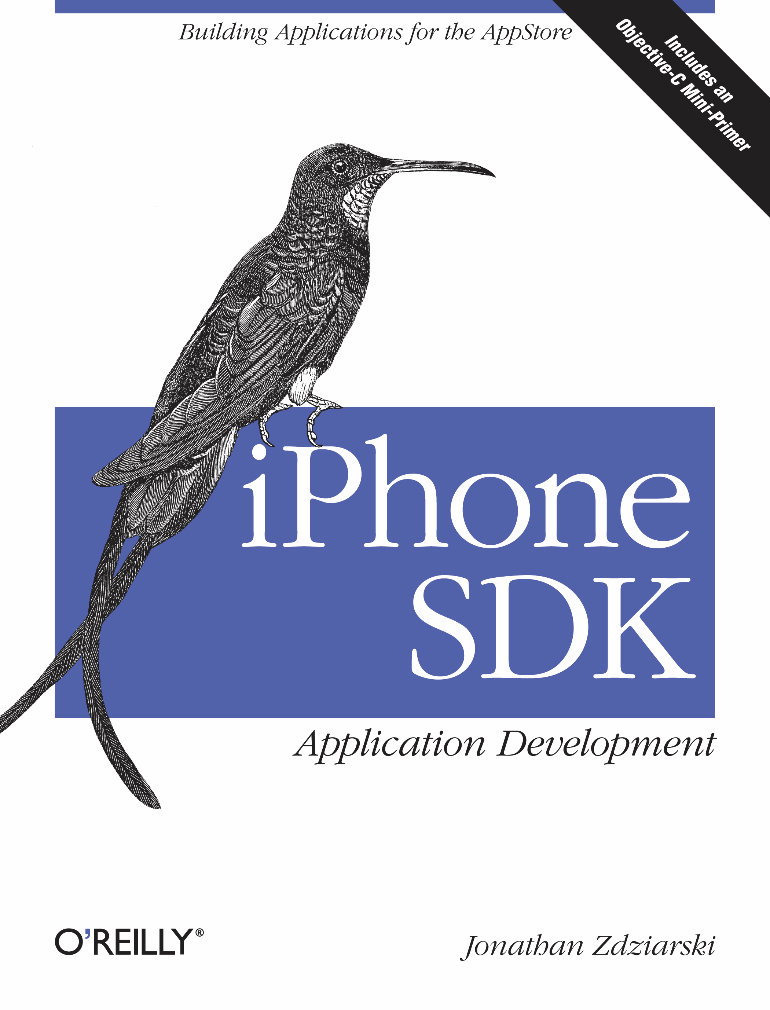
Author: Zdziarski, Jonathan
Publisher: O'Reilly Media
Illustration: N
Language: ENG
Title: iPhone Open Application Development: Write Native Objective-C Applications for the iPhone
Pages: 00288 (Unencrypted )
On Sale: 2008-12-17
SKU-13/ISBN: 9780596518554
Category: Computers : General
Reviews
Q&A
Recently Viewed
5,521,897Happy Clients
2,594,462eManuals
1,120,453Trusted Sellers
15Years in Business
Price:
Actual Price:
iPhone Open Application Development: Write Native Objective-C Applications for the iPhone - Jonathan Zdziarski










 Lifetime Access





