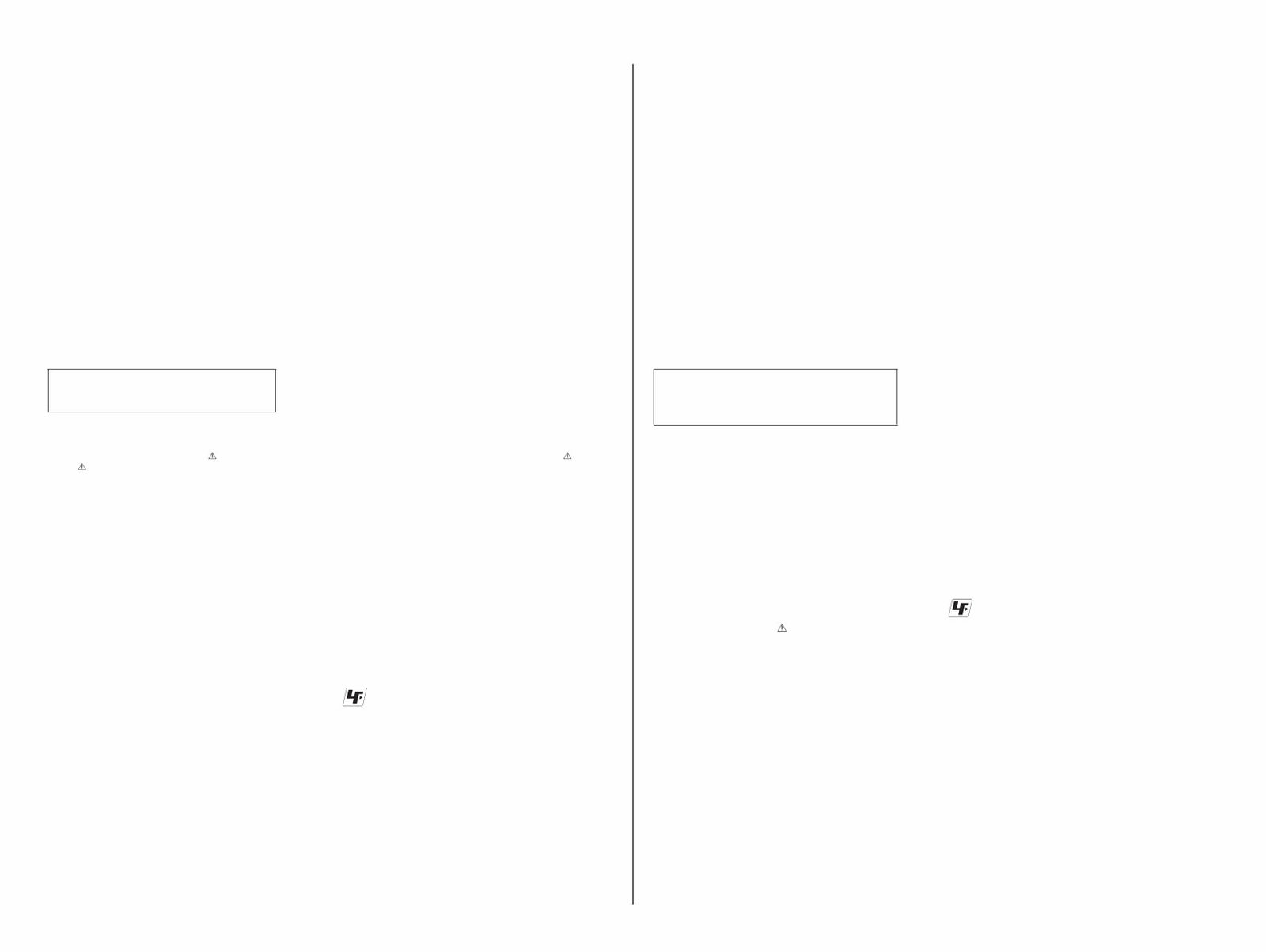
– 2 – DSLR-A500/A550_L3 SAFETY-RELATED COMPONENT WARNING!! COMPONENTS IDENTIFIED BY MARK OR DOTTED LINE WITH MARK ON THE SCHEMATIC DIAGRAMS AND IN THE PARTS LIST ARE CRITICAL TO SAFE OPERATION. REPLACE THESE COMPONENTS WITH SONY PARTS WHOSE PART NUMBERS APPEAR AS SHOWN IN THIS MANUAL OR IN SUPPLEMENTS PUBLISHED BY SONY. ATTENTION AU COMPOSANT AYANT RAPPORT À LA SÉCURITÉ! LES COMPOSANTS IDENTIFIÉS PAR UNE MARQUE SUR LES DIAGRAMMES SCHÉMATIQUES ET LA LISTE DES PIÈCES SONT CRITIQUES POUR LA SÉCURITÉ DE FONCTIONNEMENT. NE REMPLACER CES COMPOSANTS QUE PAR DES PIÈCES SONY DONT LES NUMÉROS SONT DONNÉS DANS CE MANUEL OU DANS LES SUPPLÉMENTS PUBLIÉS PAR SONY. Caution Danger of explosion if battery is incorrectly replaced. Replace only with the same or equivalent type. Dispose of used batteries according to the instructions. Caution 電池の交換は,正しく行わないと破裂する恐れがあります。 電池を交換する場合には必ず同じ型名の電池又は同等品と 交換してください。 使用済み電池は,取扱指示に従って処分してください。 CHEMICALS Some chemicals used for servicing are highly volatile. Their evaporation caused by improper management affects your health and environment, and wastes resources. Manage the chemicals carefully as follows. • Store chemicals sealed in a specific place to prevent from ex- posure to high temperature or direct sunlight. • Avoid dividing chemicals into excessive numbers of small containers to reduce natural evaporation. • Keep containers sealed to avoid natural evaporation when chemicals are not in use. • Avoid using chemicals as much as possible. When using chemicals, divide only required amount to a small plate from the container and use up it. EXTERIOR PARTS Be careful to the following points for plastic parts used in this unit. • Use a piece of cleaning paper or cleaning cloth for cleaning plastic parts. Avoid using chemicals. Even if you have to use chemicals to clean heavy dirt, don’t use paint thinner, ketone, nor alcohol. • Insert the specific screws vertically to the part when installing a plastic part. Be careful not to tighten screws too much. UNLEADED SOLDER This unit uses unleaded solder. Boards requiring use of unleaded solder are printed with the lead free mark (LF) indicating the solder contains no lead. (Caution: Some printed circuit boards may not come printed with the lead free mark due to their particular size.) : LEAD FREE MARK Be careful to the following points to solder or unsolder. • Set the soldering iron tip temperature to 350 °C approximately. If cannot control temperature, solder/unsolder at high tempera- ture for a short time. Caution: The printed pattern (copper foil) may peel away if the heated tip is applied for too long, so be careful! Unleaded solder is more viscous (sticky, less prone to flow) than ordinary solder so use caution not to let solder bridges occur such as on IC pins, etc. • Be sure to control soldering iron tips used for unleaded solder and those for leaded solder so they are managed separately. Mixing unleaded solder and leaded solder will cause detachment phenomenon. SAFETY CHECK-OUT After correcting the original service problem, perform the following safety checks before releasing the set to the customer. 1. Check the area of your repair for unsoldered or poorly-soldered connections. Check the entire board surface for solder splashes and bridges. 2. Check the interboard wiring to ensure that no wires are “pinched” or contact high-wattage resistors. 3. Look for unauthorized replacement parts, particularly transistors, that were installed during a previous repair. Point them out to the customer and recommend their replacement. 4. Look for parts which, through functioning, show obvious signs of deterioration. Point them out to the customer and recommend their replacement. 5. Check the B+ voltage to see it is at the values specified. 6. Flexible Circuit Board Repairing • Keep the temperature of the soldering iron around 270 °C during repairing. • Do not touch the soldering iron on the same conductor of the circuit board (within 3 times). • Be careful not to apply force on the conductor when soldering or unsoldering. 各種薬品の取り扱いについて 現在使用されている薬品の中には揮発性の高い薬品もあり ます。 それらを不用意に取り扱い蒸発させてしまうと,環境や健 康へ影響を与えたり,資源の無駄使いになります。 各種薬品は,下記の点に注意して取り扱ってください。 ・ 保管場所を定め,高温になったり直射日光の当たらな い場所に密閉して保管してください。 ・ 小分け(ハンドラップ等)する数は必要最小限に留め, 容器による自然蒸発を防いでください。 ・ 作業に使用しない時は,必ずキャップ等をして自然蒸 発を防いでください。 ・ 薬品を使用する回数を極力少なくし,使用する場合は 使用する量だけ容器より出して受け皿に残さないよう にしてください。 樹脂系部品の取り扱いについて 本機に使用されている樹脂系の部品は,下記の点に注意し て取り扱ってください。 ・ 清掃には薬品を使用せず,清掃紙や清掃布を使用して ください。 やむを得ず汚れがひどくて薬品を使用する場合は,シ ンナー,ケトン,エーテルは使用しないでください。 ・ 各部品の取り付けには指定されたねじを使用し,部品 に対して垂直に取り付けてください。 また,ねじを締め付ける時は,無理な力を加えないで ください。 1. 注意事項をお守りください。 サービスのとき特に注意を要する個所については,キャ ビネット,シャーシ,部品などにラベルや捺印で注意 事項を表示しています。これらの注意書き及び取扱説 明書等の注意事項を必ずお守りください。 2. 指定部品のご使用を セットの部品は難燃性や耐電圧など安全上の特性を 持ったものとなっています。 従って交換部品は,使用されていたものと同じ特性の 部品を使用してください。 特に回路図,部品表に 印で指定されている安全上重 要な部品は必ず指定のものをご使用ください。 3. 部品の取付けや配線の引きまわしはもとどおりに 安全上,チューブやテープなどの絶縁材料を使用した り,プリント基板から浮かして取付けた部品がありま す。 また内部配線は引きまわしやクランパによって発熱部 品や高圧部品に接近しないよう配慮されていますので, これらは必ずもとどおりにしてください。 4. サービス後は安全点検を サービスのために取外したネジ,部品,配線がもとど おりになっているか,またサービスした個所の周辺を 劣化させてしまったところがないかなどを点検し,安 全性が確保されていることを確認してください。 5. チップ部品交換時の注意 ・ 取り外した部品は再使用しないでください。 ・ タンタルコンデンサのマイナス側は熱に弱いため交 換時は注意してください。 6. フレキシブルプリント基板の取扱いについて ・ こて先温度を270℃前後にして行なってください。 ・ 同一パターンに何度もコテ先を当てないでくださ い。(3回以内) ・ パターンに力が加わらないよう注意してください。 サービス,点検時には次のことにご注意ください。 無鉛半田について 本機には無鉛半田が使用されています。 無鉛半田を使用している基板には,無鉛(Lead Free)を意味 するレッドフリーマークがプリントされています。 (注意:基板サイズによっては,無鉛半田を使用していても レッドフリーマークがプリントされていないもの があります) :レッドフリーマーク 無鉛半田は,下記の点に注意して使用してください。 ・ 半田こてのこて先温度は約350℃に設定してください。 温度調節が無理な場合は,高温短時間で作業を行って ください。 注意: 半田こてを長く当てすぎると,基板のパターン (銅箔)がはがれてしまうことがありますので, 注意してください。また,従来の半田よりも粘 性が強いため,IC端子などが半田ブリッジしな いように注意してください。 ・ 半田こてのこて先は,必ず無鉛半田用と有鉛半田用に 分けて管理してください。 無鉛半田と有鉛半田が混在すると剥離現象が発生して しまいます。 – ENGLISH – – JAPANESE –
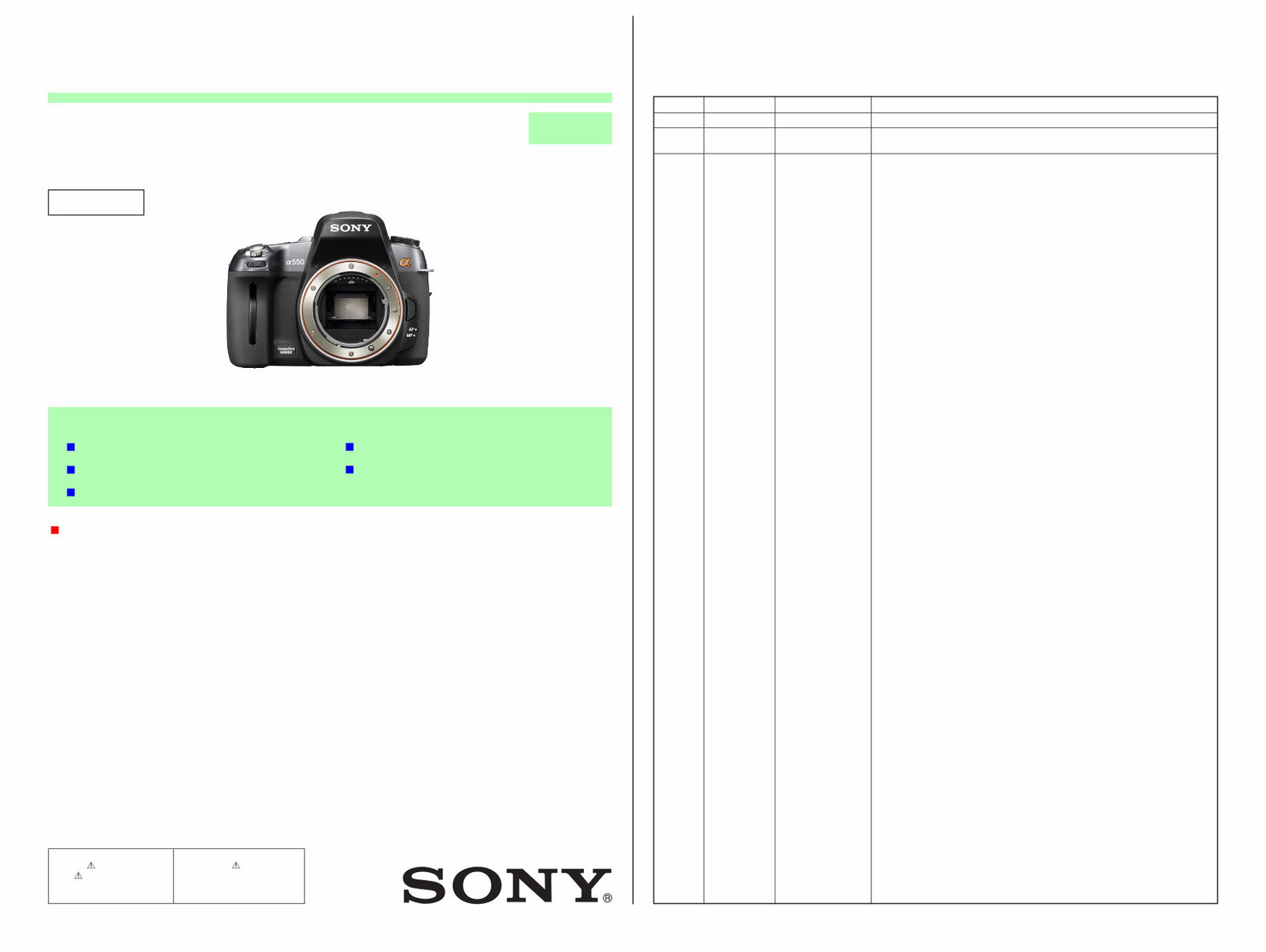
Is your Sony Alpha DSLR-A500/A550 Camera letting you down?
Why replace or spend lots of money on repairs while you can do it yourself? This service and repair manual is used by the Official Certified Sony Technicians. It will help you to troubleshoot and repair your SLR Camera!
The level 2 Service manual will show you:
Safety & Precautions
Product Specifications
Disassembly & Reassembly
Adjustments
Troubleshooting
Exploded Views
Replacement Parts list
This package also includes the level 3 service manual. This manual will provide you with in-depth information about:
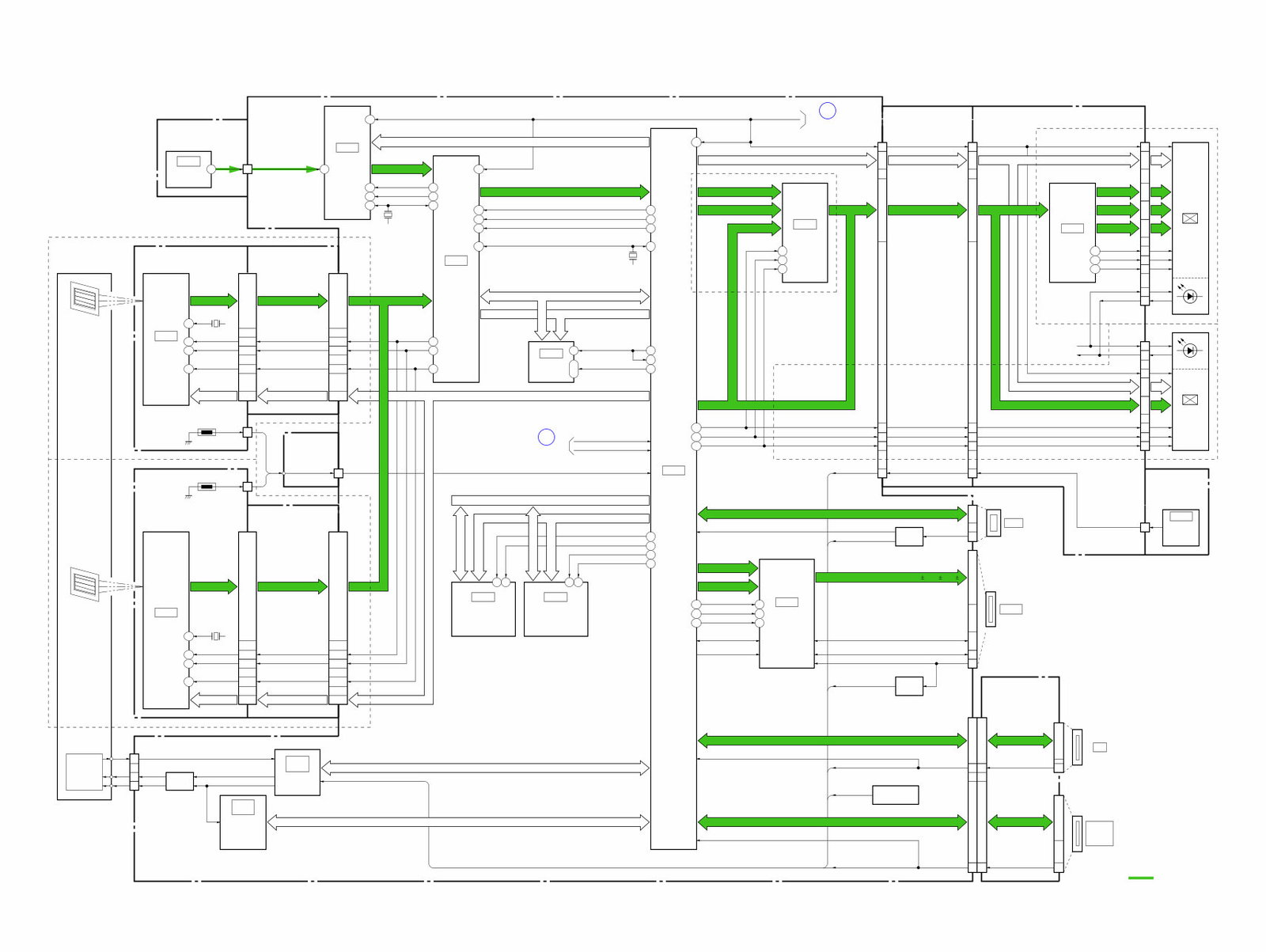
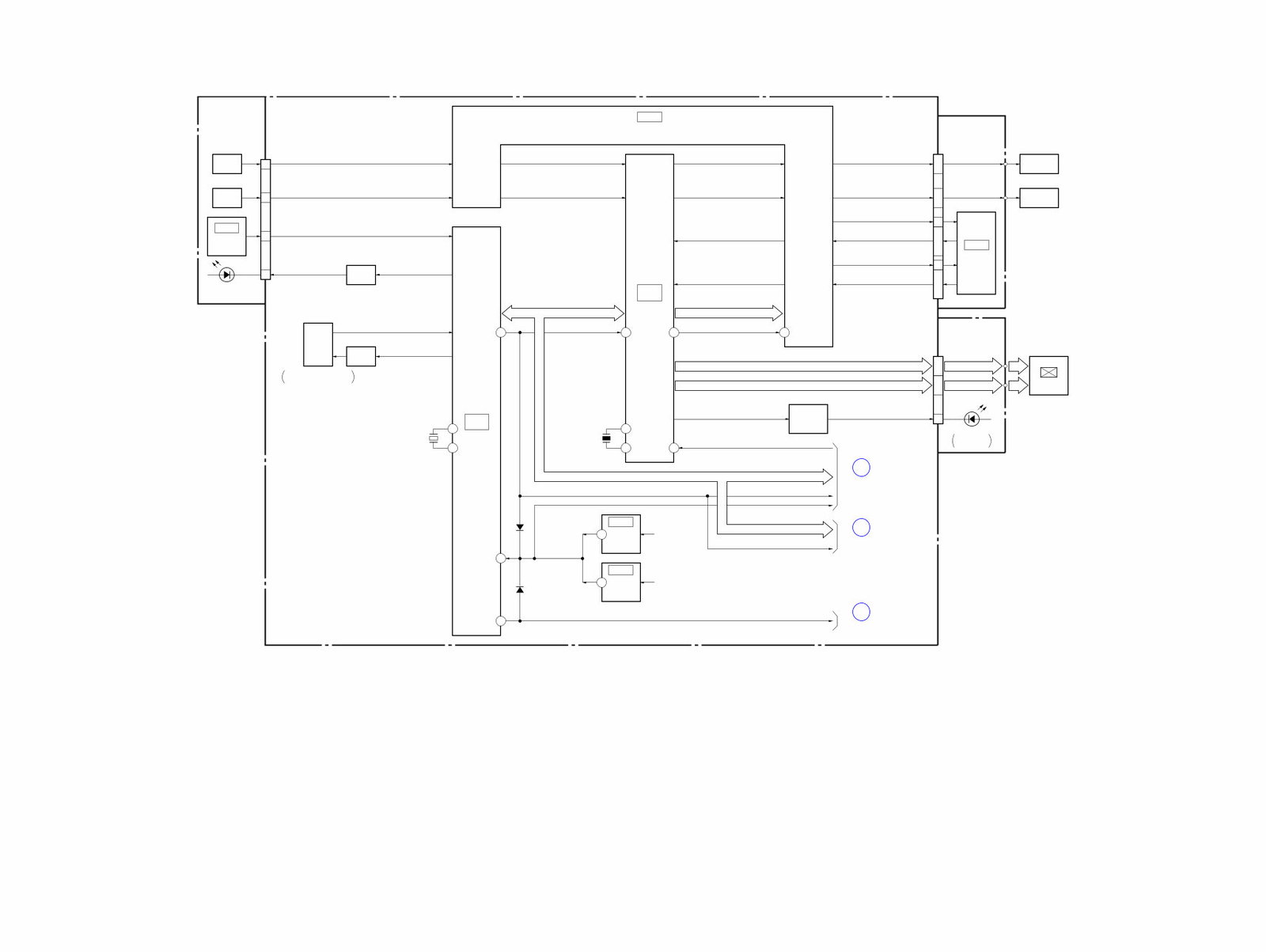
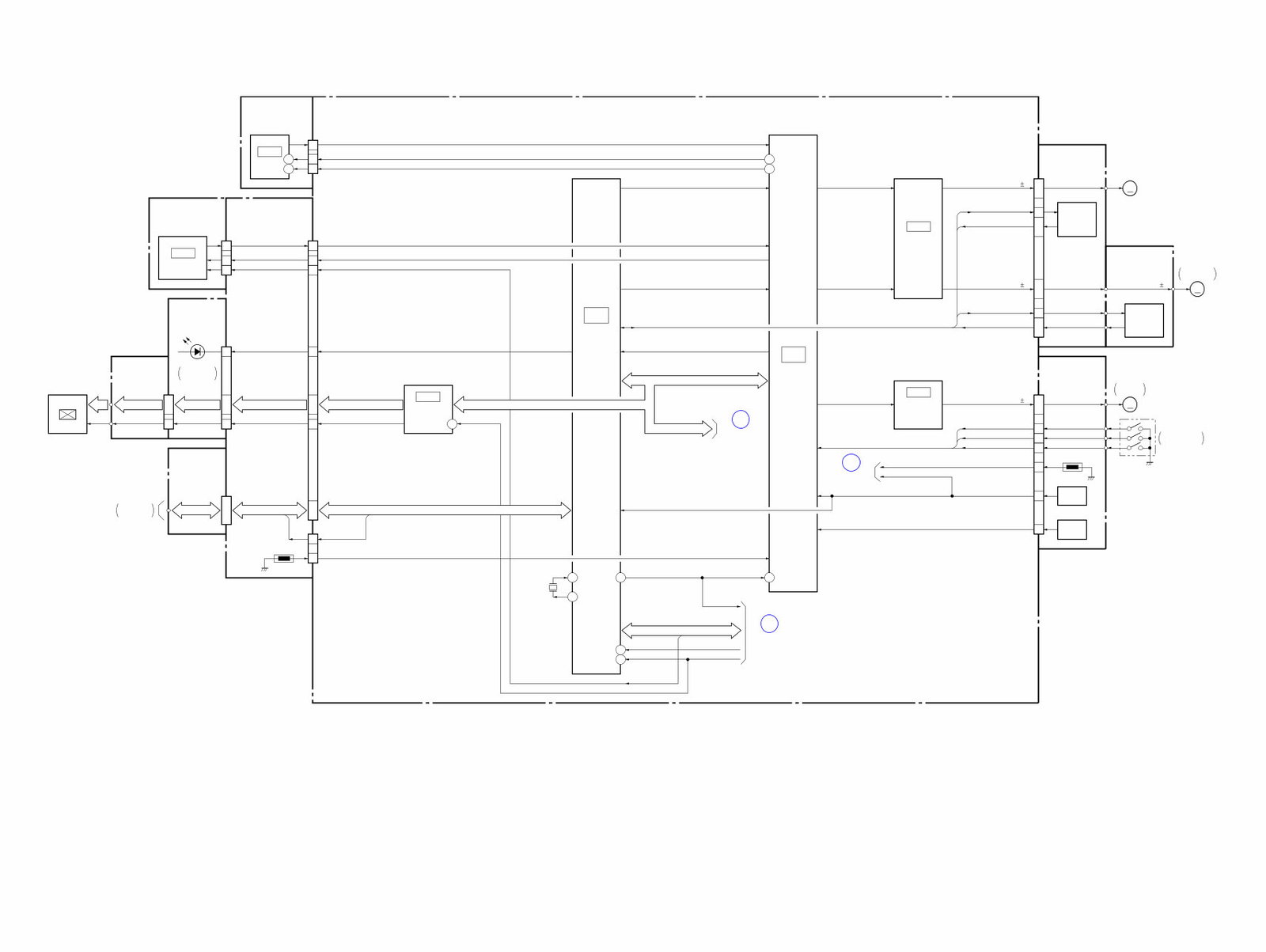
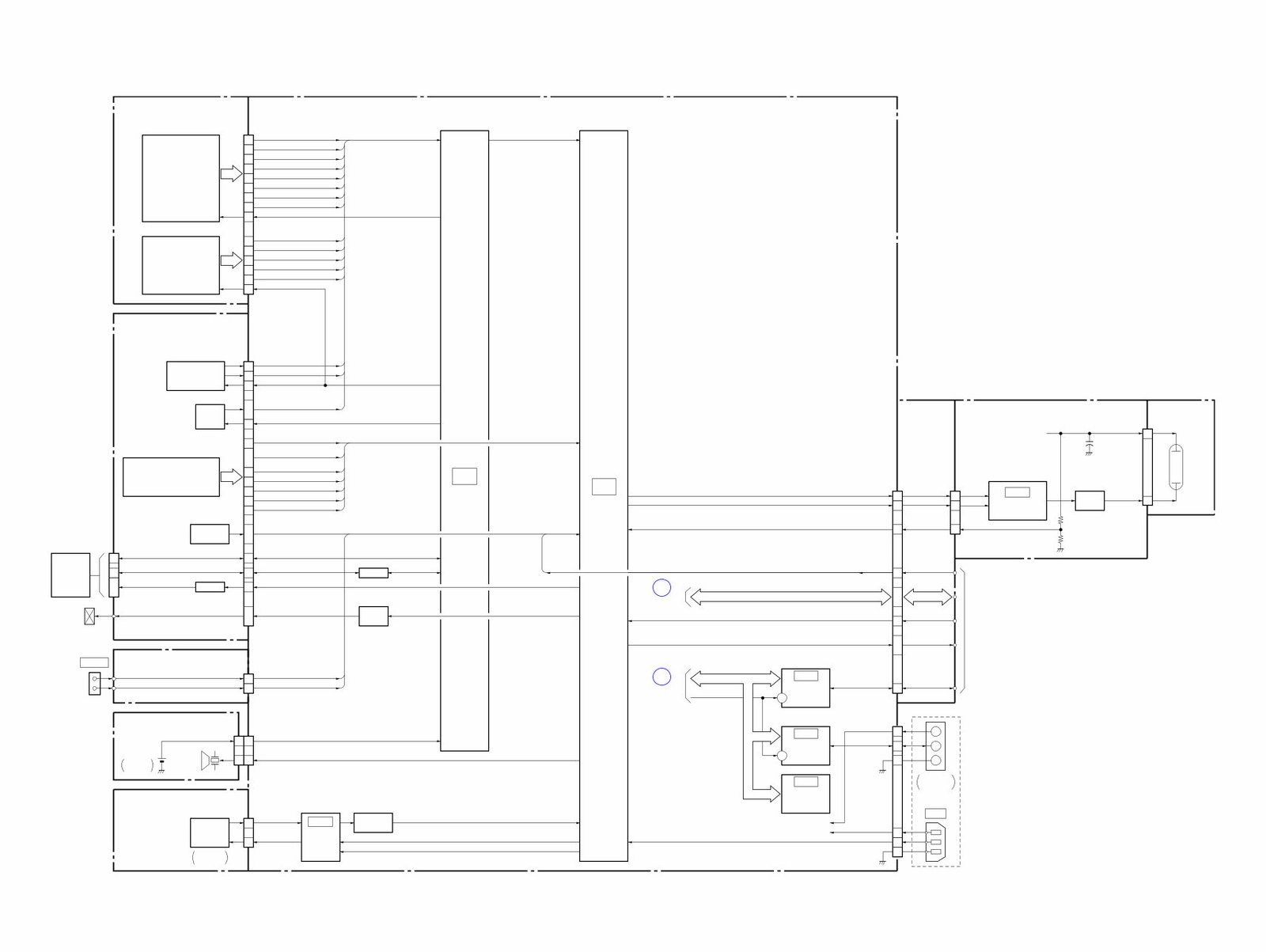
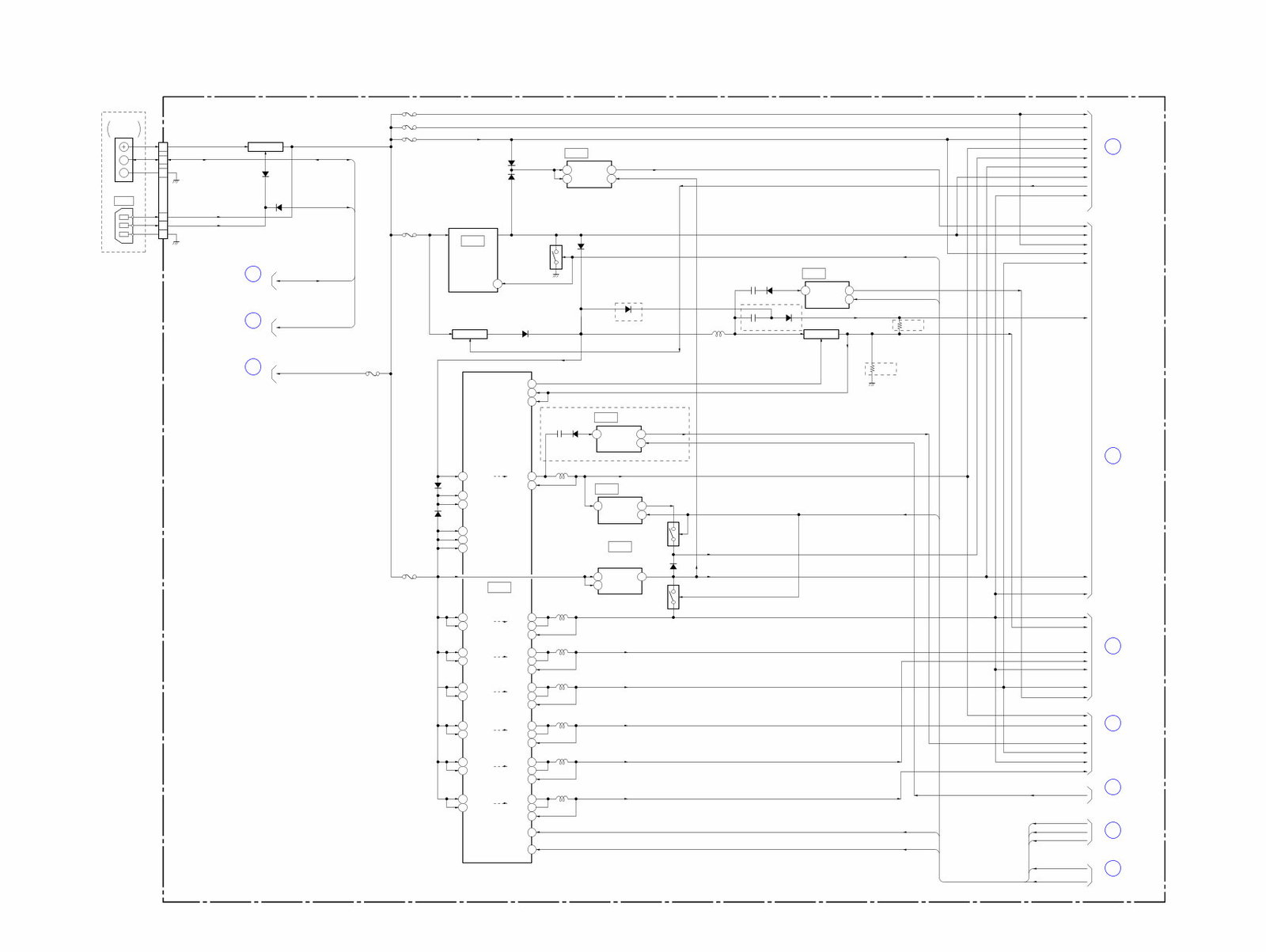
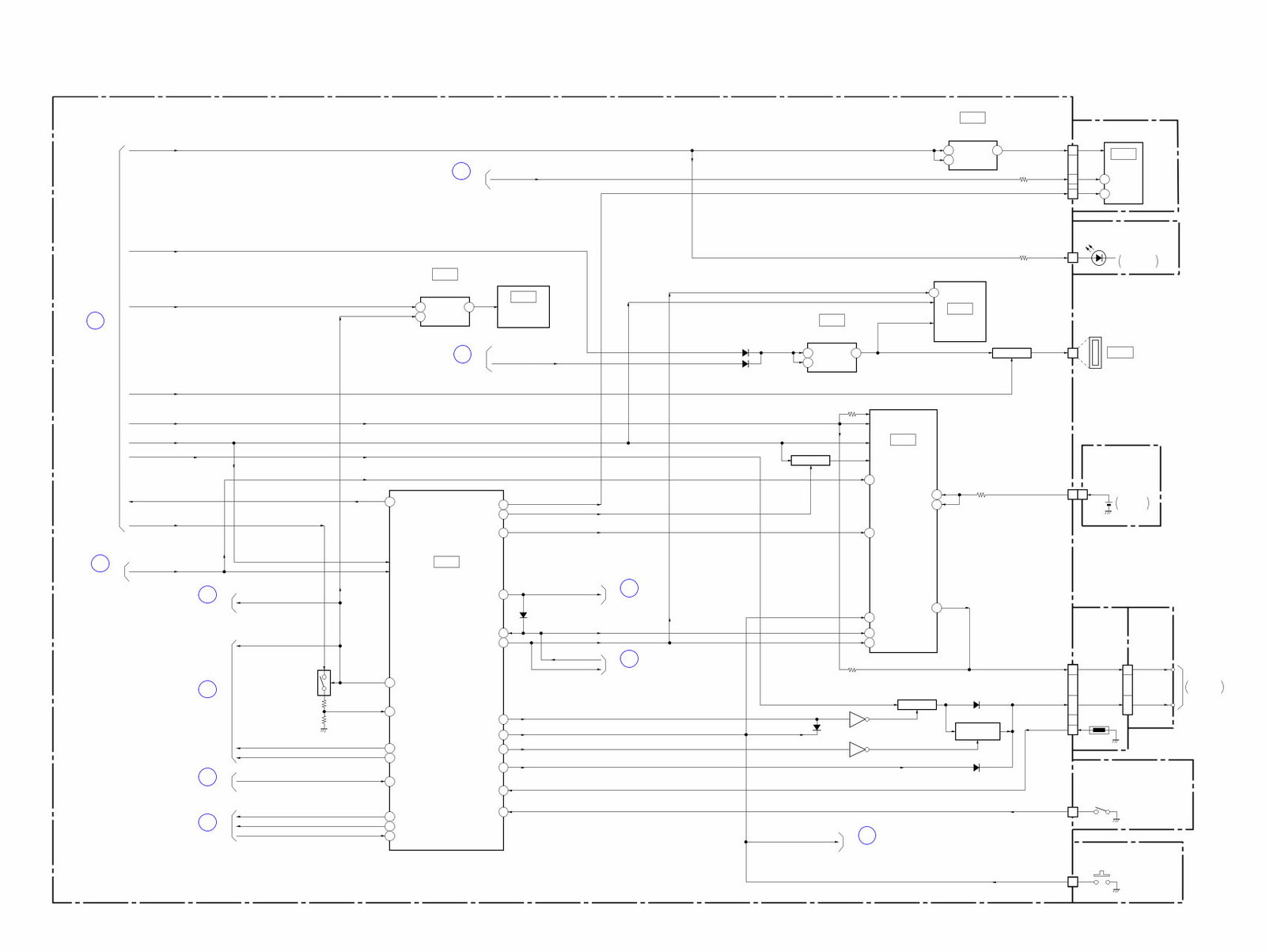
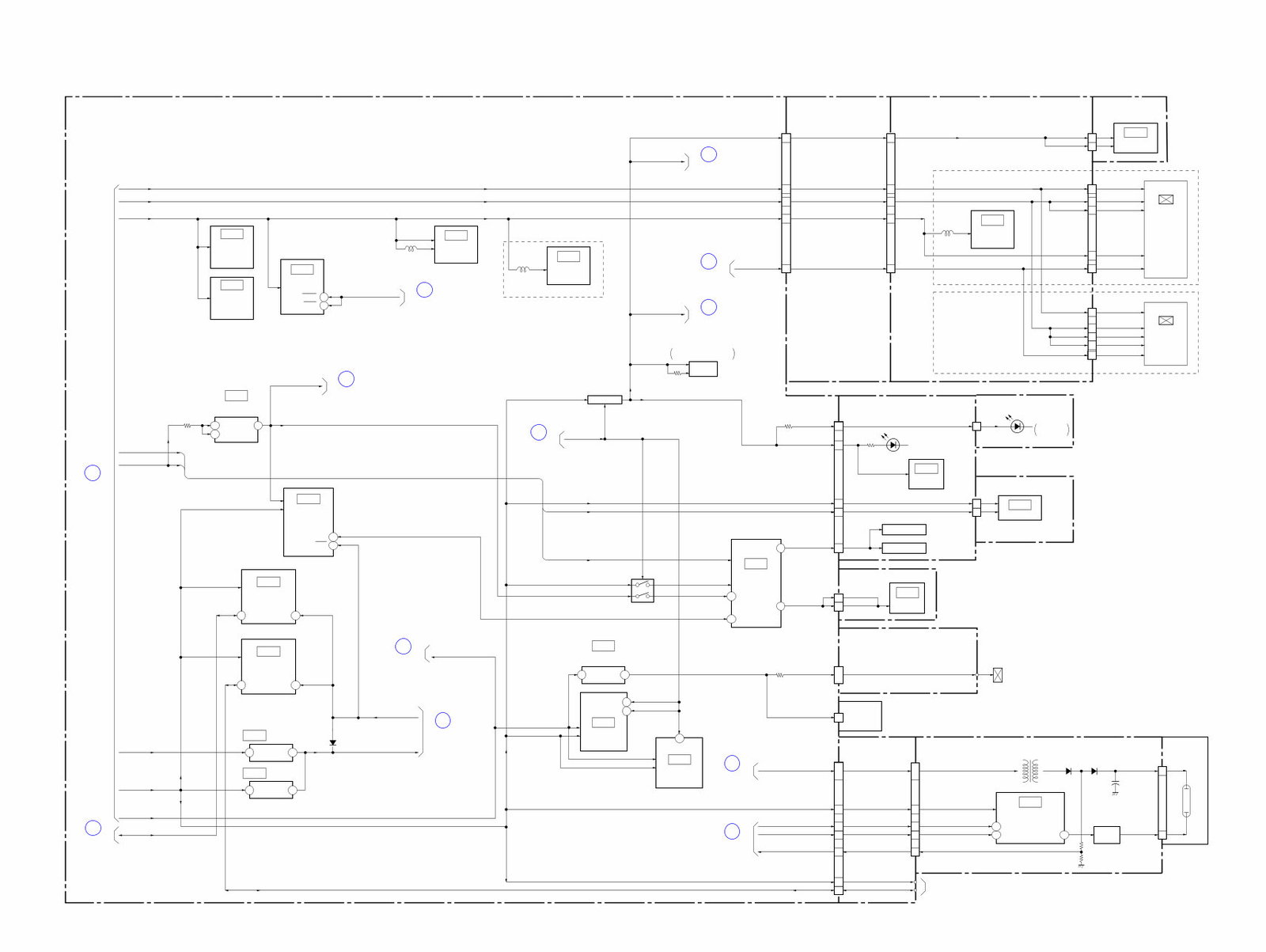
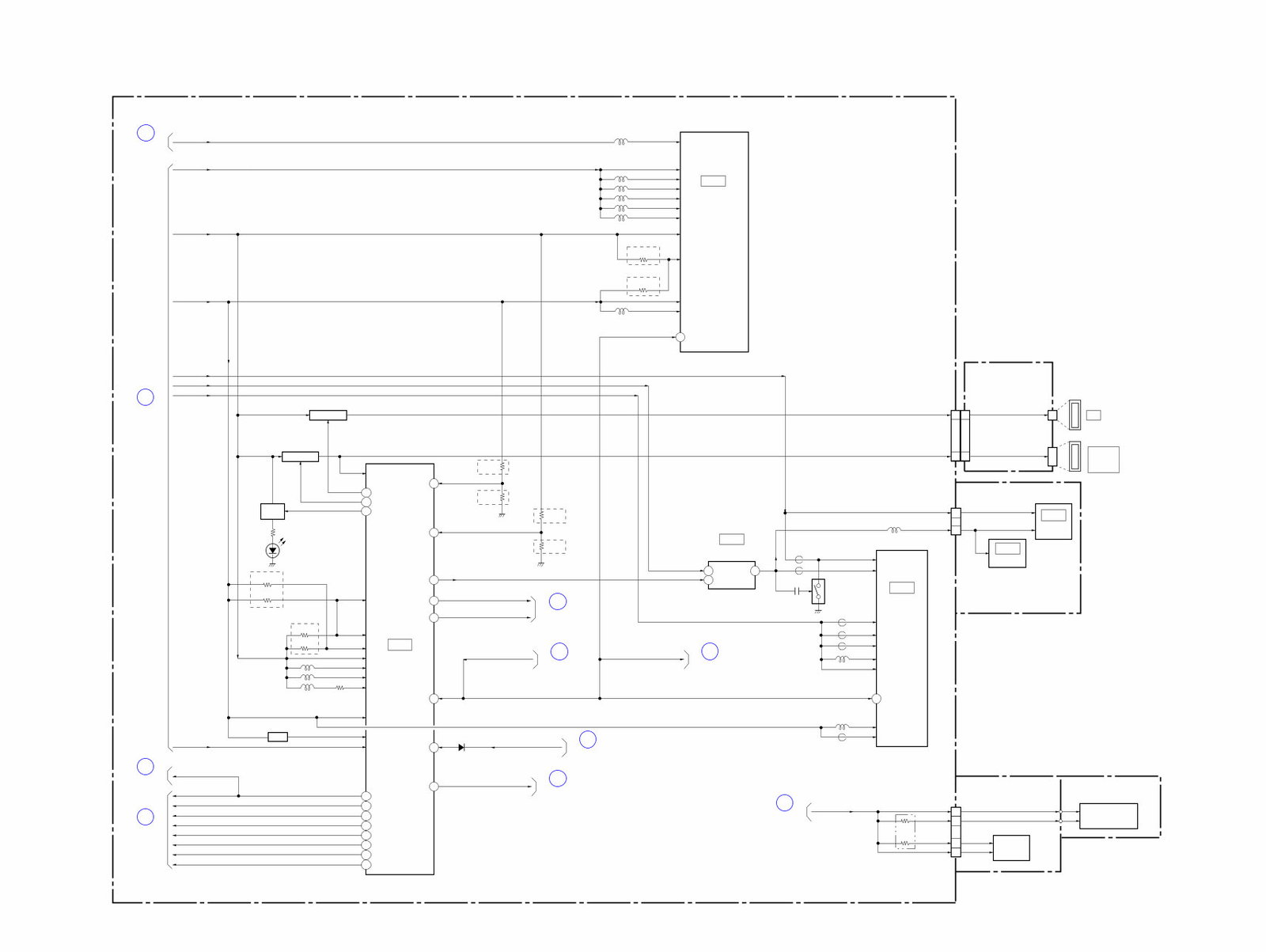
Schematic Diagrams
Printed Wiring Boards
Electrical Parts List
Service Notes
This service manual is very detailed with pictures and step-by-step instructions on how to repair/service this device the best way there is! Please note this is the OFFICIAL and COMPLETE service repair manual in PDF format, no scanned-in or bootlegged copy. This manual is made in the highest resolution, so when you print the pages you need it is all in great quality!
***INSTANT access*** After your payment, you will have instant access to your access! No shipping fee, no waiting on postal delivery, you can start doing your repairs right away!
Specifications
Language: English
Pages: 107
Platform: Windows and MAC
Looking for a service manual but can't find it anywhere? Please contact us with your request! As you can see we've got one of the largest service manual databases out there, so a good chance we can help you out!
Reviews
Q&A
Recently Viewed
5,521,897Happy Clients
2,594,462eManuals
1,120,453Trusted Sellers
15Years in Business
Price:
Actual Price:
Sony Alpha DSLR-A500 + A550 Service Manual & Repair Guide


 Lifetime Access




