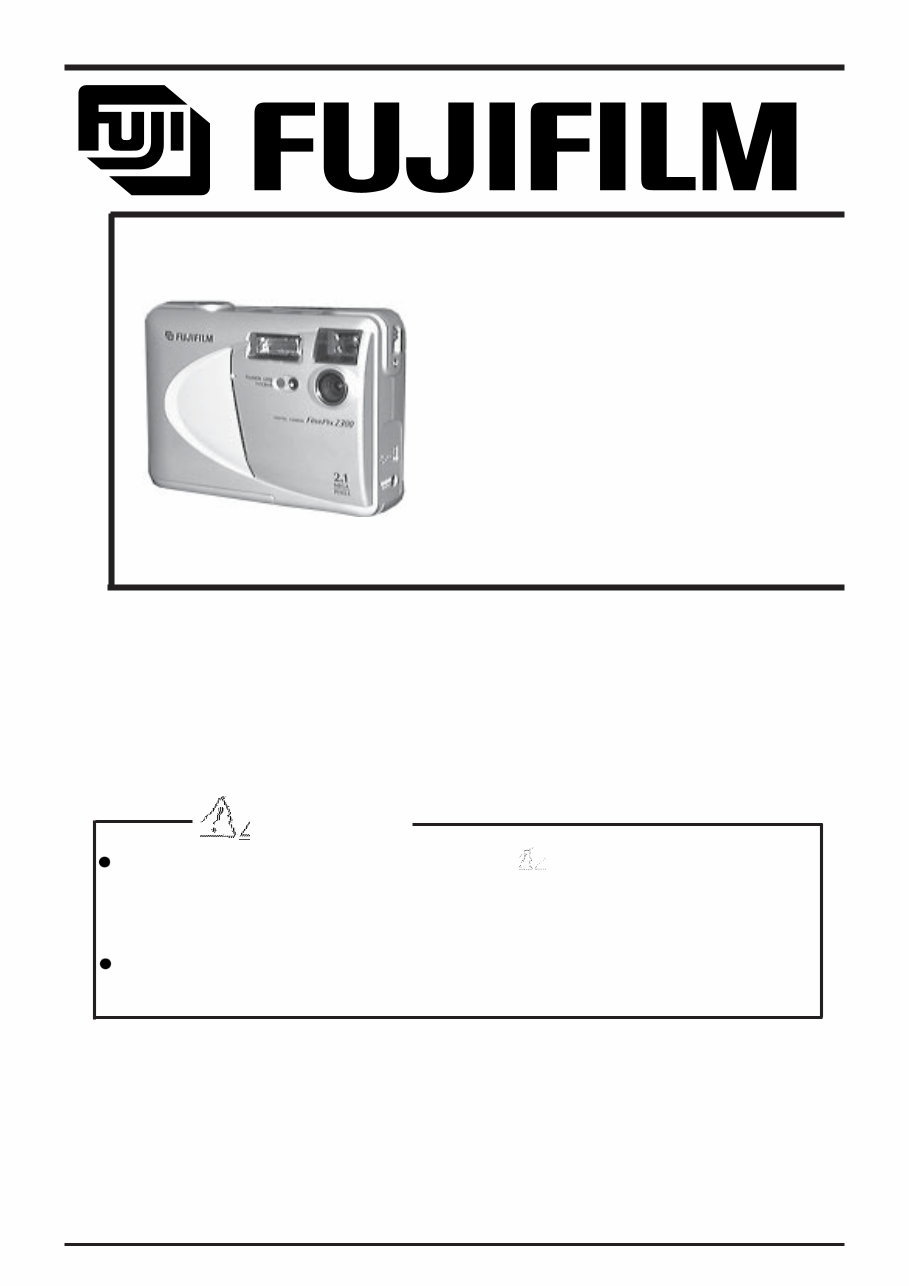
WARNING THE COMPORNENTS IDENTIFIED BY THE MARK “ “ ON THE SCHEMATHIC DIAGRAM AND IN THE PARTS LIST ARE CRITICAL FOR SAFETY. PLEASE REPLACE ONLY BY THE COMPORNENTS SPECIFIED ON THE SCHMATHIC DIAGRAMAND IN THE PARTS LIST. IF YOU USE WITH PART NUMBER UN-SPECIFIED, IT MAY RESULT IN A FIRE AND AN ELECTORICAL SHOCK. FUJI PHOTO FILM CO.,LTD. Ref.No.:ZM00360-100 Printed in Japan 2001.3(T.S.) U/E/EG Model SERVICE GUIDE FinePix 2300 DIGITAL CAMERA
1. Check the area of your repair for unsoldered or poorly soldered connections. Check the entire board surface for solder splasher and bridges. 2. Check the interboard wiring to ensure that no wires are “pinched” or contact high-wattage resistors. 3. Look for unauthorized replacement parts, particularly transistors, that were installed during a previous repair. Point them out to the customer and recommend their replacement. 4. Look for parts which, though functioning, show obvious signs of deterioration. Point them out to the customer and recommend their replacement. 5. Check the B + voltage to see it is at the values specified. 6. Make leakage - current measurements to determine that exposed parts are acceptably insulated from the supply circuit before returning the product to the customer. 7. CAUTION: FOR CONTINUED PROTECTION AGAINST FIRE HAZARD, REPLACE ONLY WITH SAME TYPE 2.5 AMPERES 125V FUSE. ATTENTION: AFIN D'ASSURER UNE PROTECTION PERMANENTE CONTRE LES RISQUES D'INCENDIE, REMPLACER UNIQUEMENT PAR UN FUSIBLE DE MEME, TYPE 2.5 AMPERES, 125 VOLTS. 8. WARNING: TO REDUCE THE ELECTRIC SHOCK, BE CAREFUL TO TOUCH THE PARTS. 2.5A125V 2.5A125V RISK OF FIRE- REPLACE FUSE AS MARKED WARNING! HIGH VOLTAGE SAFETY CHECK-OUT After correcting the original problem, perform the following safety check before return the product to the costomer. FinePix2300(U/E/EG) SERVICE GUIDE
3 FinePix2300(U/E/EG) SERVICE GUIDE TABLE OF CONTENTS Table of Contents Page 1.Specifications 1-1.Product Specification.............................................................................................................4 2. Names of Components 2-1.Names of Extsrnal Components..................................................................................................6 2-2.Names of Internal Components ..............................................................................................7 3. Disassembly 3-1.Removing CABI FRONT and CABI REAR..................................................................................8 3-2.Removing LCD ASSY ..............................................................................................................8 3-3.Removing MAIN PWB ASSY / LENS UNIT ...............................................................................9 3-4.Removing BATTERY HOLDER ASSY ......................................................................................10 3-5.Removing KSW PWB ASSY ..................................................................................................11 4. Adjustment and Check 4-1.Important Point of Adjustments when Replacing Major Parts........................................................12 4-1-1.Adjustment item list when the main principal parts are exchanged.......................................12 4-2.List of Measuring Instruments and Jig Connection Diagrams.......................................................13 4-2-1.List of Measuring Instruments and Jig...............................................................................13 4-2-2.Measuring Intrument and Jig Connection Diagram..............................................................14 4-3.Adjustment with a Personal computer .......................................................................................15 4-3-1.Setting the Environment for adjustment..............................................................................15 4-3-2.Various downloading software decompressions, preservation methods, and notes.................15 4-3-3.Install the USB jig driver and the PC adjustment software....................................................16 4-3-4.Initialization of software for personal computer adjustment...................................................17 4-3-5.Adjustment of Mode dial and Battery voltage.....................................................................18 4-3-6.Flash adjustment..............................................................................................................20 4-3-7.LCD adjustment...............................................................................................................21 4-3-8.CCD defect correction.....................................................................................................22 4-3-9.Taking picture system adjustment......................................................................................23 4-3-10.Firmware download.........................................................................................................26 4-3-11.End setting..................................................................................................................27 4-3-12.Hexadecimal to decimal Conversion Table.......................................................................29 5.List of Adjustment Addresses and Data..........................................................................................30 6.Troubleshooting...........................................................................................................................61 7.Appendix.....................................................................................................................................62
FinePix2300(U/E/EG) SERVICE GUIDE 4 1. Specifications System Model Digital Camera Pickup Elements 1/2.7-inch square pixel CCD (2.11 million pixels) Resolution 1600 x 1200 pixels/1280 x 960 pixels/640 x 480 pixels File format JPEG (Exif Ver.2.1) *Design for Camera File system compliant, DPOF-compatible Viewfinder Inverted Galiean finde; Frame coverage: 80% Lens Fujinon optical fixed-focus lens F4.8/F11 Storage media SmartMedia (3.3V) Number of frames recorded Pixel 1600 x 1200 1280 x 960 640 x 480 Quality Mode FINE NORMAL BASIC FINE NORMAL NORMAL Compression Ratio Approx.1/5 Approx.1/10 Approx.1/20 Approx.1/4 Approx.1/8 Approx.1/8 Image Data Size Approx.760KB Approx.390KB Approx.200KB Approx.610KB Approx.310KB Approx.90KB 4MB (MG-4S) 4 9 19 6 12 44 8MB (MG-8S) 10 19 39 12 24 89 16MB (MG-16S/SW) 20 39 75 25 49 164 32MB (MG-32S/SW) 41 79 152 50 99 330 64MB (MG-64S/SW) 82 159 306 101 198 663 128MB (MG-128SW) 168 319 613 204 398 1330 1. Specifications 1-1. Product Specifications Focus distance f = 5.8mm (equivalent to 36mm on a 35mm camera) Exposure control 64 zones TTL metering, Program AE (exposure compensation available in Manual mode) Sensitivity Equivalent to ISO 100 White balance Auto-selected (7 modes selectable in Manual mode) Focal range Normal: Approx. 80cm/2.6ft. to infinity Macro: Approx. 8-15cm/3.1-5.9in. Shutter speeds Variable-speed, 1/2 to 1/1000 sec. (combined with mechanical shutter) Flash (Auto flash using flash control sensor) Effective range: Approx. 0.7-3.0m (2.3-9.8ft.) Flash modes: Auto, Red-Eye Reduction, Forced Flash, Suppressed Flash, Slow Synchro LCD monitor 1.6-inch, 55,000-pixel D-TFD Self-Timer 10 sec. timer clock Input/Output Terminals Digital USB (1) for image data output with a personal computer DC Input Socket for specified AC power adapter
5 FinePix2300(U/E/EG) SERVICE GUIDE 1. Specifications Power supply Power supply Use one of the following: *4AA-size alkaline batteries *4AA-size Ni-MH (nickel metal hydride) batteries (sold separately) *4AA-size (Minimum 1,000mAn) Ni-Cd (nickel-cadmium) batteries (sold separately) *AC Power Adapter AC-5VH/AC-5V (sold separately) No. of available shots using battery (battery life) Battery type With LCD monitor ON With LCD monitor OFF Alkaline batteries Approx.180 frames Approx.450 frames Ni-MH battery HR-3UF Approx.180 frames* Approx.450 frames* Ni-Cd battery KR-3UF Approx.120 frames* Approx.350 frames* * With fully charged battery This indicates the number of available frames shot consecutively at room temperature with a flash use rate of 50%. Note that these figures may vary depending on the ambient temperature and the amount of charge in the battery. Conditions for use Temperature: 0 degree to +40 degrees (+32 degrees Fahrenheit to +104 degrees Fahrenheit); 80% humidity or less (no condensation) Camera dimensions (W/H/D) 110 x 77 x 39mm/4.3 x 3.0 x 1.5in. (not including accessories and attachments) Camera mass (weight) Approx. 200g/7.1oz. (not including accessories, batteries or SmartMedia) Weight for photography Approx. 300g/10.6oz. (including batteries and SmartMedia) Accessories *AA-size alkaline batteries (4) *SmartMedia (8MB,3.3V)(1) Supplied with: Anti-static case (1), Index labels (1) *Hand Strap (1) *Interface Set (1) *Owner's Manual (this manual) (1) CD-ROM (1) Special USB cable (1) Software Quickstart Guide (1) Optional Accessories *SmartMedia MG-4S: 4MB, 3.3V MG-8S: 8MB, 3.3V MG-16S/SW: 16MB, 3.3V MG-32S/SW: 32MB, 3.3V MG-64S/SW: 64MB, 3.3V MG-128SW: 128MB, 3.3V *AC Power Adapter AC-5VH/AC-5V *FUJIFILM Rechargeable Battery 2HR-3UF *FUJIFILM Rechargeable Battery 4KR-3UF *FUJIFILM Battery charger with Battery BK-NH (AC 220V only) *Floppy Disk Adapter (FlashPath) Windows95/98/98SE/Me/NT 4.0, MacOS 7.6.1 to 9.0 *PC Card Adapter *SM-R2 Image Memory Card Reader Windows 98/98SE, Windows Me, Windows 2000 Professional, Power Macintosh with USB interface. *DM-R1 Image Memory Card Reader Windows 98 Second Edition, Windows 2000 Professional (read-only), iMacDV and Power Macintosh computers with FireWire as a standard feature. MacOS 8.5.1 to 9.0 *Soft Case *The LCD monitor on your digital camera is manufactured using advanced high-precision technology. Even so, small bright points and anomalous colors (particularly around text) may appear on the monitor. These are normal display characteristics and do not indicate a fault with the monitor. This phenomenon will not appear on the recorded image. *The operation error may be caused in a digital camera by the strong radio interference (i. e. electric fields, static electricity, line noise, etc.).
Are you in possession of a Fujifilm camera that requires maintenance or has encountered a malfunction? This official service repair manual is an essential resource for addressing such issues, offering significant cost and time savings for both professional mechanics and DIY enthusiasts.
Nowadays, basic camera repairs can be performed by anyone, but more complex tasks may pose challenges even for advanced users. By investing in this comprehensive self-service and repair manual, customers can confidently address critical camera issues without concerns about associated costs.
This repair manual provides assistance with disassembly, repair, schematics, circuit diagrams, block diagrams, maintenance, adjustments, parts replacement, and more. Produced by the manufacturer, it offers the most accurate information available for your camera, complete with high-quality photos and step-by-step instructions tailored to your specific camera model and needs. The well-organized content ensures quick access to the necessary information, guaranteeing a successful and precise repair.
Format: PDF
Pages: 63
Language: English
Compatible: Windows/Mac
Printable Pages: Yes
Invest in this official Fujifilm repair manual and benefit from a highly useful source of information, meticulously crafted by the manufacturer to meet your camera repair needs. Your satisfaction as a customer is guaranteed, making this manual an invaluable asset for all your camera repair requirements.



 Lifetime Access