

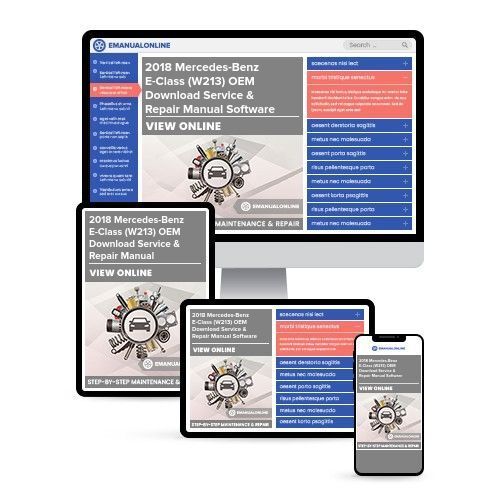
2018 Mercedes-Benz E-Class (W213) OEM Download Service & Repair Manual Software

 Lifetime Access
 Lifetime Access
Preview
NOTE: This is a sample. Your actual software manual may differ slightly.
Description
Engines covered:
- Mercedes-Benz E-Class (W213) 200 9AT (183 HP)
- Mercedes-Benz E-Class (W213) 220d 9AT (194 HP)
- Mercedes-Benz E-Class (W213) 350d 9AT (258 HP)
This 2018 Mercedes-Benz E-Class (W213) Service & Repair Manual is a comprehensive resource for both professional mechanics and DIY enthusiasts. It covers troubleshooting, replacement procedures, step-by-step instructions, clear images, and exploded-view illustrations for your specific model and its variants.
Regular maintenance is essential for the durability of your vehicle. This manual provides manufacturer-recommended troubleshooting charts and replacement procedures, enabling you to save on repairs, increase reliability, and perform maintenance effectively.
With this repair manual, you can rebuild the engine, replace components, access wiring diagrams, torque specs, and exploded-view illustrations. The troubleshooting charts help identify issues based on specific symptoms, making it user-friendly for beginners.
Key Features:
- VIN-based repair manual
- Indexed table of contents
- Comprehensive diagrams
- Detailed and clear illustrations
- Torque specifications
- Special tools required
- 1000+ images and illustrations
Topics Covered:
- Engine
- Transmission
- Basic Maintenance
- Suspension
- Starting & Charging
- Steering
- Fuel
- Supplemental Restraint
- Cooling
- Braking
- HVAC
- Electric
- Exhaust
- Body
- Service Intervals
- Wiring Diagrams
- And More!
Compatibility: Windows/Mac
Printable: Yes
Please note: This manual is not a generic repair manual. It is the same resource used by professional automotive technicians and provides detailed troubleshooting and replacement procedures, making it a valuable tool for maintaining and repairing your vehicle.
Whether you prefer digital or physical copies, this manual offers convenience and accessibility, allowing you to easily search, bookmark, and print specific information as needed.


