



JANOME SCARA ROBOT
JS350/JS450/JS550
Service Manual
Service Manual i SCARA Robot JS350/JS450/JS550
FOR YOUR SAFETY
Safety Precautions
The precautions in this manual are provided for the customer to make the best use of this product safely,
and to provide preventive measures against injury to the customer or damage to property.
Please follow these instructions
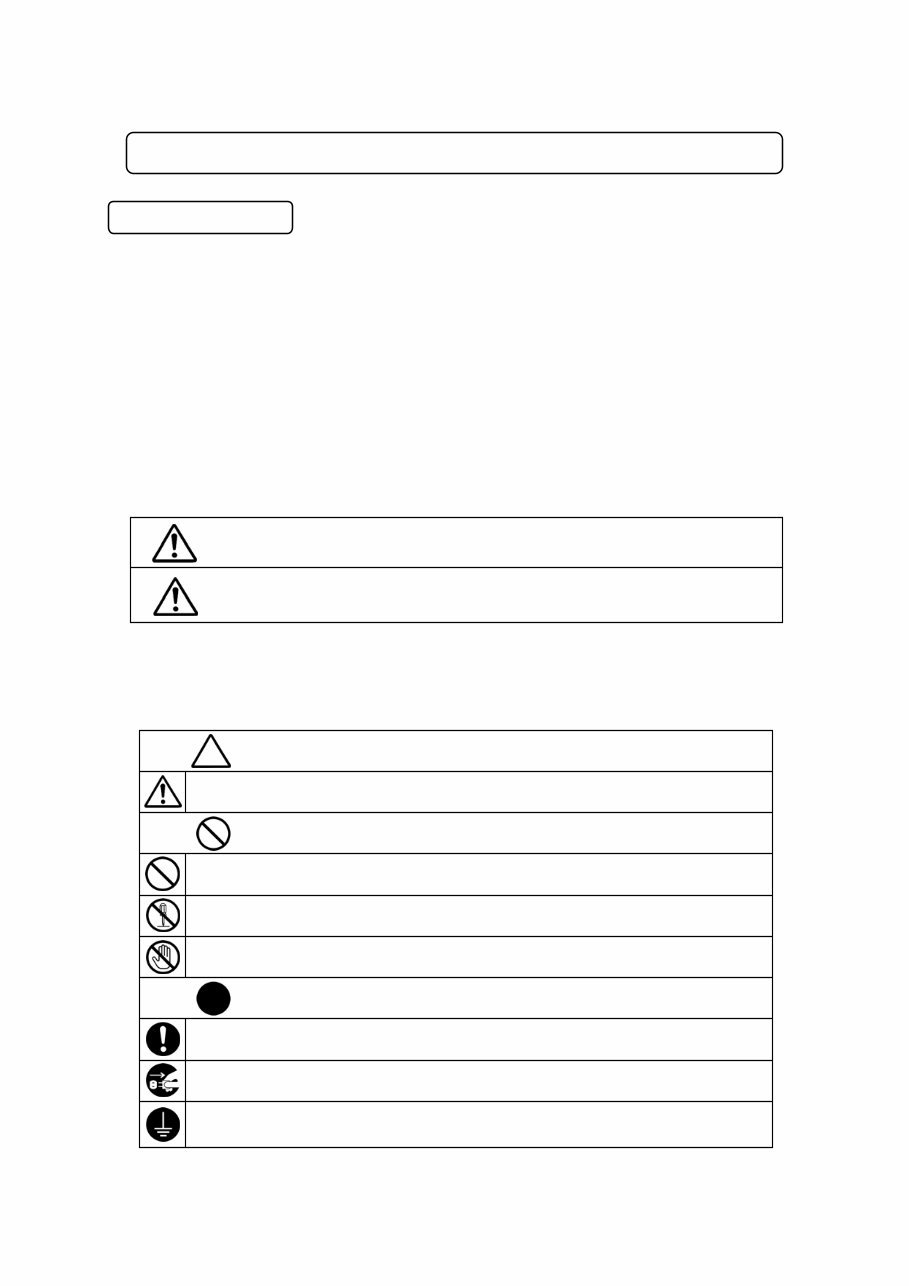
Various symbols are used in this manual. Please read the following explanations of each symbol.
● Symbols Indicating the Degree of Potential Damage or Danger
The following symbols indicate the degree of damage or danger which may be incurred if the safety
notes are ignored.
● Symbols Indicating the Type of Danger and Preventive Measures
The following symbols indicate the type of safety measures that should be taken.
Indicates a prohibition.
Do not touch.
Never do this. (General prohibition)
Be sure to unplug power cord from wall outlet.
Do not disassemble, modify or repair.
Be sure to follow instructions.
Be sure to check grounding.
Indicates a necessit y.
Indicates the safety measure that should be taken.
Be careful. (General caution)
Warning
Caution
The Caution symbol indicates the possibility of accidental injury or
damage to property.
The Warning symbol indicates the possibility of death or serious injury.
Service Manual ii SCARA Robot JS350/JS450/JS550
FOR YOUR SAFETY
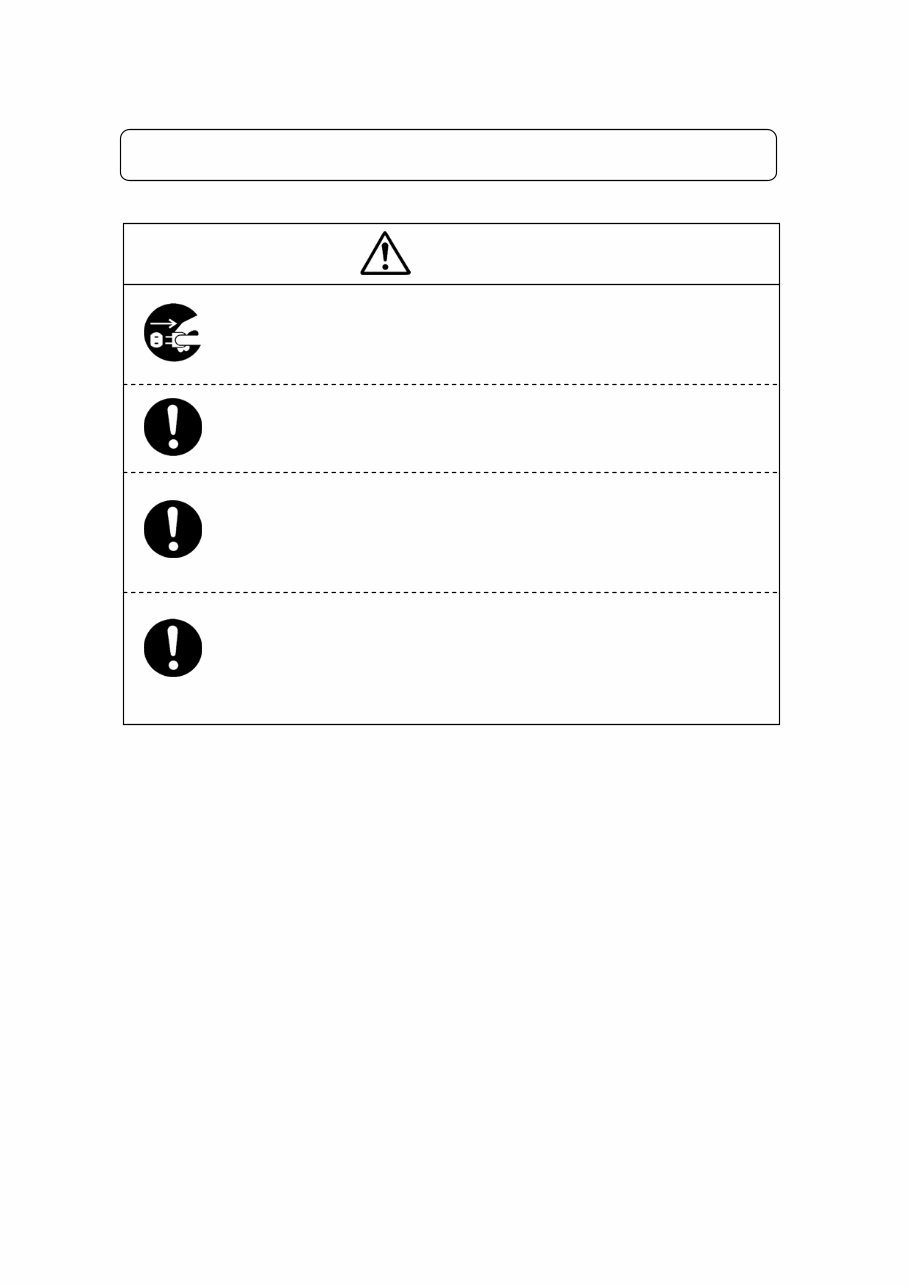
Warning
Change the robot battery periodically (approximately every three years) to
prevent unit malfunction or breakdown.
Keep the emergency stop switch within reach of an operator while
teaching or running the robot.
Failure to do so is dangerous since the robot may not be able to be stopped
immediately and safely.
Regularly check that the I/O-S circuits and emergency stop switch work
properly.
Failure to do so is dangerous since the robot may not be able to be stopped
immediately and safely.
When not in use for extended periods of time, unplug the power cord from
the power source. Accumulated dust leads to fires.
When unplugging the cord, make sure the power is off.
Service Manual iii SCARA Robot JS350/JS450/JS550
FOR YOUR SAFETY
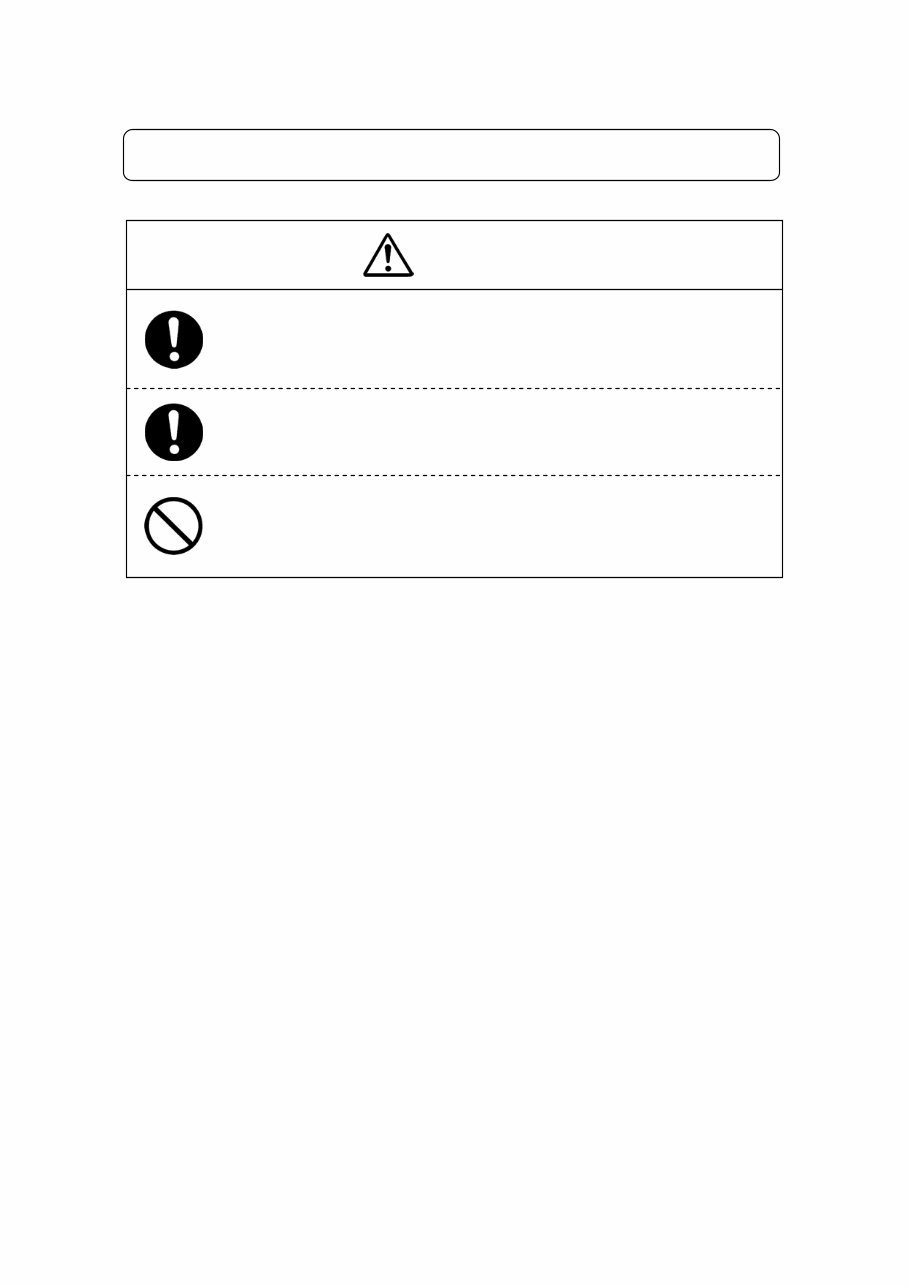
Warning
During prolonged use, check the mounting screws etc, regularly and
ensure that they are firmly tightened.
Loose screws may cause injury or breakdown.
Power the unit only with the rated voltage.
Excessive voltage can cause fire or unit malfunction.
Keep water or oil away from the robot, control box and power cable.
Contact with water or oil can cause electric shock, fire, or unit malfunction.
IP Protection Rating: IP40
Service Manual iv SCARA Robot JS350/JS450/JS550
FOR YOUR SAFETY
INSTALLATION
Warning
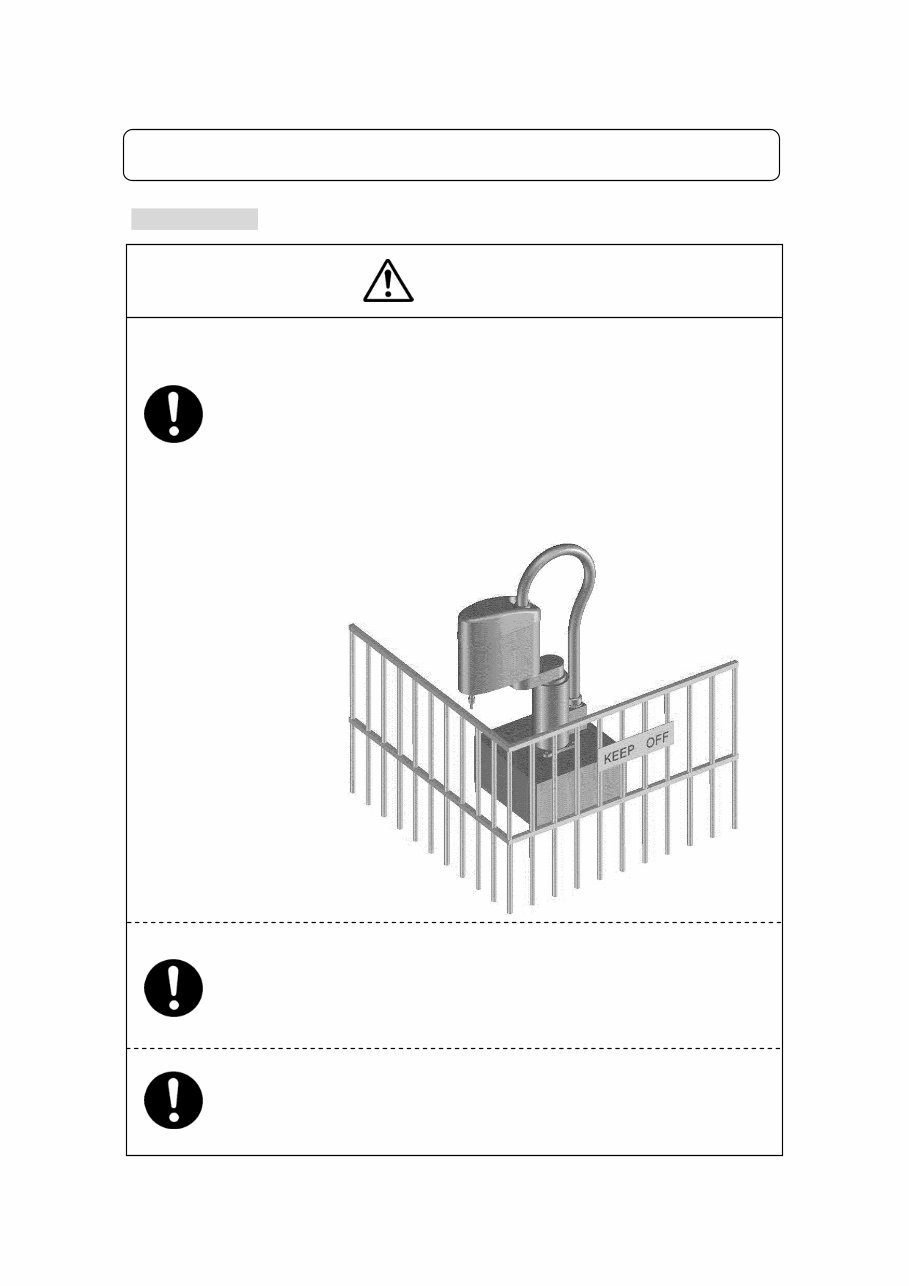
Always set up a safety barrier.
Anyone entering the operating range of the robot may be injured.
Set up an emergency stop interlock system that is triggered when the
entrance to the safety barrier is opened.
Use the I/O-S connector included in the package. Ensure there is no
other way of entering the restricted area.
Furthermore, put up a “No Entry” or “No Operating” warning sign in a
clearly visible place.
Make sure the safety barrier is strong enough to protect the operator from
flying debris caused during robot operation.
Always wear protective gear (helmet, protective gloves, protective glasses,
and protective footwear) when going inside the safety barrier.
If the object the robot is holding is in danger of flying off or falling, make sure
safety precautions adequate for the object’s size, weight, temperature and
chemical composition have been taken.
(An example setup using
Model JS350 is pictured here.)
Service Manual v SCARA Robot JS350/JS450/JS550
FOR YOUR SAFETY
INSTALLATION
Be sure to check grounding before you use the unit.
Improper grounding can cause electric shock, fire, unit malfunction, or
breakdown.
Do not attempt to disassemble or modify the unit.
Disassembly or modification may cause electric shock or malfunction.
Do not use the unit where flammable or corrosive gas is present.
Leaked gas accumulated around the unit can cause fire or explosion.
Install the robot in a place which can endure its weight and conditions
while running.
Placing the unit in an insufficient or unstable surface may cause the unit to fall or
overturn, thereby causing damage or injury.
Be sure to leave a space of at least 30cm between the back of the robot (the side
with a cooling fan) and the wall. Insufficient space can lead to overheating or fire.
Plug the power cord firmly into the wall outlet and check for dust.
Incomplete insertion into the wall outlet causes the plug to heat up and may result
in fire.
Be sure to shut off the power supply before connecting the power cable.
Be sure to use within the voltage range indicated on the unit.
Failure to do so may cause electric shock or fire.
For the health and safety of the operator, place the unit in a well-ventilated
area.
Turn off the unit before inserting and removing cables.
Failure to do so may result in electric shock, fire, or unit malfunction.
Warning
Service Manual vi SCARA Robot JS350/JS450/JS550
FOR YOUR SAFETY
INSTALLATION
Warning
Be sure to confirm that all the air tubes are connected correctly and
firmly.
Use the robot in a condensation-free environment between 0 and 40
degrees centigrade with a humidity level of 20 to 90 percent.
Failure to do so may result in malfunction.
IP Protection Rating: IP40
Use the robot in an electric noise-free environment.
Failure to do so may result in malfunction or breakdown.
Be sure to secure the movable parts of the robot before transportation.
Failure to do so may result in injury or breakdown.
Do not bump or jar the unit while it is being transported or installed.
Doing so can cause breakdown.
Use the robot in an indoor environment where it is not exposed to direct
sunlight.
Direct sunlight may cause malfunction or breakdown.
If tools have been attached (such as the electric screwdriver unit), make
sure they are properly connected.
Failure to do so may result in injury or breakdown.
Check the wiring to the main unit.
Improper wiring may result in malfunction or breakdown.
Keep the emergency stop switch within reach of an operator while
teaching or running the robot.
Failure to do so is dangerous since it may not be possible to stop the robot
immediately and safely.
Service Manual vii SCARA Robot JS350/JS450/JS550
FOR YOUR SAFETY
INSTALLATION
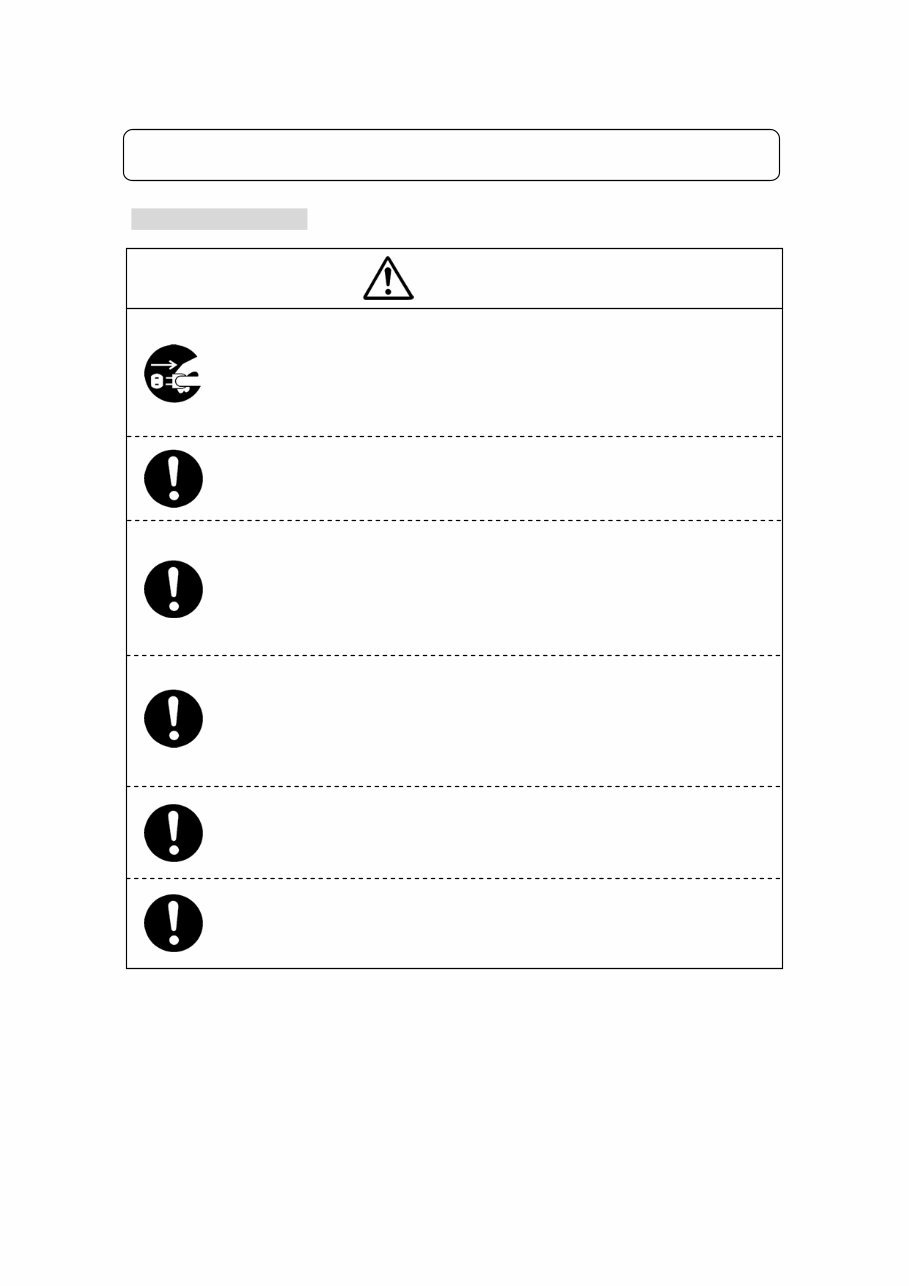
Be sure to turn off both the robot and the power source before plugging in
the power cable.
Warning
Be sure to remove the eyebolt after installing the robot.
If it is not removed, the Arm may bump into it, thereby causing damage or injury.
Place the control box on a flat surface more than 80 cm above the floor so that it
is easier to operate it.
Use the unit in an environment that is not dusty or damp.
Dust or dampness may lead to breakdown or malfunction.
IP Protection Rating: IP40
Use the Clean Room type model in an environment of Clean Class 10* or
less.
*: Federal Standard 209D (FED-STD209D)
Service Manual viii SCARA Robot JS350/JS450/JS550
FOR YOUR SAFETY
DURING OPERATION
Warning
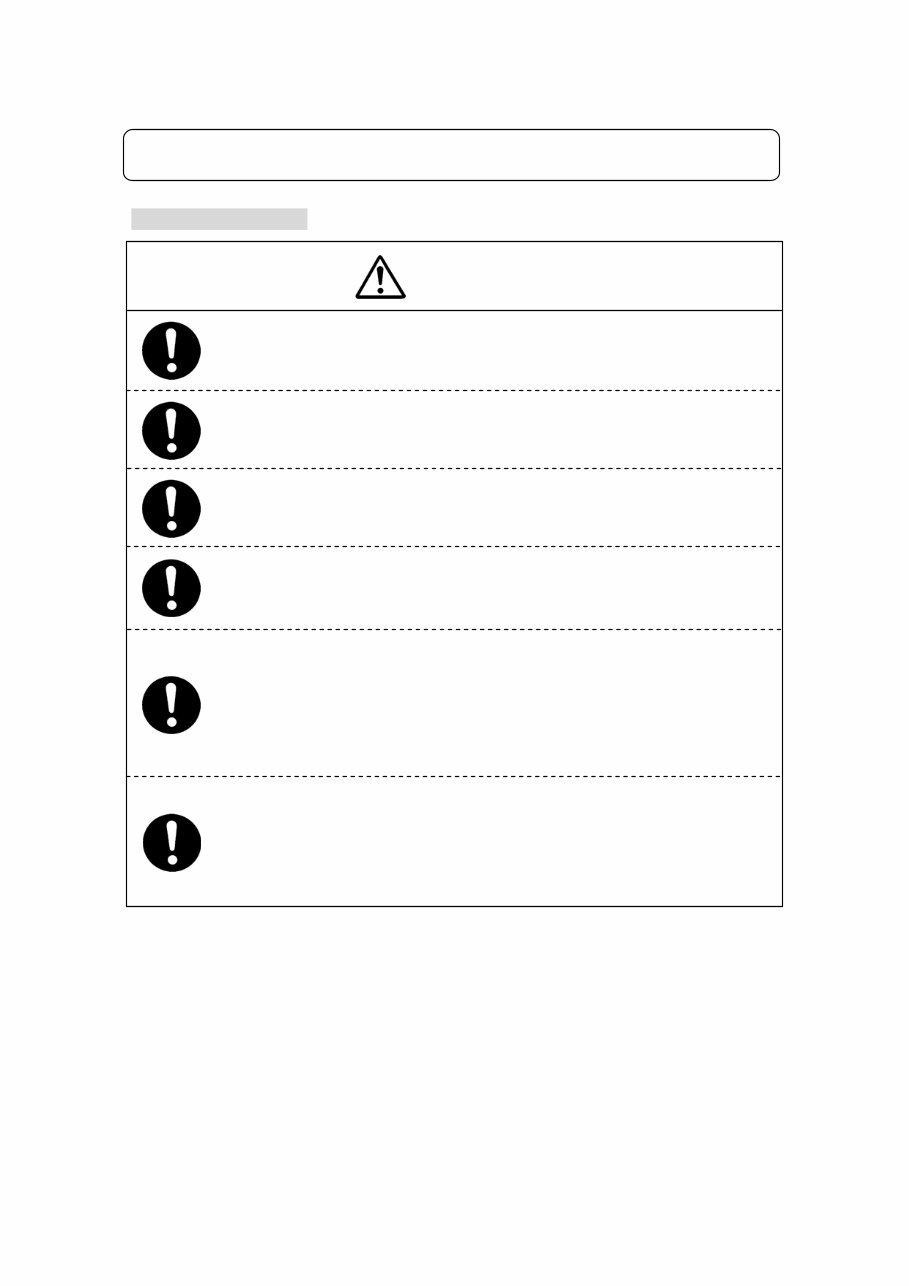
When lubricating or inspecting the unit, unplug the power cord from the
robot.
Failure to do so may result in electric shock or injury.
Be sure to shut off the power supply before removing the power cord from
the robot.
Put a “Do Not Operate” sign on the start switch when people are entering the
safety barrier.
Keep the emergency stop switch within reach of an operator while
teaching or running the robot.
Failure to do so is dangerous since it may not be possible to stop the robot
immediately and safely.
Make sure the safety barrier is strong enough to protect the operator from flying
debris caused during robot operation.
Always wear protective gear (helmet, protective gloves, protective
glasses, and protective footwear) when going inside the safety barrier.
Make sure all the air tubes are connected correctly and firmly.
Always be aware of the robot's movement , even in the Teaching mode.
Careful attention will protect the operator from injury.
Service Manual ix SCARA Robot JS350/JS450/JS550
Warning
FOR YOUR SAFETY
DURING OPERATION
When entering the safety barrier, do not enter the operating range of the
robot.
If you must go inside the safety barrier, make sure you push the emergency
stop switch and put a “Do Not Operate” sign on the start switch.
When starting the robot, check that no one is within the safety barrier and that
no object will interfere with the robot’s operation.
Under no circumstances should you go inside the safety barrier or place
your hands or head inside the safety barrier while the robot is operating.
Keep the emergency stop switch within reach of an operator while
teaching or running the robot.
Failure to do so is dangerous since it may not be possible to stop the robot
immediately and safely.
If anything unusual (e.g. a burning smell or an abnormal sound) occurs,
stop operation and turn off the robot. Contact the dealer from whom you
purchased the robot or the office listed on the last page of this manual.
Continuous use without repair can cause electric shock, fire, or breakdown of the
unit.
You're Reading a Preview
What's Included?
 Lifetime Access
Fast Download Speeds
Online & Offline Access
Access PDF Contents & Bookmarks
Full Search Facility
Print one or all pages of your manual
$28.99
Janome Scara Robot JS350 JS450 JS550 Service Manual
Viewed 40 Times Today

What's Included?
Lifetime Access
Fast Download Speeds
Online & Offline Access
Access PDF Contents & Bookmarks
Full Search Facility
Print one or all pages of your manual
$28.99

Secure transaction
What's Included?
Lifetime Access
Fast Download Speeds
Online & Offline Access
Access PDF Contents & Bookmarks
Full Search Facility
Print one or all pages of your manual
Description
Whether you're a professional mechanic or a DIY enthusiast, this manual is perfect for your car repair needs. It provides model-specific information and is not generic, making it useful for a wide range of repair tasks.
Upon completion of payment, you will instantly receive this manual in either .OVA or .PDF format, allowing you to access it without any waiting time. You can also choose to print only the specific pages you require, providing added convenience.


